
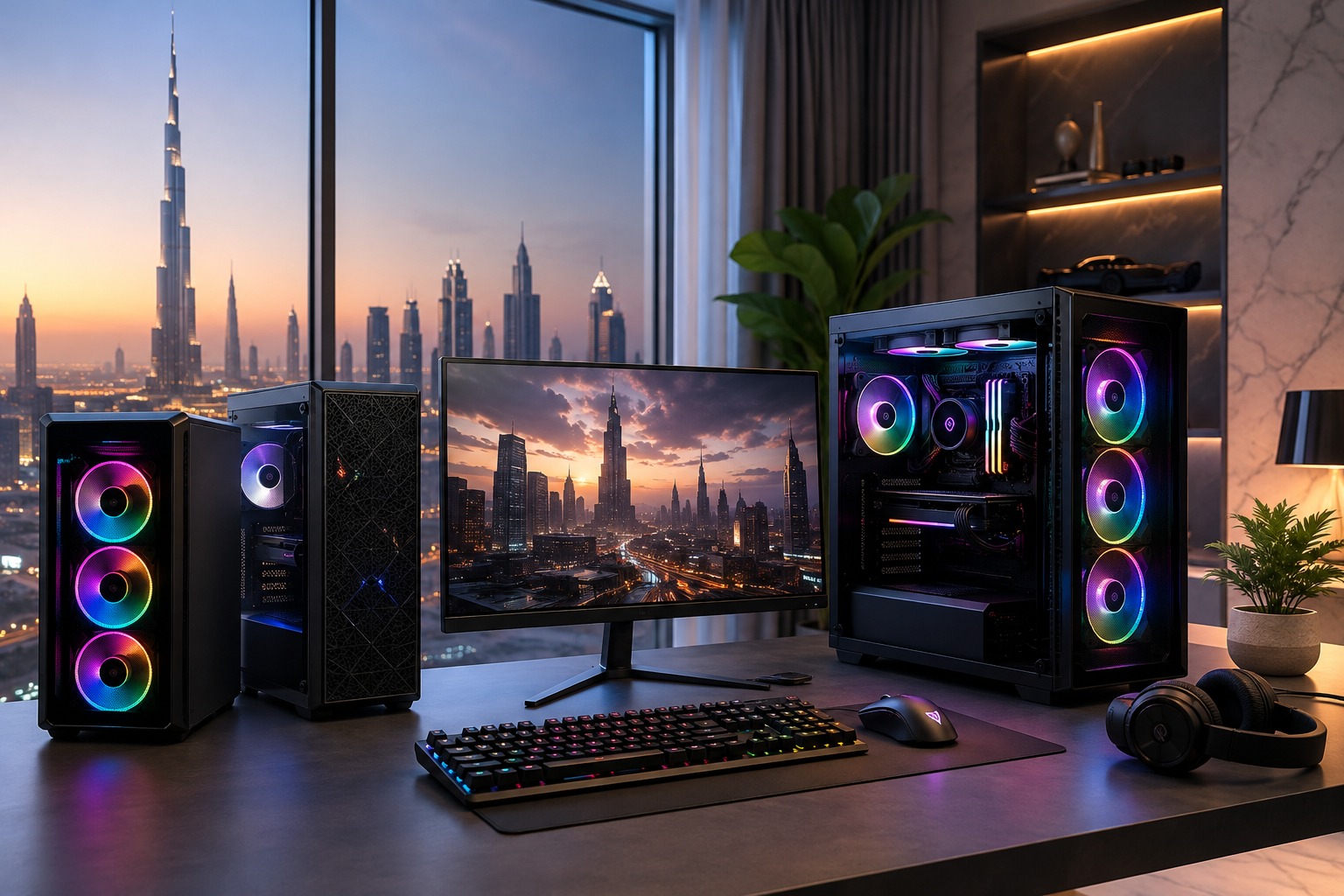
Choosing the best gaming PC in the UAE can feel overwhelming, especially when every computer appears to offer different processors, graphics cards, cooling systems and performance claims. The right gaming PC is not necessarily the most expensive option. It is the system that delivers the performance you need, supports your favourite games and provides room for future upgrades without exceeding your budget.
Whether you enjoy competitive esports, open-world adventures, racing simulators or high-resolution 4K gaming, this guide will help you select a gaming PC that offers the right balance of speed, graphics quality, reliability and value.
1. Decide What Games You Want to Play
Start by identifying the games you currently play and those you may want to play in the future. Competitive games such as Valorant, Fortnite, Counter-Strike 2 and Rocket League generally prioritise high frame rates, while demanding AAA games require stronger graphics performance to run smoothly at higher visual settings.
Check the recommended system requirements of your preferred games rather than relying only on their minimum requirements. A PC that merely meets the minimum specification may run the game, but it may not provide the smooth and enjoyable experience you expect.
Your required hardware will also depend on your preferred resolution:
- 1080p gaming: Suitable for entry-level and budget-conscious players.
- 1440p gaming: Provides sharper visuals and is a popular choice for performance-focused gamers.
- 4K gaming: Requires a powerful graphics card, capable processor and effective cooling.
- High-refresh-rate gaming: Competitive gamers targeting 144Hz, 165Hz or higher should prioritise consistent frame rates.
The processor and graphics card should be matched to your intended resolution and frame-rate target. Higher resolutions and refresh rates generally require more graphical processing power.
2. Set a Realistic Gaming PC Budget
A clear budget helps you avoid overspending on unnecessary features or buying a system that will require immediate upgrades.
At Hextech Computer, gaming PCs are organised into practical performance ranges:
- Starter Series: AED 2,999 to AED 4,999
- Performance Series: AED 5,000 to AED 8,999
- Elite Series: AED 9,000 and above
A starter gaming PC can be suitable for 1080p gaming, esports titles and everyday use. A performance-level system is generally better for 1440p gaming, streaming and demanding modern titles. Elite gaming PCs are designed for enthusiasts who want premium 4K performance, advanced cooling, multitasking and powerful components.
Remember to reserve part of your total budget for a monitor, keyboard, mouse, headset, surge protection and other accessories.
3. Prioritisethe Graphics Card
The graphics processing unit, commonly known as the GPU or graphics card, is one of the most important components in a gaming PC. It determines how well your system renders detailed environments, lighting effects, textures and high frame rates.
Select your graphics card according to:
- Your monitor’s resolution
- Your preferred graphics settings
- Your target frame rate
- The games you play
- Whether you need ray tracing or other advanced graphics features
- Whether you plan to stream, record or create content
Avoid choosing a powerful graphics card while ignoring the rest of the system. An unbalanced build can prevent you from getting the full performance of expensive hardware. Your GPU, processor, memory, power supply and monitor should work together as a balanced setup.
4. Choose the Right Processor
The central processing unit, or CPU, handles game logic, background applications and many of the calculations required during gameplay. It becomes particularly important in competitive games, simulation titles, strategy games, streaming and multitasking.
For general gaming, a modern mid-range processor can provide excellent performance. Players who stream, edit videos, run professional software or perform heavy multitasking may benefit from a higher-core-count processor.
Do not judge a CPU only by its generation, number of cores or clock speed. Consider real gaming performance and whether the processor is appropriately matched with your graphics card.
5. Select Enough RAM
Memory allows your PC to run games, Windows and background programs without unnecessary slowdowns.
For most modern gaming PCs:
- 16GB RAM is a practical starting point.
- 32GB RAM is better for demanding games, streaming, content creation and heavy multitasking.
- 64GB or more is generally intended for professional workloads, advanced simulations or specialised applications.
Many current gaming systems use dual-channel memory configurations, such as two matching RAM modules. This can provide better overall performance than using a single memory module of the same total capacity.
Intel’s pre-built PC guidance also identifies 16GB as a useful starting point for modern gaming, while 32GB can be beneficial when running games alongside several other applications.
6. Use Fast SSD Storage
A solid-state drive helps Windows start quickly, reduces application loading times and improves the overall responsiveness of your computer.
A practical gaming storage configuration may include:
- A fast SSD for Windows and regularly played games
- Additional SSD storage for a larger game library
- An optional hard drive for archives, videos and less frequently accessed files
While 500GB can work for a basic setup, game installations are becoming increasingly large. A 1TB SSD is often a more comfortable starting point for gamers who want to install several modern titles.
Storage speed does not usually increase your in-game frame rate significantly, but it can reduce loading times and make the entire PC feel faster. SSD storage is generally preferable to using a traditional hard drive as the primary system drive.
7. Pay Special Attention to Cooling
Cooling is especially important when buying a gaming PC for use in the UAE. Powerful components produce heat during long gaming sessions, and poor airflow can result in higher temperatures, louder fans and reduced performance.
Look for a gaming PC with:
- A case designed for strong airflow
- Properly positioned intake and exhaust fans
- A suitable CPU cooler
- Adequate space around the graphics card
- Clean cable management that does not obstruct airflow
- Easily accessible dust filters
Air cooling can be reliable, efficient and cost-effective for many gaming builds. Liquid cooling may be appropriate for high-performance processors, premium systems and customers who prefer a particular visual style.
The cooling solution should match the actual heat output of the PC. More powerful components make effective cooling increasingly important.
Place your gaming PC in a ventilated area rather than inside a fully enclosed desk cabinet. Regular cleaning is also important because dust can gradually restrict airflow.
8. Do Not Compromise on the Power Supply
The power supply unit provides electricity to every component in the computer. A low-quality power supply can affect stability and make future upgrades difficult.
When comparing gaming PCs, check:
- The power supply brand and model
- Its total wattage
- Efficiency certification
- Compatibility with the graphics card
- Available power connectors
- Manufacturer warranty
- Capacity for future upgrades
Do not select a gaming PC based only on the advertised processor and graphics card. Ask for the complete component list, including the motherboard, power supply, storage drive, RAM configuration, cooler and case fans.
A properly selected power supply should offer sufficient capacity for the current components while leaving a sensible margin for short power spikes and future upgrades.
9. Consider Future Upgradeability
A good gaming PC should support your needs today without becoming difficult to improve later.
Check whether the system offers:
- Additional RAM slots
- Extra SSD connections
- Space for a longer or larger graphics card
- Sufficient power supply capacity
- A standard-sized case and motherboard
- Easy access for maintenance
- Support for future cooling upgrades
Larger mid-tower systems often provide more upgrade flexibility than very compact computers. Smaller systems can be attractive and space-efficient, but their internal layout may make upgrades more difficult.
Upgradeable components can extend the useful life of your gaming PC and help you avoid replacing the entire system when your performance needs change.
10. Match the PC With the Right Monitor
A gaming PC and monitor should be selected together. Buying a powerful system while using a basic display may prevent you from seeing its full benefit.
Consider the monitor’s:
- Resolution
- Refresh rate
- Screen size
- Response time
- Adaptive-sync support
- HDMI and DisplayPort compatibility
For example, a 1080p high-refresh-rate monitor may be ideal for competitive gaming, while a 1440p or 4K display may be better for immersive single-player games and detailed visuals.
Make sure the gaming PC has the correct display outputs and enough USB ports for your keyboard, mouse, controller, headset, microphone and other accessories.
11. Compare Custom-Built and Ready-Made Gaming PCs
A ready-made gaming PC offers convenience because the components have already been selected, assembled and configured. It can be an excellent option for customers who want a complete system without researching every individual part.
A custom-built gaming PC provides greater control over:
- Performance
- Appearance
- Component brands
- Cooling
- Storage capacity
- Upgrade options
- Overall budget allocation
Customisation can help you spend more on the components that directly affect your gaming experience while avoiding features you do not need.
Hextech Computer Trading LLC provides custom-built gaming systems, professional PCs and premium computer components designed for performance and durability. The company also offers an Upgrade Center, trade-in options, maintenance and service-centre support.
12. Check Warranty and After-Sales Support
A gaming PC is a significant investment, so reliable after-sales support is essential.
Before purchasing, confirm:
- Whether the complete system is covered
- The warranty period for individual components
- Who handles troubleshooting and repairs
- Whether technical support is available locally
- Whether upgrading the system affects the warranty
- Whether the PC is tested before delivery
- What documentation and invoices are provided
Buying from a specialist computer store can make it easier to obtain advice, diagnose technical issues and arrange upgrades in the future.
Final Gaming PC Buying Checklist
Before placing your order, confirm that the gaming PC has:
- A graphics card suitable for your preferred resolution
- A processor that complements the graphics card
- At least 16GB of RAM for modern gaming
- Fast SSD storage with enough capacity
- Proper cooling and case airflow
- A reliable power supply
- Suitable connectivity and display outputs
- Space for future upgrades
- Clear warranty and after-sales support
- A configuration that fits your actual gaming needs
Find the Best Gaming PC at Hextech Computer
Choosing the best gaming PC in the UAE becomes easier when every component is selected around your games, monitor, performance target and budget. Rather than focusing on a single impressive specification, look for a balanced system that offers smooth gameplay, dependable cooling and long-term upgrade potential.
Hextech Computer Trading LLC offers Starter, Performance and Elite gaming PCs, along with custom PC building, premium components, upgrades, maintenance and professional support. Whether you are buying your first gaming computer or upgrading to an elite-level setup, the Hextech team can help you choose a system that delivers the performance you need.
Explore Hextech Computer’s gaming PC collection and build a setup designed for your next level of gaming.
Leave a comment