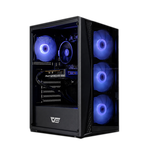
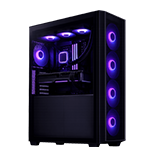
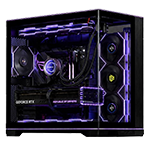
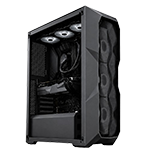
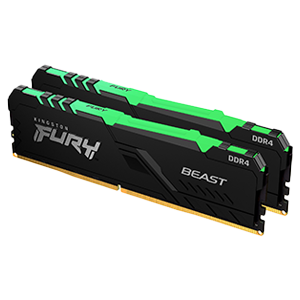
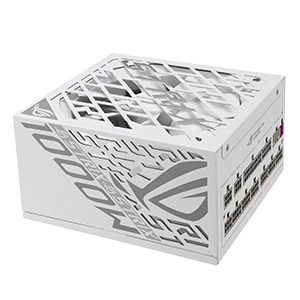
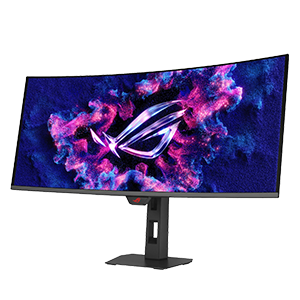
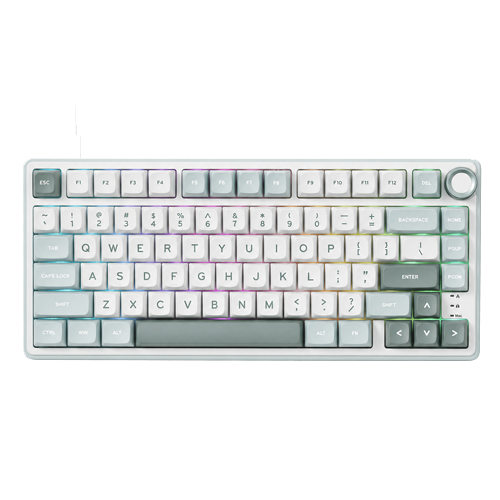
A powerful gaming PC, high-refresh-rate monitor, and responsive peripherals can improve your gaming experience. However, even the best hardware cannot prevent frustrating online lag when your internet connection is unstable.
That is why understanding Wi-Fi vs Ethernet for PC gaming matters when building or upgrading your setup.
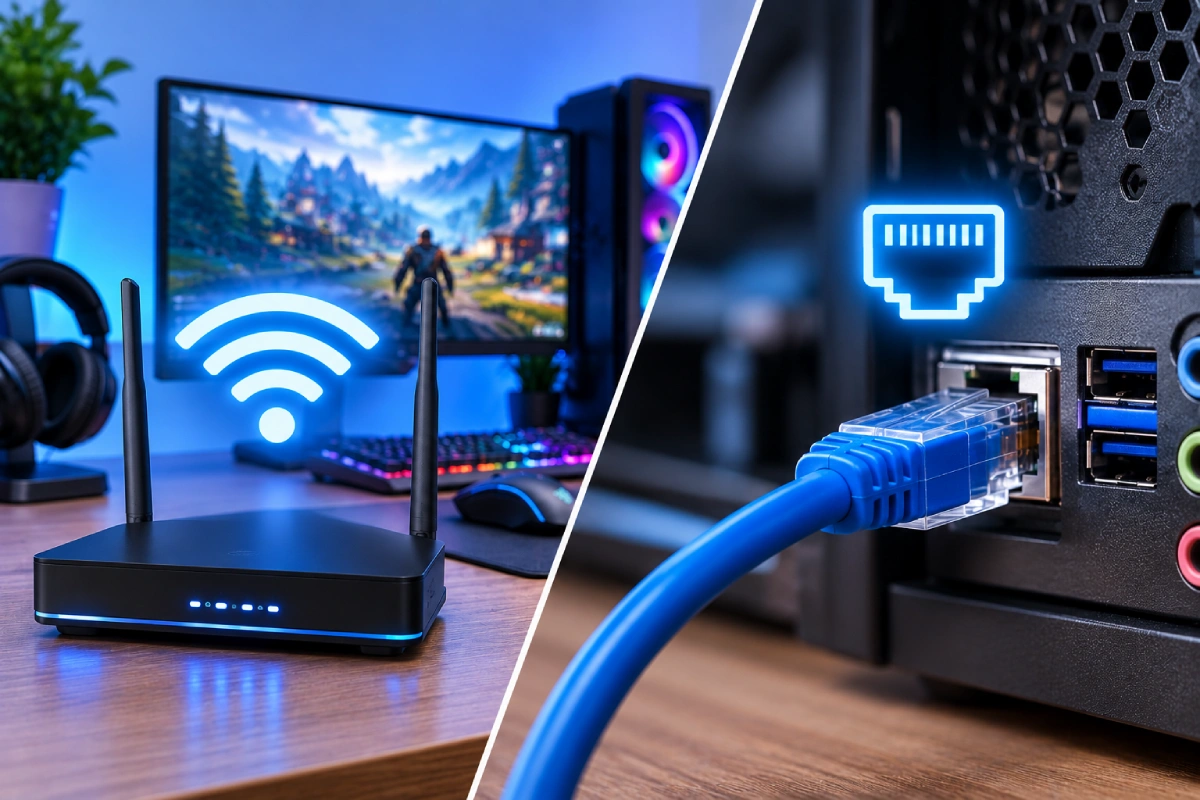
Both connections provide internet access, but they differ in latency, stability, convenience, and reliability. Ethernet generally offers more consistent performance, while modern Wi-Fi provides flexibility without additional cables.
For gamers in the UAE, choosing the right connection can make a noticeable difference when playing competitive titles such as Valorant, Counter-Strike 2, Fortnite, or Call of Duty.
At Hextech Computer, we believe a complete gaming setup should balance powerful hardware with reliable connectivity.
This guide compares Wi-Fi and Ethernet, explains their advantages, and helps you decide which option best suits your gaming requirements.
What Is the Difference Between Wi-Fi and Ethernet?
Wi-Fi and Ethernet connect your gaming PC to your home network using different technologies.
Wi-Fi Connection
Wi-Fi connects your computer wirelessly through signals transmitted by a router or access point.
Modern Wi-Fi standards, including Wi-Fi 6, Wi-Fi 6E, and Wi-Fi 7, provide improved wireless performance, especially when compatible devices and suitable frequencies are available.
Wi-Fi is convenient because it allows flexible computer placement without running cables across your room.
Ethernet Connection
Ethernet establishes a wired connection between your gaming PC and router or network switch.
Because data travels through a physical cable instead of wireless signals, Ethernet avoids radio interference and typically delivers more predictable local-network latency.
This makes it particularly attractive for competitive online gaming.
Wi-Fi vs Ethernet for Gaming: Quick Comparison
| Feature |
Wi-Fi |
Ethernet |
| Connection |
Wireless |
Wired |
| Latency |
Can fluctuate |
Usually more consistent |
| Stability |
Depends on signal quality |
Generally excellent |
| Interference |
Susceptible |
Minimal radio interference |
| Installation |
Simple |
Requires cable |
| Mobility |
High |
Limited by cable |
| Competitive gaming |
Good with strong Wi-Fi |
Usually preferred |
| Large downloads |
Depends on signal and standard |
Consistent when properly configured |
Both can support enjoyable gaming, but Ethernet usually provides the more dependable connection. Independent router testing has also demonstrated the consistency advantages of wired networking.
Why Does Internet Connection Matter for PC Gaming?
Online gaming depends on more than download speed.
Three important networking factors determine how responsive your connection feels.
1. Ping and Latency
Ping measures the round-trip time between your computer and a destination, usually expressed in milliseconds.
Lower latency generally helps your actions register more quickly during online matches.
However, server distance, internet routing, and network congestion also influence ping.
2. Packet Loss
Packet loss occurs when information fails to reach its destination.
In multiplayer games, this can cause movement problems, delayed updates, or unexpected disconnections.
3. Jitter
Jitter describes changes in network latency over time.
Even reasonably low average ping can feel inconsistent when latency fluctuates significantly.
Ethernet generally reduces wireless-related jitter, helping gameplay remain more predictable.
Advantages of Ethernet for PC Gaming
More Consistent Competitive Performance
Games such as Valorant and Counter-Strike 2 benefit from stable networking.
Ethernet eliminates common wireless interference problems, reducing the likelihood of sudden local latency spikes.
Reliable Connections
A properly installed Ethernet connection is less affected by walls, wireless congestion, and nearby electronic devices.
This makes it suitable for long gaming sessions and online tournaments.
Consistent Download Performance
Ethernet can provide dependable throughput when downloading large game libraries, updates, and other files.
Actual download speeds still depend on your broadband plan, networking equipment, and game distribution servers.
Suitable for Streaming
Gamers who livestream gameplay need stable upload performance.
Ethernet is often preferable because it reduces one potential source of connection instability during broadcasts.
Advantages of Wi-Fi for PC Gaming
Although Ethernet has advantages, Wi-Fi remains a practical choice for many gamers.
Flexible Setup Placement
Wireless networking allows you to position your desktop or gaming laptop without worrying about cable routing.
This is particularly useful in bedrooms, apartments, and shared living spaces.
Easier Installation
Connecting to Wi-Fi generally requires selecting your wireless network and entering its password.
There is no need to install cables or rearrange furniture.
Modern Wireless Performance
Wi-Fi 6 and newer standards can provide excellent gaming connectivity under suitable conditions.
A strong signal, compatible router, and limited congestion can make wireless gaming feel responsive.
Suitable for Casual Gaming
For single-player games, casual multiplayer sessions, and everyday browsing, a reliable Wi-Fi connection may be entirely sufficient.
Is Ethernet Faster Than Wi-Fi for Gaming?
Ethernet is not automatically faster than every modern Wi-Fi connection.
Some Wi-Fi standards advertise extremely high theoretical speeds, while common Ethernet ports support 1Gbps or 2.5Gbps.
However, headline speed is not the most important factor for online gaming.
Most multiplayer games require relatively modest bandwidth. Consistent latency and minimal packet loss matter more than extremely high download speeds.
A stable wired connection may therefore provide better gaming responsiveness even when a wireless network reports impressive speeds.
Importantly, Ethernet cannot eliminate delays caused by distant servers or your internet service provider.
Which Connection Works Best for Gaming PCs in the UAE?
The ideal connection depends on your room layout, gaming preferences, and networking equipment.
For competitive gamers with a stationary desktop, Ethernet is usually the best option.
For gamers using laptops or computers far from the router, a strong Wi-Fi connection may be more convenient.
Your computer’s specifications also matter. A fast network cannot compensate for insufficient gaming hardware.
If you’re planning a new system, read our How Much Does a Good Gaming PC Cost in the UAE? guide to understand different gaming budgets.
For players wanting a capable system for competitive gaming, explore the Hextech Performance Series Gaming PCs, with configurations in the mid-range gaming category and options under AED 9,999.
Choose your system based on the games you play, desired frame rates, and connectivity requirements.
How to Improve Your Gaming Internet Connection
Whether you choose Wi-Fi or Ethernet, several adjustments can improve network reliability.
-
Use a quality Ethernet cable: Cat5e or Cat6 cables are sufficient for common gigabit home networking requirements.
-
Position your router carefully: Keep wireless routers away from major obstacles and interference.
-
Choose suitable Wi-Fi frequencies: Use 5GHz or 6GHz when supported and signal strength is adequate.
-
Reduce unnecessary downloads: Background downloads and uploads can create congestion.
-
Update networking drivers: Keep your computer’s network adapter drivers updated.
-
Test connection quality: Measure ping, jitter, and packet loss rather than relying only on download speeds.
Some routers also offer Quality of Service (QoS) settings that can help manage traffic when the network becomes congested.
Frequently Asked Questions (FAQs)
1. Is Ethernet better than Wi-Fi for PC gaming?
Generally, yes. Ethernet offers more consistent latency and avoids wireless interference, making it preferable for competitive gaming.
2. Can Wi-Fi 6 handle competitive gaming?
Yes. Wi-Fi 6 can support competitive games effectively, particularly when the signal is strong and network congestion is limited.
3. Does Ethernet reduce gaming ping?
It can reduce latency introduced by your wireless connection, but it cannot eliminate delays caused by servers or your internet provider.
4. Is Cat6 Ethernet cable good for gaming?
Yes. Cat6 is an excellent choice for modern home gaming networks and supports common gigabit connections.
5. How much internet speed do I need for gaming?
Most online games require relatively little bandwidth. Stable latency matters more, although downloads and streaming benefit from higher speeds.
6. Can Wi-Fi cause lag in multiplayer games?
Yes. Weak signals, interference, congestion, and unstable connections can contribute to lag and packet loss.
7. Does Ethernet improve gaming FPS?
No. Ethernet does not directly increase FPS, which primarily depends on your computer’s hardware and game settings.
8. Is 5GHz Wi-Fi better than 2.4GHz for gaming?
Often, yes. The 5GHz band generally offers greater capacity and less interference, although its range may be shorter.
9. Should gaming laptops use Ethernet?
Ethernet is preferable for stationary competitive gaming, while Wi-Fi provides convenience when moving between locations.
10. Can I use both Wi-Fi and Ethernet on my gaming PC?
Yes. Most compatible computers support both connections. You can use Ethernet at your desk and Wi-Fi whenever wireless access is more convenient.
Final Thoughts
Choosing between Wi-Fi vs Ethernet for PC gaming depends on your gaming habits, physical setup, and connection quality.
Ethernet remains the preferred option for competitive gaming, consistent latency, and reliable online performance. Wi-Fi offers greater convenience and can deliver excellent results with modern networking equipment.
For the best experience, combine a stable internet connection with hardware capable of running your favourite games smoothly.
At Hextech Computer, gamers in the UAE can explore gaming PCs, components, and accessories designed for different performance requirements.
A balanced combination of hardware and connectivity helps create a more responsive, enjoyable gaming experience.