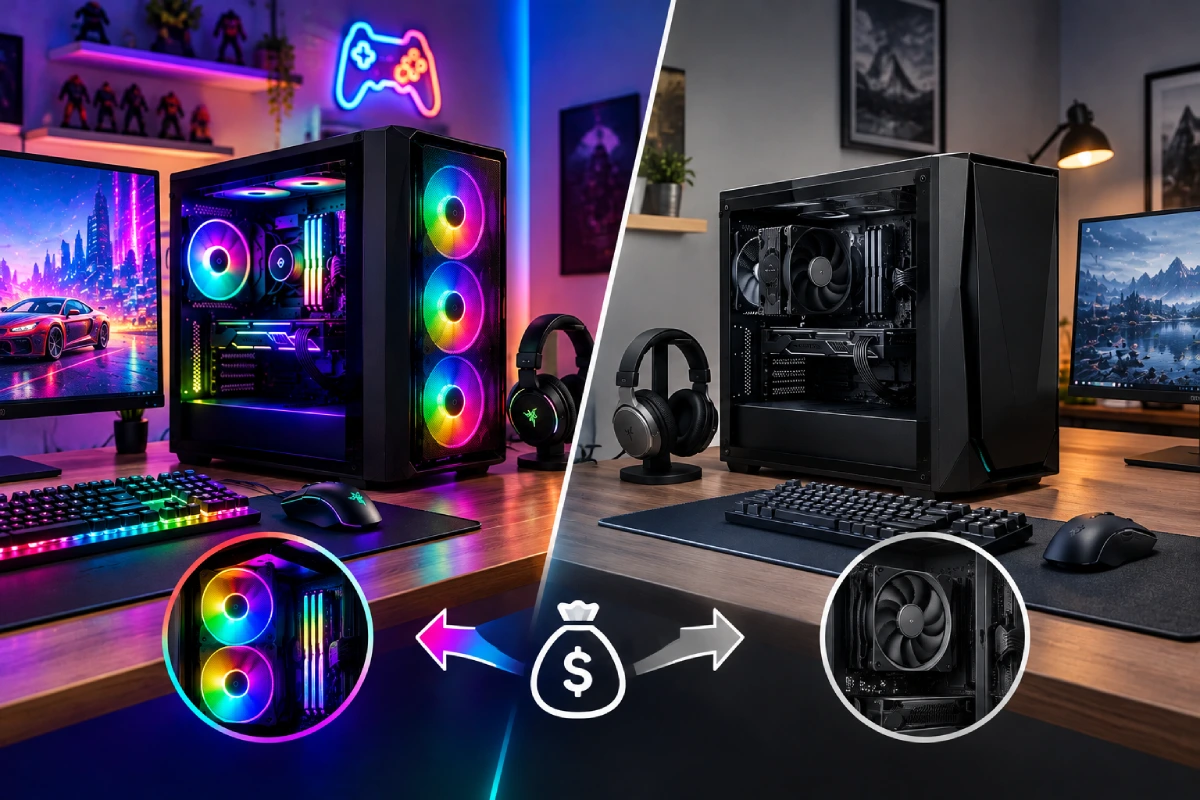
When choosing a gaming PC, it is easy to get attracted to colourful RGB lighting, illuminated fans, and glass-sided cases that showcase every component. A non-RGB gaming PC, on the other hand, offers a simpler appearance and may help you direct more of your budget towards performance-focused components.
But does RGB lighting actually make a gaming PC better? And is it worth paying extra for a system that looks impressive on your desk?
The answer depends on your priorities. RGB lighting can enhance your gaming room and allow you to personalise your setup, but it does not automatically improve frame rates. Your graphics card, processor, memory, storage, cooling, and power supply have a much more direct impact on performance and reliability.
In this guide, we compare RGB and non-RGB gaming PCs to help you decide where your money should go. Whether you are purchasing your first computer or upgrading an existing setup, the goal is to build a system that looks good, performs well, and fits your budget.
1. What Is an RGB Gaming PC?
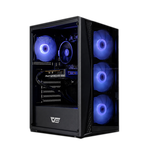
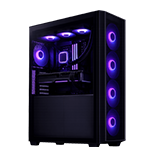
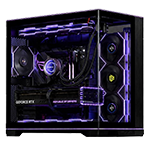
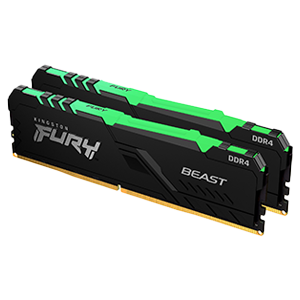
An RGB gaming PC uses components with lighting that can display different colours and effects. These may include RGB fans, illuminated RAM, graphics card lighting, LED strips, and cases with integrated lighting.
Many systems allow users to customise colours, brightness, and lighting patterns through compatible software. You might choose a single colour, synchronise lighting across components, or create different effects for gaming and everyday use.
The main benefit is personalisation. RGB lighting can make a gaming setup feel more distinctive and complement your keyboard, mouse, monitor, and room design.
However, RGB features vary between components. Some products offer simple fixed lighting, while others provide individually addressable LEDs and extensive customisation. Compatibility between lighting controllers and software is important if you want everything to work together.
2. What Is a Non-RGB Gaming PC?
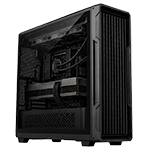
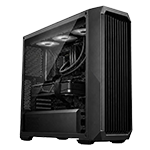
A non-RGB gaming PC prioritises a simpler design without prominent decorative lighting. It might use a plain black or white case, standard fans, and components chosen primarily for performance, cooling, reliability, or value.
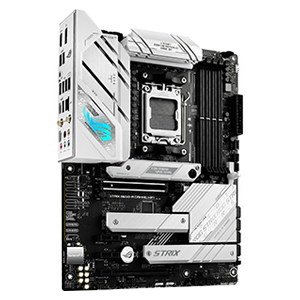
This does not mean that a non-RGB computer must look basic. A clean case, organised cables, attractive components, and thoughtful desk placement can create a premium appearance without illuminated fans.
Non-RGB systems can be particularly appealing if you prefer a minimalist setup, share a room, or want your PC to blend into a home office.
They may also offer opportunities to save money when comparing otherwise similar configurations, although this depends on the actual components and pricing. A non-RGB PC is not automatically cheaper, and RGB lighting does not always carry a significant premium.
3. RGB vs Non-RGB: The Main Differences
| Feature |
RGB gaming PC |
Non-RGB gaming PC |
| Appearance |
Customisable colours and effects |
Clean, understated design |
| Gaming FPS |
Depends on hardware |
Depends on hardware |
| Lighting control |
May require compatible software |
Usually little or no lighting configuration |
| Budget |
Can cost more depending on components |
May offer better value in comparable builds |
| Maintenance |
Similar hardware maintenance, with extra lighting connections |
Usually fewer lighting components to manage |
| Best for |
Gamers who enjoy visual customisation |
Gamers focused on simplicity and value |
The most important difference is aesthetic rather than performance-related. If two systems use the same processor, graphics card, memory, and comparable cooling, RGB lighting alone will not deliver a meaningful gaming performance advantage.
4. Where Should Your Gaming PC Budget Go First?
If you have a limited budget, prioritise components that directly affect your gaming experience before spending extra on decorative features.
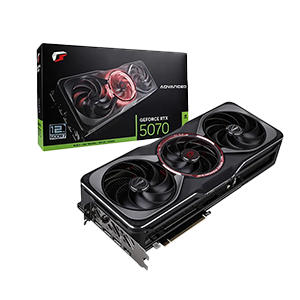
Graphics card: The GPU is a major factor in performance, especially in graphically demanding games and at higher resolutions. Choose one that suits your target resolution and frame rate.
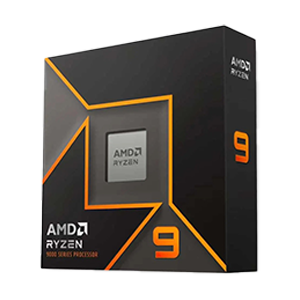
Processor: A suitable CPU helps prevent performance limitations and supports smooth gameplay, particularly in CPU-intensive games and high-frame-rate esports titles.
RAM: Choose enough memory for your games and multitasking. Sixteen gigabytes can be a practical starting point, while 32GB offers additional flexibility for many modern gaming and multitasking workloads.
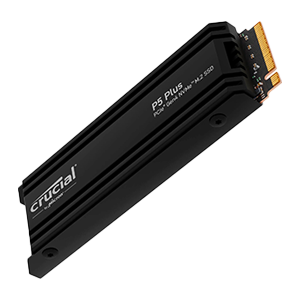
Storage: An SSD improves loading times compared with a traditional hard drive. Consider capacity as well as speed, particularly if you install several large games.
Power supply: Select a reputable power supply with appropriate capacity for your components. Avoid sacrificing quality just to afford decorative accessories.
Cooling: Ensure that the CPU and GPU can maintain suitable temperatures under gaming loads.
Once these priorities are covered, you can decide how much of the remaining budget should go towards RGB fans, lighting strips, or a showcase case.
5. Does RGB Lighting Affect Gaming Performance?
RGB lighting does not directly increase FPS. Your graphics card renders the game, while the processor handles game logic and other computational tasks. Lighting is primarily a visual feature.
However, the complete component selection can influence performance indirectly. For example, if a more expensive RGB case leaves you with a weaker graphics card because of your budget, the overall system may deliver lower frame rates.
The opposite can also be true. Some RGB fans provide good airflow, and some premium RGB components are designed for excellent performance. The presence of lighting does not make a component inferior.
Compare the specifications rather than judging a product by its appearance. Look at graphics card performance, CPU capability, fan quality, case airflow, and warranty terms before making a purchase.
6. Is RGB Cooling Worth Paying Extra For?
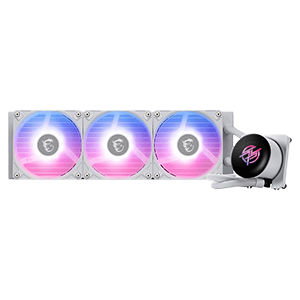
RGB fans can provide both lighting and airflow, making them useful when selected carefully. But do not assume that a fan is better at cooling simply because it lights up.
Check the fan’s airflow characteristics, noise levels, size, compatibility, and intended position in the case. A quality non-RGB fan may provide excellent cooling without adding decorative features.
For gaming PCs, good airflow helps the cooling system remove heat from the processor and graphics card. If temperatures rise too high, fans may become louder as they attempt to maintain safe operating conditions.
Choose a case with a sensible intake and exhaust arrangement. Keep ventilation unobstructed, clean dust filters periodically, and check temperatures during demanding games.
If you enjoy RGB lighting, choose fans that meet your cooling needs first and provide the appearance you want second. That way, you get both useful airflow and a personalised setup.
7. Can You Build a Stylish Gaming PC Without RGB?
Absolutely. A non-RGB PC can look professional and attractive with the right combination of case design, component colours, cable management, and desk accessories.
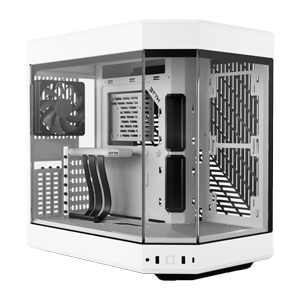
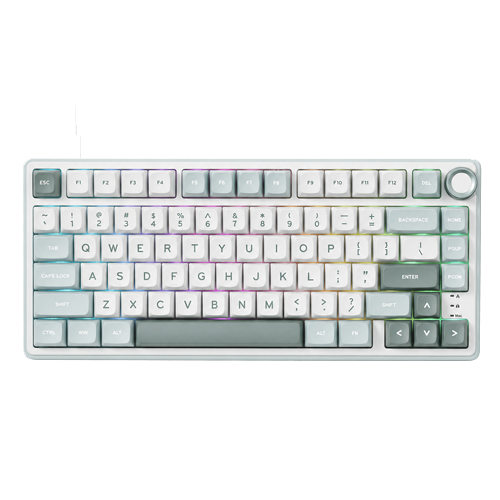
Consider a black case with a clean front panel, a white case with coordinated peripherals, or a compact system that fits neatly beneath your desk. Matching your monitor stand, keyboard, mouse, and desk mat can create a unified appearance without adding lighting.
Good cable management is especially valuable. It makes the setup look cleaner and can help prevent cables from obstructing airflow.
If you share a bedroom or gaming space, a non-RGB build may also be easier to coordinate with the rest of the room. RGB can still work well in shared spaces, especially when brightness is adjustable and lighting effects can be turned off.
8. How Much Should You Spend on RGB?
There is no universal amount because the cost depends on the case, fans, RAM, lighting controller, and other components you choose.
A practical approach is to set your performance budget first. Decide which games you want to play, your monitor resolution, and the frame rate you expect. Then choose suitable hardware before allocating money to aesthetics.
For example, if adding expensive lighting means dropping to a less capable graphics card, prioritising the GPU will generally make more sense for gaming performance.
If your core components already meet your requirements, spending extra on a showcase case or synchronised RGB lighting can be a reasonable personal choice.
For help matching specifications to your spending limit, read our guide to gaming PC costs in the UAE. It explains how budget and performance requirements influence component selection.
9. Which Is Better for Different Types of Gamers?
Budget-conscious gamers: A non-RGB system can be a sensible choice if it helps you allocate more money towards performance. Compare actual prices and specifications before assuming it will be cheaper.
Competitive gamers: Prioritise a suitable GPU and CPU, stable frame rates, a responsive monitor, and reliable cooling. RGB is optional.
Streamers and content creators: Lighting can improve the appearance of a camera-facing setup, but system performance, audio equipment, and workload requirements should come first.
Enthusiasts: If you enjoy showcasing your hardware, RGB lighting can be part of the experience. Just make sure the case and components still provide good cooling and compatibility.
If you are comparing balanced systems for gaming and future upgrades, explore HexTech’s Performance Series gaming PCs under 10,000. Compare the available configurations with your budget and performance goals.
10. How to Choose the Right PC for Your Setup
Before buying, ask yourself a few questions:
- Which games will I play most often?
- Am I targeting 1080p, 1440p, or 4K gaming?
- Do I need the PC for streaming or content creation?
- How much money remains after choosing the essential hardware?
- Will RGB lighting genuinely improve my setup?
- Can I customise the lighting or switch it off?
- Does the case offer suitable airflow and room for future upgrades?
Your answers will help you decide whether lighting deserves part of your budget. The best configuration is not necessarily the one with the most effects or the plainest appearance. It is the one that meets your practical needs while giving you the look you enjoy.
Conclusion
RGB and non-RGB gaming PCs can both deliver excellent gaming performance. RGB offers colour, customisation, and a more personalised appearance, while non-RGB systems provide a clean aesthetic that may make it easier to focus spending on essential hardware.
When working with a limited budget, prioritise the graphics card, processor, memory, storage, cooling, and power supply. Once these essentials are covered, decide whether RGB lighting is worth the additional cost to you.
To compare gaming systems and custom-build options, visit the HexTech Computer. Choose a PC based on its specifications, value, and your gaming goals—not just how it looks.
Frequently Asked Questions
Is an RGB gaming PC better than a non-RGB PC?
Not necessarily. RGB lighting changes the appearance of a computer, but gaming performance depends mainly on its CPU, GPU, memory, cooling, and other components.
Does RGB lighting increase FPS?
No. RGB lighting does not directly improve frame rates. Component performance and system configuration determine how smoothly games run.
Are non-RGB gaming PCs cheaper?
They can be, particularly when comparing otherwise similar builds. However, prices vary, so compare complete specifications rather than assuming a non-RGB system always costs less.
Should I buy RGB fans for my gaming PC?
Choose fans based on cooling performance, noise, compatibility, and price first. RGB is a useful extra if you also want custom lighting.
Can I turn off RGB lighting?
Many RGB components allow lighting to be disabled or adjusted through compatible software, motherboard controls, or a physical button. Check the specific product before buying.
Is RGB lighting useful for gaming streamers?
It can help create an attractive background or showcase a PC on camera. However, lighting is an aesthetic feature and does not replace good hardware, audio, or video equipment.
Does RGB RAM improve gaming performance?
RGB itself does not improve performance. Memory capacity, speed, timings, and compatibility are the relevant technical considerations.
What should I prioritise on a limited gaming PC budget?
Prioritise a suitable graphics card and processor, sufficient RAM, SSD storage, effective cooling, and a reliable power supply before spending extra on decorative lighting.
Can a non-RGB gaming PC look premium?
Yes. A quality case, coordinated components, neat cable management, and a well-organised desk can create a polished appearance without lighting effects.
Is RGB worth paying extra for?
It is worth considering if you genuinely value customisation and have already budgeted for the hardware performance you need. If the extra cost requires compromising essential components, prioritise performance first.