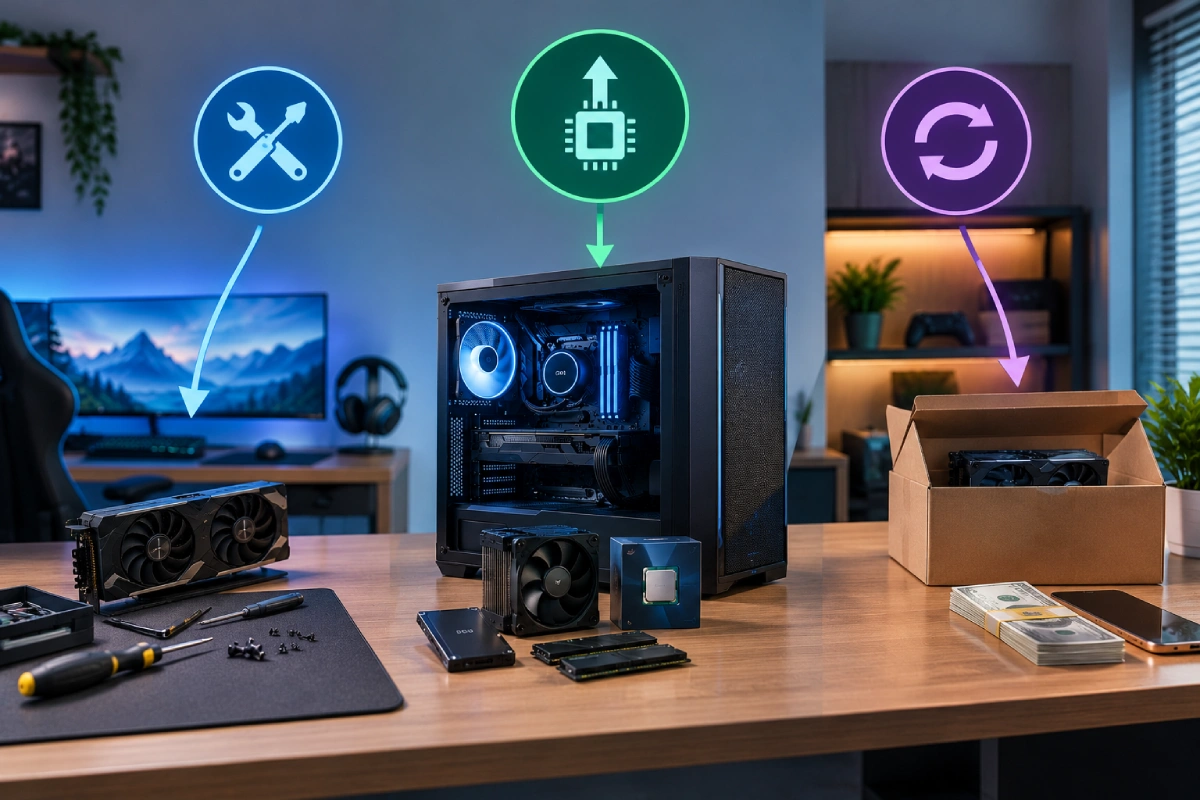
A slow or unreliable PC does not always need replacing. A repair may solve a specific fault, while a targeted upgrade can improve performance for less than the cost of a new computer. If your system is outdated or expensive to maintain, however, replacement may offer better value.
For PC owners in the UAE, the choice depends on the problem, compatibility, total cost, and how you use the computer.
1. Identify the Problem First
First, identify what is holding your computer back. Slow startup, game stuttering, shutdowns, loud fans, and limited storage can have different causes. Overheating, for example, may come from dust or poor airflow rather than an old processor.
Note when the issue occurs and check storage, background applications, temperatures, and driver updates. If you suspect a hardware fault, get a technician’s diagnosis before ordering parts.
HexTech’s guide to essential components you need for a gaming PC explains how the processor, graphics card, memory, storage, and power supply contribute to overall performance.
2. When Repairing Makes Sense
Repair is often best when the PC remains capable and the problem is limited to a replaceable part. A faulty fan, damaged cable, failing drive, or cooling issue may be fixed without replacing the whole computer.
Repair is worth considering when:
- Your PC still runs the games and applications you need.
- The fault has a clear cause and reasonable repair cost.
- Compatible parts are available.
- The system has useful warranty coverage.
- You want to keep your existing setup and configuration.
Ask for a diagnosis and an estimate separating labour from parts, and back up files before work begins. Repeated faults, motherboard damage, or several failing components may make ongoing repairs poor value. Compare the likely total with the price of a suitable replacement.
3. When an Upgrade Is the Better Choice
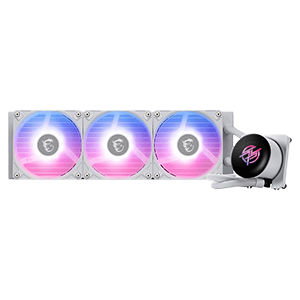
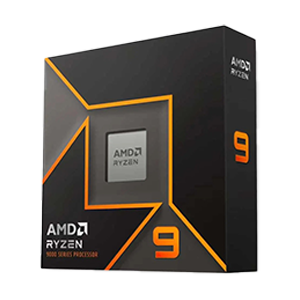
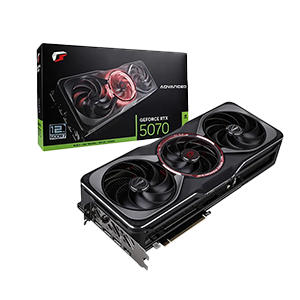
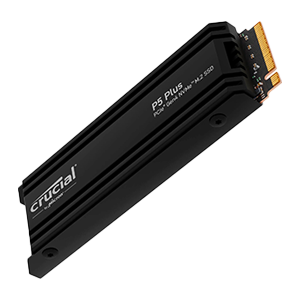
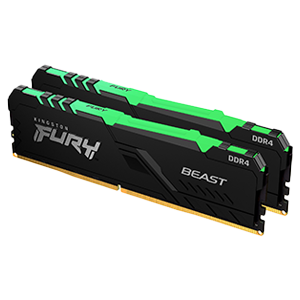
An upgrade is a practical middle ground when the PC works reliably but one or two components limit performance. More RAM can help multitasking, an SSD can improve loading times, and a new graphics card may boost gaming. A processor upgrade can benefit CPU-heavy games and productivity software.
Compatibility is essential. Check motherboard support, available slots, case clearance, power-supply capacity, connectors, cooling, and whether a BIOS update is needed. A new graphics card is not a sensible purchase if the existing power supply cannot support it. A processor change may also require a new motherboard or memory.
For graphics-card decisions, read HexTech’s guide to NVIDIA vs AMD graphics cards. If your processor is the bottleneck, its best CPU for gaming PC in the UAE guide can help you compare options.
4. Compare the Full Cost
Include installation, extra cooling, a possible power-supply replacement, and compatibility changes in the upgrade budget. Several upgrades together can approach the cost of a newer PC. A modest SSD may solve slow loading cheaply, but replacement may be better if the old platform still cannot meet your performance target.
A useful rule is to upgrade when one targeted change solves the problem and the rest of the system remains suitable. Consider replacement when multiple core components need changing or the result still will not meet your needs.
5. When to Trade In or Replace Your PC
Trade in or replace the computer when repairs are frequent, performance remains inadequate, or compatibility prevents useful upgrades. A newer PC may offer faster storage, updated connectivity, and warranty coverage.
Before choosing a trade-in, confirm whether the seller currently accepts your type of computer and request a clear valuation. Eligibility and value vary, so do not assume a trade-in service is available until the retailer confirms it. Compare the offer with realistic resale value and the price of a replacement.
If you are considering a new gaming PC, start with your games, monitor resolution, target frame rate, and budget—not the most expensive model. Explore the HexTech Performance Series if your current setup no longer delivers the performance you want. For a system tailored to your requirements, read the guide to a custom PC build for gaming in Dubai.
6. Quick Comparison
| Option |
Best for |
Check before deciding |
| Repair |
A specific fault on an otherwise capable PC |
Diagnosis, cost, and warranty |
| Upgrade |
One or two components limit performance |
Compatibility and total cost |
| Trade in or replace |
Poor reliability, outdated hardware, or expensive upgrades |
Trade-in terms, replacement price, and warranty |
Consider how long you need the PC to last: a small repair may suit short-term use, while a balanced replacement may be better for several years of demanding gaming.
7. Protect Your Data
Back up documents, photos, project files, game saves, and recovery information before repair, upgrade, sale, or trade-in. If the PC will leave your possession, sign out of accounts and securely reset or erase its storage. Keep receipts and warranty details, and check system stability after an upgrade.
Final Verdict
Repair your PC when the fault is clear and the rest of the system still meets your needs. Upgrade when a targeted change provides meaningful improvement at a reasonable cost. Consider trading in or replacing it when reliability, compatibility, or performance problems affect the whole system.
The goal is dependable performance for your budget—not simply the lowest cost today. Diagnose the problem, compare the complete costs, and choose the option that fits how you use your computer.
Frequently Asked Questions
Is it better to repair or replace an old PC?
Repair it if the fault is limited and the computer still meets your needs. Replace it when several major components are failing or repairs approach the cost of a suitable new system.
How do I know if my PC needs an upgrade?
Consider an upgrade when the PC works reliably but struggles with a specific task, such as gaming, multitasking, or storage. Identify the bottleneck before buying parts.
Is adding RAM worth it?
It can help when your current memory is insufficient for the applications you use. Check motherboard compatibility and confirm that memory is the actual limitation.
Will an SSD make my PC faster?
An SSD can improve startup, file access, and application loading, especially when replacing a hard drive. It will not fix every issue, such as weak graphics performance in demanding games.
Should I upgrade my graphics card or processor first?
It depends on the workload. Higher-resolution gaming often relies heavily on the graphics card, while some games and productivity tasks depend more on CPU performance.
How much should I spend on an upgrade?
Set a budget that includes parts, installation, cooling, and supporting hardware. Compare the total with the cost of a replacement that meets your requirements.
Can every gaming PC be upgraded?
No. The motherboard, power supply, case, cooling, firmware, or proprietary components may limit upgrades. Check the full specification first.
Does HexTech offer a PC trade-in service?
Contact HexTech to confirm whether a trade-in service is currently available, which devices qualify, and how valuations are calculated.
What should I do before selling or trading in my PC?
Back up files, sign out of accounts, and securely erase or reset the storage. Keep receipts and confirm the buyer’s condition requirements.
When is buying a new gaming PC worth it?
Consider a new system when your PC cannot meet your performance target and upgrades require several expensive components. Choose according to your games, resolution, budget, and future needs.