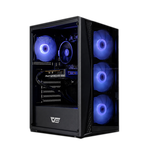
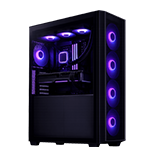
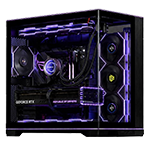
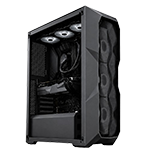
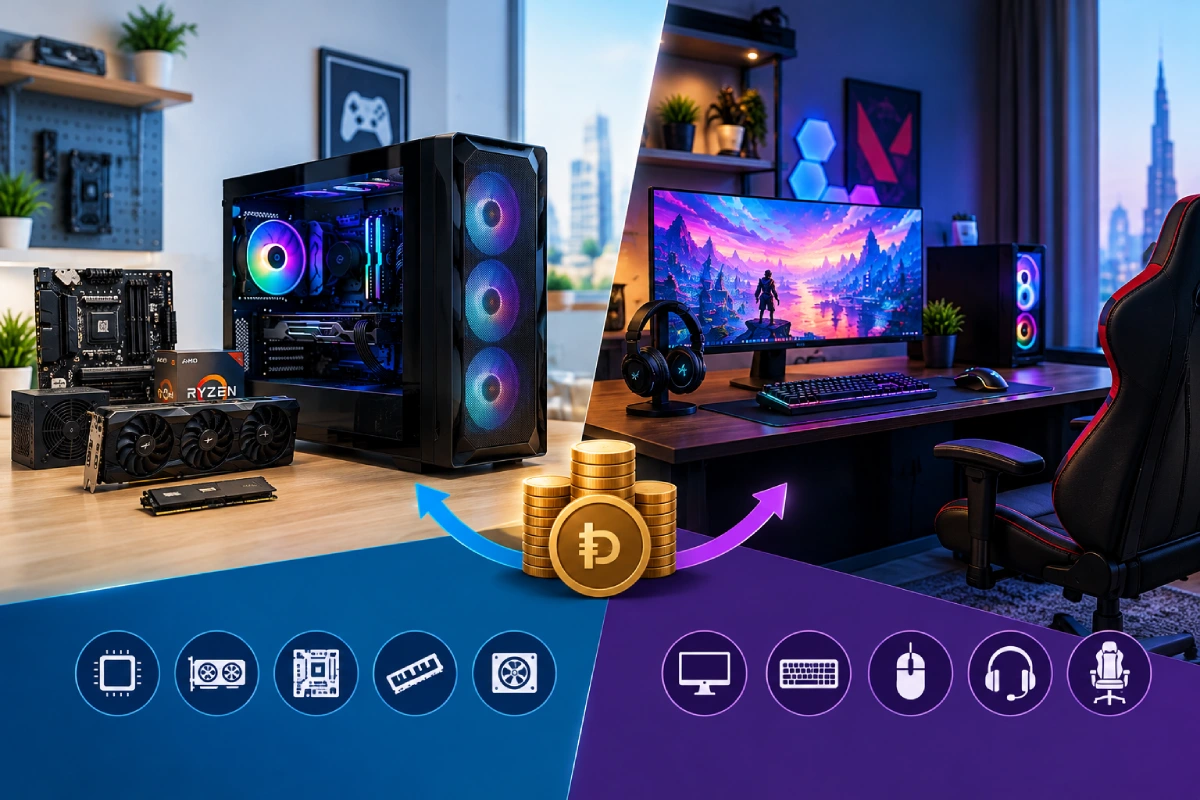
Planning a gaming setup under AED 5,000 in the UAE starts with one important decision: should you spend most of your budget on the PC tower, or divide it between the computer, monitor, keyboard, mouse and headset?
The right choice depends on what you already own and how you plan to use your computer. An existing monitor and peripherals allow you to invest more in gaming performance, while a first-time buyer needs to account for every essential item.
In this guide, HexTech Computer explains how to split an AED 5,000 budget, which components deserve priority and how to build a setup that delivers good value without unnecessary spending.
1. Decide Between a PC Tower and a Complete Setup
A PC tower contains the core hardware, including the processor, graphics card, RAM, storage, motherboard and power supply. A complete setup adds the equipment needed to use the computer comfortably, such as a monitor, keyboard, mouse and headset.
If you already own quality peripherals, allocating most of your budget to the tower makes sense. You can focus on a stronger graphics card, sufficient memory and reliable components.
If you are buying everything for the first time, balance matters more than maximum specifications. A powerful PC paired with an unsuitable monitor or no budget for essential accessories may not meet your actual needs.
Before shopping, list what you already own and identify what must be purchased. This simple step helps prevent unexpected costs.
2. How to Split AED 5,000 for a PC Tower
If gaming performance is your main priority and you already have peripherals, consider allocating approximately AED 4,500–5,000 to the tower.
A practical component checklist includes:
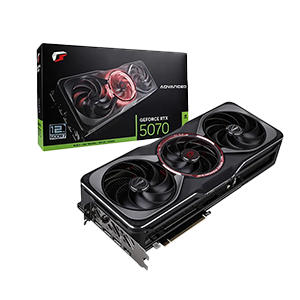
- Graphics card: Prioritise performance for your favourite games and target resolution.
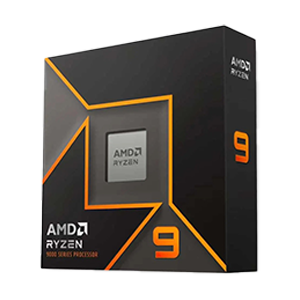
- Processor: Choose a CPU that complements the graphics card.
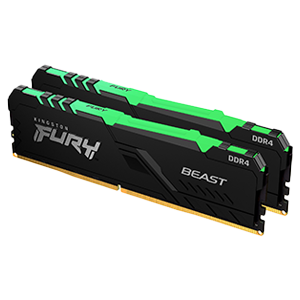
- RAM: Aim for 16GB as a starting point, with 32GB worth considering for demanding multitasking.
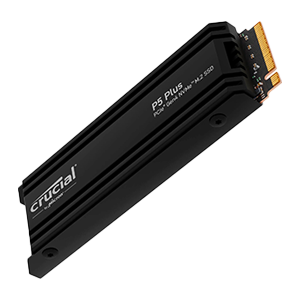
- Storage: A 1TB SSD offers useful space for games and applications.
- Motherboard: Check compatibility, connectivity and upgrade options.
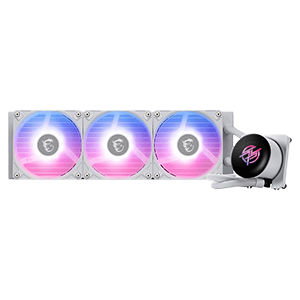
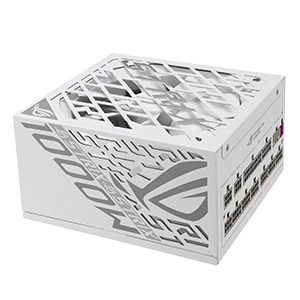
- Power supply and cooling: Choose reliable components with appropriate capacity and airflow.
These are purchasing priorities rather than fixed spending percentages. The best allocation depends on current prices and the type of games you play.
For competitive games at 1080p, a balanced processor and graphics card combination can offer excellent value. For graphically demanding games, the GPU generally deserves a larger share of the budget.
3. How to Split AED 5,000 for a Complete Setup
If you need the tower and all essential peripherals, reserve money for the complete package before choosing your hardware.
Here is an example budget to guide your shopping:
| Item |
Suggested budget |
| Gaming PC tower |
AED 3,800 |
| Monitor |
AED 650 |
| Keyboard and mouse |
AED 200 |
| Headset |
AED 150 |
| Remaining allowance |
AED 200 |
| Total |
AED 5,000 |
These amounts are illustrative planning targets, not live product quotations. Actual prices vary by specifications, promotions and availability.
This approach gives you a functional starting setup without spending the entire budget on the computer alone. You can upgrade your monitor, headset or accessories later as your needs develop.
If you also need a Windows licence, Wi-Fi adapter, speakers or other equipment, account for those costs before finalising your tower budget.
4. Choose a Monitor That Matches Your PC
The monitor affects how you experience your games, so avoid treating it as an afterthought.
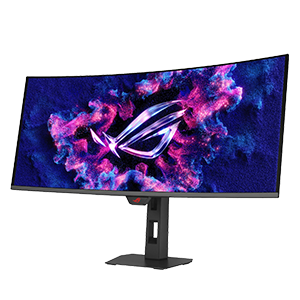
For competitive games such as Valorant and Fortnite, a 1080p monitor with a higher refresh rate may be a sensible choice. For visually demanding games, prioritise a suitable combination of resolution, refresh rate and graphics performance.
A 144Hz monitor can display up to 144 refreshes per second, but your PC needs to generate enough frames to take full advantage of it.
Do not buy a premium 1440p monitor if doing so forces you to select a significantly weaker tower than your gaming needs require. A balanced combination usually offers better overall value.
5. Save on Accessories Without Sacrificing Comfort
A gaming setup does not require expensive peripherals to work well.
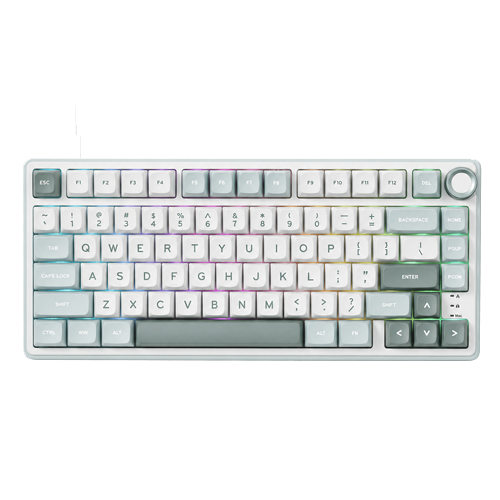
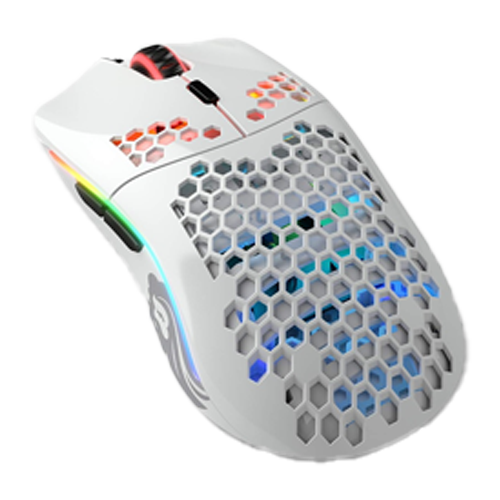
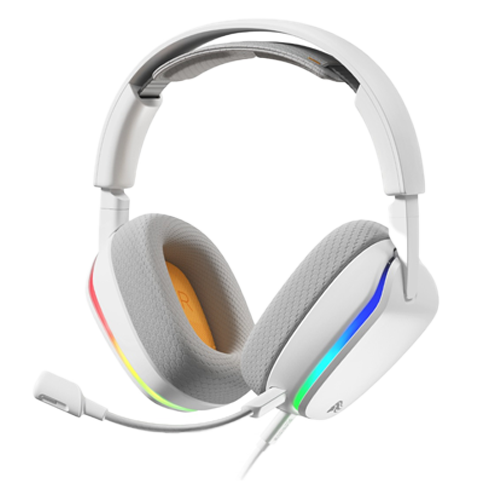
Choose a keyboard with comfortable keys, a mouse that fits your hand and a headset that delivers clear audio. For competitive gaming, mouse comfort, reliable tracking and clear positional sound can be more useful than decorative lighting.
RGB lighting and premium wireless features may be appealing, but they should come after the essentials.
If you need to reduce costs, start with dependable entry-level accessories from reputable brands. Upgrade individual items later rather than sacrificing important PC components to purchase a complete premium peripheral collection immediately.
6. Do Not Cut Corners on Essential PC Components
When working within AED 5,000, it can be tempting to reduce costs by choosing the cheapest available power supply, motherboard or cooling solution.
Avoid that approach. A suitable power supply must provide adequate capacity and the correct connectors for your hardware. Cooling and case airflow help maintain stable operating temperatures during longer gaming sessions.
Similarly, check the exact CPU and GPU models rather than relying on broad product descriptions. Two systems at similar prices can deliver different gaming performance depending on their specifications.
For further guidance on choosing components within different price ranges, read HexTech’s guide to gaming PC builds for every budget in the UAE.
7. Consider a Prebuilt PC or a Custom Build
A prebuilt gaming PC can simplify purchasing because the system arrives assembled. It may also offer convenient warranty support, depending on the seller and product.
A custom build gives you greater control over individual components and budget allocation. However, compatibility, assembly and troubleshooting must be considered.
Whichever route you choose, confirm the processor, graphics card, RAM, SSD, power supply and warranty. Also check whether the advertised price includes all the hardware you need.
You can browse the HexTech Starter Series gaming PCs under AED 5,000 to compare entry-level and budget-conscious configurations. Check current prices carefully and remember that a PC tower alone does not include every peripheral required for a complete setup.
8. Leave Room for Future Upgrades
You do not need to buy every premium feature on day one. A sensible setup can grow as your gaming interests and budget change.
You might begin with a 1080p monitor and entry-level peripherals, then upgrade to a higher-refresh-rate display later. Additional storage or RAM may also be useful as your game library and workloads grow.
For the tower, check motherboard expansion options, available memory slots, storage connections, case clearance and PSU capacity.
Planning upgrades is useful, but do not sacrifice the performance you need today for upgrades you may never make. Your first priority should be a well-balanced computer that suits your current requirements.
For a broader overview of realistic spending ranges, read our guide on how much a good gaming PC costs in the UAE.
Final Verdict: Which Option Offers Better Value?
If you already own a monitor and accessories, spending close to AED 5,000 on the PC tower gives you more room to prioritise gaming performance. If you need everything, reserving approximately AED 1,000–1,200 for peripherals and other essentials can help create a more balanced complete setup.
There is no single perfect budget split. Your ideal choice depends on your games, performance goals, existing equipment and future plans.
At HexTech Computer, the aim is to help gamers choose systems that suit their needs without overspending. Explore the HexTech Computer website to compare available gaming PCs and find a configuration that fits your budget.
Frequently Asked Questions
1. Is AED 5,000 enough for a complete gaming setup?
Yes. It can cover a capable entry-level or mid-range tower and basic peripherals, provided you choose components carefully and compare current prices.
2. Should I spend more on the PC tower or monitor?
If you need strong gaming performance, prioritise a balanced tower first. However, reserve enough for a monitor that matches your preferred resolution and frame rate.
3. How much should I spend on a gaming PC tower?
If you already own peripherals, you may allocate most or all of AED 5,000 to the tower. First-time buyers should reserve money for the monitor and essential accessories.
4. Can I include a 144Hz monitor in a AED 5,000 budget?
Yes, depending on current prices and the tower configuration. Compare monitor costs before committing to expensive PC components.
5. Is 16GB RAM enough for a budget gaming PC?
For many gaming setups, 16GB is a practical starting point. Consider 32GB if your games, streaming or multitasking workloads require additional memory.
6. Should I buy a prebuilt PC or build my own?
Prebuilt systems offer convenience, while custom builds provide more control over component selection. Compare specifications, total costs and warranty coverage.
7. Can I save money on gaming accessories?
Yes. Choose reliable entry-level peripherals and upgrade later. Prioritise comfort, usability and performance over cosmetic features.
8. Should I buy a gaming headset immediately?
A headset is useful for communication and immersive audio, especially in multiplayer games. A basic reliable model is sufficient to start.
9. Is a gaming chair necessary for a complete setup?
No. A comfortable, supportive chair is important for longer sessions, but a dedicated gaming chair is not essential if you already have suitable seating.
10. What should I upgrade first in the future?
Upgrade based on your actual needs. A stronger GPU may improve gaming performance, while a better monitor, additional RAM or more storage may be more valuable for other setups.