Buying a gaming PC in the UAE involves more than comparing the prices of processors and graphics cards. A computer advertised at an attractive price may not include everything you need for gaming, and additional expenses can quickly increase your total budget.
Whether you are purchasing your first gaming PC or upgrading an existing setup, understanding these costs can help you make a smarter decision. From monitors and accessories to software, delivery and warranty conditions, a little planning can prevent unexpected expenses.
In this guide, HexTech Computer explains the hidden costs to consider when buying a gaming PC in the UAE and how to plan your budget before placing an order.
1. Monitor Costs Can Increase Your Budget
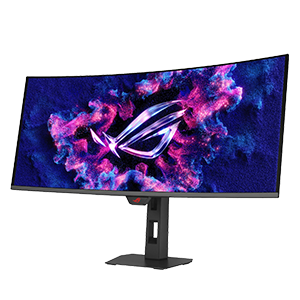
One of the most common expenses buyers overlook is the monitor. A gaming PC tower does not automatically include a display, so first-time buyers need to budget for one separately.
Your monitor should match your computer’s capabilities. A standard 1080p display may suit entry-level gaming, while competitive players may prefer a higher refresh rate. Gamers targeting 1440p or 4K may need a more expensive display to benefit from their hardware.
Before purchasing, consider resolution, refresh rate, response time and connectivity. Check that the monitor supports the refresh rate you intend to use through the selected connection.
If you already own a suitable display, you can allocate more money to the PC itself. Otherwise, include the monitor in your total budget rather than treating it as a future purchase.
2. Keyboard, Mouse and Headset Expenses
A complete gaming setup often requires several accessories that are not included with the tower.
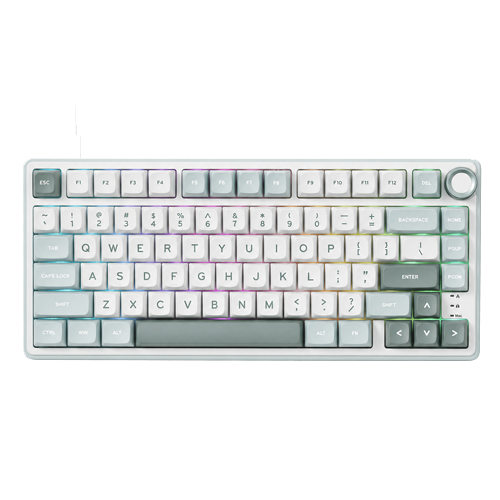
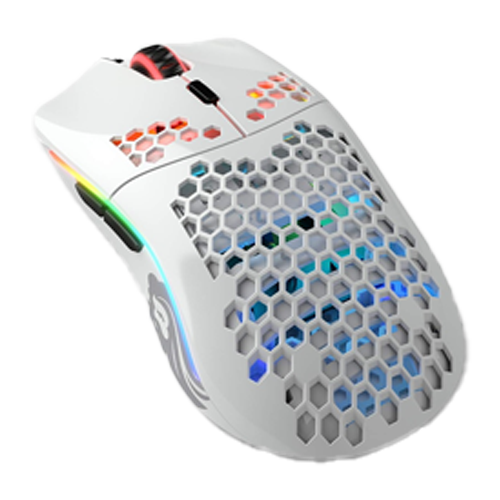
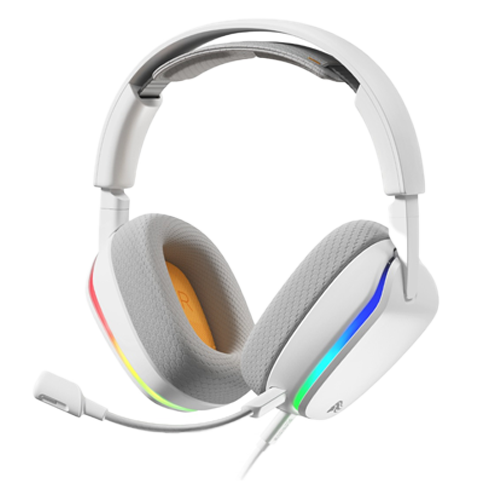
A keyboard and mouse are essential for most PC games, while a headset can improve communication and audio awareness during multiplayer sessions. Depending on your needs, you may also want speakers, a microphone, a webcam or a controller.
You do not have to purchase premium accessories immediately. Reliable entry-level products can be sufficient for beginners, and you can upgrade as your requirements change.
Make a list of the peripherals you already own before shopping. If you need everything, reserve part of your budget for these essentials instead of spending the full amount on a more powerful computer.
3. Check VAT and the Final Checkout Price
When comparing gaming PCs in the UAE, always confirm the final amount payable at checkout.
Check whether the advertised price includes applicable VAT, whether delivery is included and whether any additional charges appear before payment. Do not assume every retailer presents pricing in the same way.
For example, a computer advertised at AED 4,500 may fit your budget initially, but optional accessories or other checkout charges could increase the total.
Review the order summary carefully before completing your purchase. Comparing the final payable prices of similar systems gives you a more accurate picture of their value.
4. Windows Licensing and Software
Another expense to check is the operating system.
Some gaming PCs include Windows installation and a licence, while other configurations may require you to arrange the operating system separately. Ask the seller what is included before buying.
If Windows is not included, factor in the cost of a legitimate licence. Avoid suspiciously cheap activation keys from unknown sources, as their validity and support may be uncertain.
You should also consider any paid software you need for recording, content creation or other specialist tasks. Many gaming and streaming tools have free versions, so check whether you genuinely need paid alternatives.
5. Delivery and Shipping Charges
Delivery costs depend on the seller, product and delivery conditions. Some prebuilt systems may qualify for free delivery, while other purchases or special arrangements may involve additional charges.
HexTech’s published terms state that prebuilt PCs generally include free delivery, subject to availability and delivery conditions. Custom-built PCs have separate preparation timelines. Check the applicable terms for your particular order before purchasing.
Imported components can introduce further expenses, including international shipping, possible customs-related charges and the cost of arranging returns overseas.
Buying locally may simplify communication and warranty support, but you should still compare the complete cost rather than assuming every local or imported option is automatically cheaper.
6. Warranty and Return Conditions
Warranty coverage is important because gaming PCs contain several components that may need inspection or replacement if a fault develops.
Before buying, check the warranty duration, covered parts, exclusions and claim procedure. Also ask whether you must send the entire computer or only the affected component for inspection.
HexTech’s published terms specify a standard one-year warranty for systems purchased from the company, subject to its conditions. The terms also explain that warranty shipping responsibilities may affect the overall cost of a claim.
Return policies deserve equal attention. HexTech distinguishes between eligible prebuilt PCs and custom-built systems, with different return conditions. Read the HexTech return policy before ordering so you understand the applicable eligibility rules, fees and shipping responsibilities.
A lower purchase price may be less attractive if the warranty process or return conditions do not suit your needs.
7. Power Protection and Cooling
Your PC may also require accessories that help protect it and maintain reliable operation.
A surge protector can provide an additional layer of protection against certain electrical disturbances, while a UPS may be useful if you want backup power or time to shut down safely during an interruption. Neither replaces proper electrical installation or guarantees protection from every power event.
Cooling is another consideration, particularly in the UAE’s warm climate. A well-ventilated case and suitable fans may be enough for many systems, but demanding hardware can require more capable cooling.
Check what is already included with the PC. You do not need to purchase an expensive cooling upgrade or UPS automatically; choose equipment based on your hardware, environment and requirements.
8. Future Upgrades and Storage
A gaming PC that meets your needs today may require upgrades later.
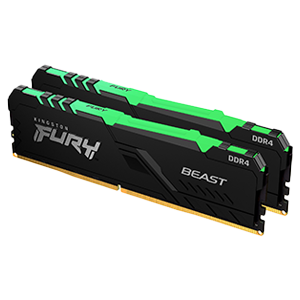
New games can demand more storage, memory or graphics performance. If you plan to record gameplay, download a large library of games or edit videos, additional SSD capacity may eventually become necessary.
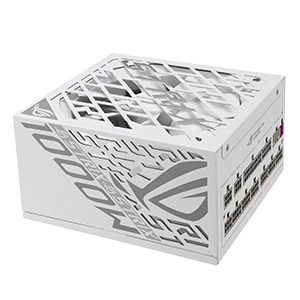
Before buying, check the motherboard’s available memory slots, storage connections, graphics card clearance and power supply capacity. These details can affect the cost and difficulty of future upgrades.
For a better understanding of realistic spending levels, read our guide to how much a good gaming PC costs in the UAE.
Planning for upgrades does not mean buying the most expensive components now. It means choosing a sensible configuration that can support your expected needs.
9. Desk Space, Chair and Internet
A complete gaming environment can involve additional expenses beyond the computer and monitor.
A suitable desk provides enough room for your tower, display and peripherals. A comfortable chair is helpful during longer sessions, although an expensive gaming chair is not essential if you already have supportive seating.
Internet connectivity also matters. Online multiplayer games and streaming require a reliable connection, and an Ethernet cable or Wi-Fi adapter may be necessary depending on your setup.
Check whether your PC includes Wi-Fi and Bluetooth if you need wireless connectivity. Some desktop configurations require separate adapters.
These purchases are easy to overlook because they do not appear in the computer’s headline price, but they can affect the total cost of getting started.
10. How to Calculate Your Real Gaming PC Budget
The simplest way to avoid surprises is to calculate the cost of your complete setup before ordering.
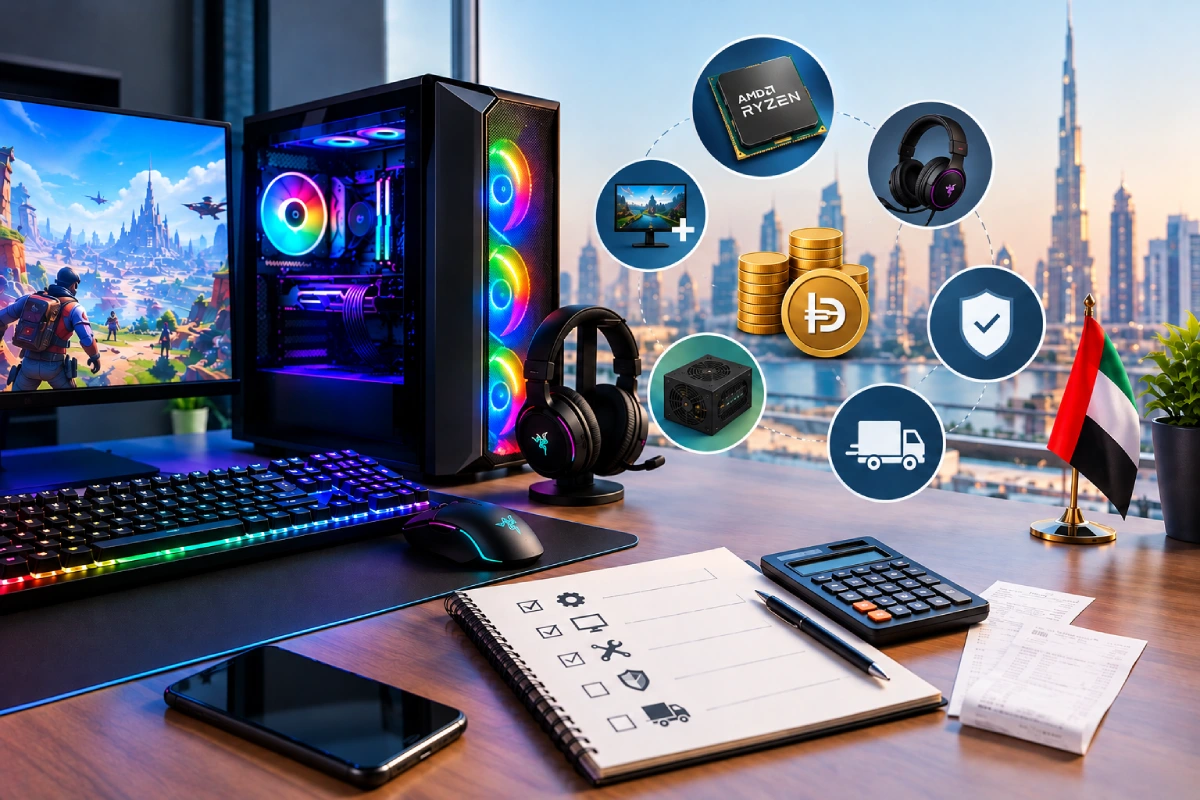
Create a checklist covering the tower, monitor, keyboard, mouse, headset, operating system, delivery, power protection and any required connectivity accessories. Add only the items you actually need, then confirm the final checkout total.
If your budget is AED 5,000, for example, you might reserve money for peripherals first and spend the remainder on a suitable tower. If you already own the accessories, you can direct more of the budget towards gaming performance.
For entry-level options, compare the HexTech Starter Series gaming PCs under AED 5,000. Check current specifications and prices, and remember that the tower may not include every accessory needed for a complete setup.
Final Verdict
The real cost of buying a gaming PC in the UAE depends on more than its advertised price. Monitors, peripherals, software, delivery conditions, warranty responsibilities, power protection and future upgrades can all affect your total spending.
Before buying, check what is included, review the seller’s terms and calculate the final cost of everything you need. A balanced system that fits your budget is often a better investment than an expensive tower that leaves you without essential accessories.
Visit HexTech Computer to explore gaming PCs and compare configurations for your gaming requirements.
Frequently Asked Questions
1. What hidden costs should I consider when buying a gaming PC in the UAE?
Consider the monitor, keyboard, mouse, headset, operating system, delivery, power protection, connectivity accessories and potential future upgrades.
2. Does a gaming PC include a monitor?
Not necessarily. Many gaming PC listings refer to the tower only. Check the product description to confirm which accessories are included.
3. Do gaming PC prices in the UAE include VAT?
Pricing presentation can vary. Confirm the final checkout amount and whether applicable VAT and other charges are included.
4. Do I need to buy Windows separately?
Only if the system does not include an appropriate Windows installation and licence. Confirm this with the seller before purchasing.
5. Is delivery always free when buying a gaming PC?
No. Delivery depends on the retailer, order and applicable conditions. Check the delivery terms before completing payment.
6. What should I check in a gaming PC warranty?
Review the warranty duration, covered components, exclusions, claim procedure and responsibility for shipping during repairs.
7. Should I buy a UPS for my gaming PC?
A UPS may be useful if you need backup power or time to shut down safely. Choose one according to your PC’s power requirements and your environment.
8. Are custom-built gaming PCs eligible for returns?
Return eligibility depends on the seller’s policy. Read the applicable terms carefully, especially for systems assembled to your specifications.
9. How much should I reserve for gaming accessories?
The amount depends on what you already own and the quality you need. List essential items first and compare prices before deciding how much to spend.
10. How can I avoid overspending on a gaming PC?
Set a total budget, include peripherals and other necessary costs, compare complete specifications, and avoid paying for upgrades that do not support your current needs.