Buying a gaming PC under AED 5,000 in the UAE gives you more options than an entry-level budget, but choosing the right configuration still matters. Two computers with similar prices can deliver noticeably different gaming experiences depending on their graphics cards, processors, memory, storage, and overall build quality.
The key is to spend money on components that improve performance, reliability, and everyday usability—not features that simply make the computer look expensive.
Whether you play competitive games, enjoy modern AAA titles, or want your first dedicated gaming setup, this guide explains which features deserve your budget and where you can save.
1. Prioritise the Graphics Card
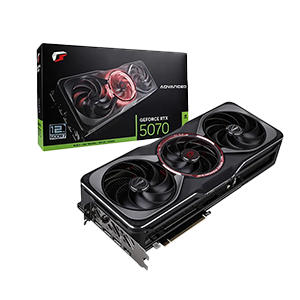
For most gaming-focused PCs, the graphics card (GPU) should be one of your biggest priorities. It has a major impact on frame rates, graphics quality, and the resolutions you can play comfortably.
At this budget, look for a capable dedicated GPU rather than choosing a computer based mainly on its processor name or appearance. Compare actual gaming benchmarks for the exact graphics card in the games you play.
A well-selected GPU can make a noticeable difference in competitive titles and many modern games at 1080p. Depending on the game and settings, some configurations may also handle 1440p gaming.
Before buying, check video memory, power requirements, physical dimensions, and driver support. HexTech’s guide to NVIDIA vs AMD graphics cards can help you compare the available options.
2. Choose a Balanced Processor
A powerful graphics card needs a suitable processor (CPU). If the CPU cannot keep up with the workload, it may limit performance in certain games, particularly competitive titles where high frame rates matter.
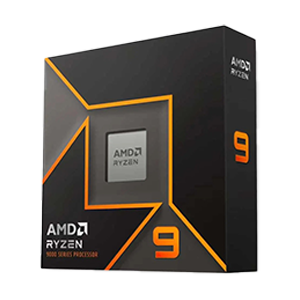
An appropriate Intel Core i5 or AMD Ryzen 5-class processor can be a sensible starting point for many budget-conscious gaming systems. However, the model and generation matter more than the name alone.
You do not necessarily need an expensive high-end CPU to play games well. Spending too much on the processor can leave less money for the graphics card, where the extra investment might have a greater effect on gaming performance.
For detailed guidance, explore HexTech’s best CPU for gaming PC in the UAE guide.
3. Aim for 16GB RAM or More
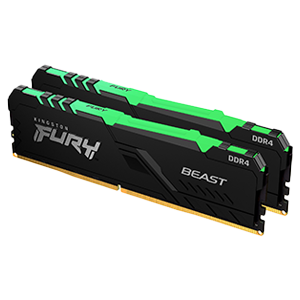
RAM helps your computer handle games, background applications, and multitasking. For a gaming PC under AED 5,000, 16GB is a sensible starting point, while 32GB can provide more room for demanding games, streaming, and heavier multitasking.
Check whether the system uses compatible memory and whether its motherboard allows future upgrades. A configuration with two compatible memory modules may offer better memory bandwidth than a single module, depending on the platform.
Do not pay extra for extremely high memory speeds without checking whether they make a meaningful difference to your intended workload. Capacity, compatibility, and overall system balance should come first.
4. Do Not Compromise on SSD Storage
An SSD makes Windows start faster, applications launch more quickly, and game loading more responsive compared with a traditional mechanical hard drive.
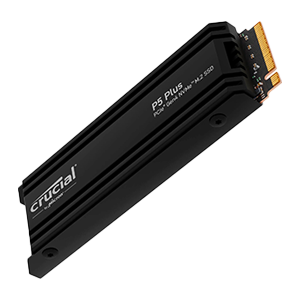
A 1TB NVMe SSD is a useful target if it fits your budget. Modern games can occupy substantial storage space, and a larger drive means you will not need to uninstall games as frequently.
A 500GB SSD may be acceptable if the system has a particularly strong graphics card for the price, and storage can often be expanded later. Before buying, check the motherboard’s available M.2 slots and supported drive types.
Pay for reliable storage and useful capacity rather than simply choosing a drive because its advertised speed is the highest.
5. Look for a Reliable Power Supply
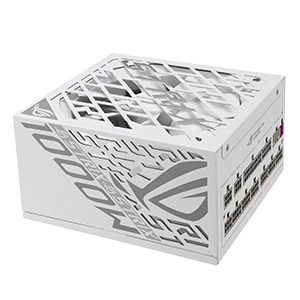
The power supply unit (PSU) is easy to overlook because it does not directly increase frame rates. Nevertheless, it is essential for stable operation and safe power delivery to your components.
Check the PSU’s manufacturer, model, rated capacity, connectors, and warranty. Its capacity must suit the processor and graphics card, including their power requirements under load.
A larger wattage number does not automatically mean a better power supply. Quality and suitability matter more than selecting the highest rating you can afford.
If you expect to upgrade the GPU later, some additional power capacity may be useful, but do not sacrifice the current system’s core performance just to prepare for an upgrade you may never make.
6. Save Money on Unnecessary Extras
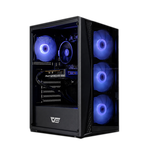
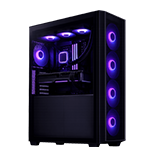
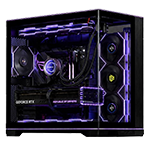
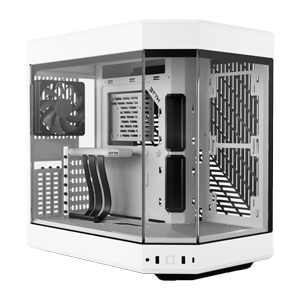
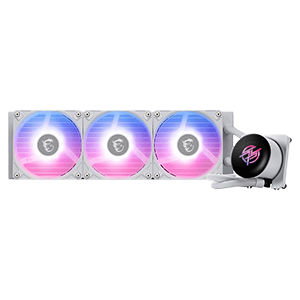
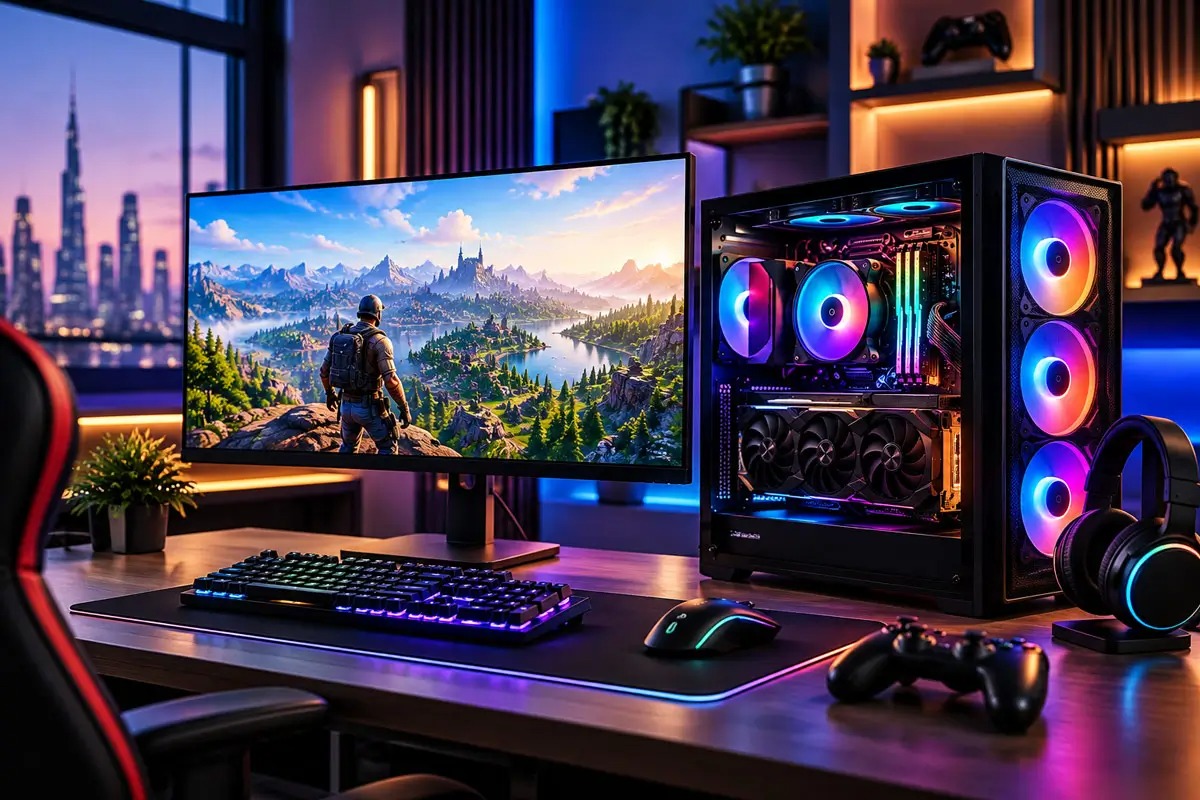
RGB lighting, elaborate case designs, premium liquid cooling, and expensive motherboards can look appealing, but they should not take priority over essential performance components.
For a gaming PC in this price range, a quality air cooler can be sufficient for many processors. An all-in-one liquid cooler is not automatically better value, particularly when the system does not require its additional cooling capacity.
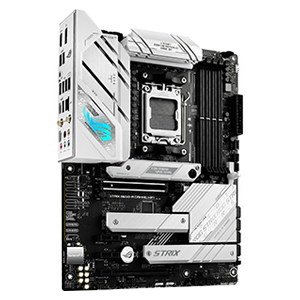
Similarly, a premium motherboard may include features you never use. Choose one that supports your processor, memory, storage, connectivity, and reasonable upgrade plans.
Good case airflow is important, but you do not need the most expensive case to achieve it. Look for unobstructed ventilation, suitable fan placement, and enough space for your components.
7. Check Warranty and Build Quality
A gaming PC should be judged on more than its advertised specifications. Build quality, component compatibility, cooling, and warranty support can affect your experience long after purchase.
Before ordering, confirm what the warranty covers, how long it lasts, and whether it applies to individual components or the complete system. Check that the listing clearly identifies the CPU, GPU, RAM, SSD, motherboard, and power supply.
Also confirm whether Windows is included and activated, and whether the price covers assembly and testing. These details help you compare two systems fairly instead of choosing the cheapest headline price.
8. Remember the Monitor and Other Costs
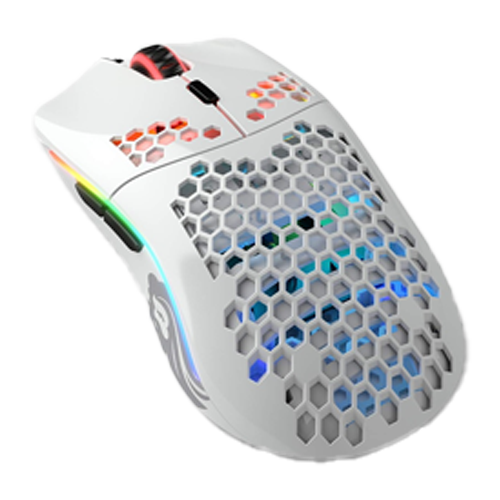
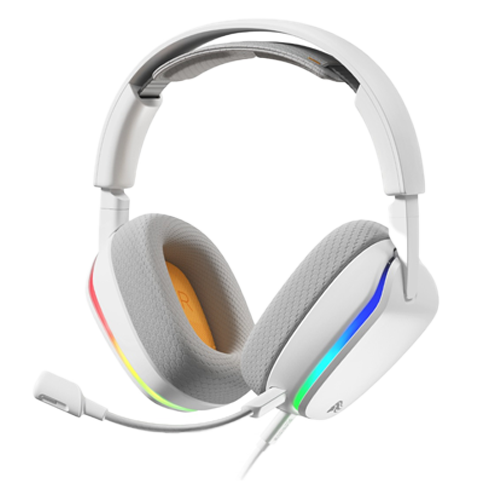
A PC budget is not always the same as a complete gaming setup budget. If AED 5,000 must also cover a monitor, keyboard, mouse, headset, and operating system, you will need to reserve money for those items.
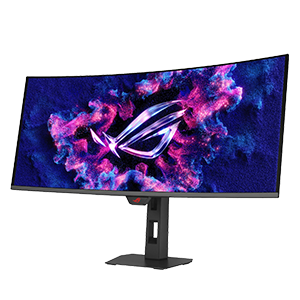
If you already own good peripherals, more of your budget can go towards the computer itself. Match the monitor to your graphics card: a high-refresh-rate display can be valuable for competitive gaming, while higher resolutions demand more graphics performance.
Read HexTech’s gaming monitor buying guide before choosing a screen. It explains how resolution and refresh rate affect your experience.
9. Compare Complete Configurations
Do not judge a gaming PC by one component alone. A system with a strong GPU but poor supporting hardware may be less attractive than a balanced alternative with dependable components and a clear warranty.
Compare the full specifications, total price, cooling, connectivity, and upgrade options. HexTech’s guide to gaming PC builds for every budget in the UAE can help you understand the differences between entry-level and more powerful configurations.
You can also explore the HexTech Starter Series gaming PCs under AED 5,000 to compare available systems near your budget. This is the only gaming PC category link included in this article. Check current prices and specifications carefully because configurations and availability can change.
Final Verdict
For a gaming PC under AED 5,000, prioritise a capable dedicated graphics card, a balanced processor, at least 16GB RAM, SSD storage, and a reliable power supply. Good airflow, a clear warranty, and compatible components also deserve attention.
Save money on decorative extras and premium features that do not improve your actual experience. The best purchase is not necessarily the computer with the most impressive-looking specification sheet; it is the one that performs well in your favourite games and offers dependable value for your budget.
Frequently Asked Questions
1. Is AED 5,000 enough for a good gaming PC in the UAE?
Yes. This budget can buy a capable gaming PC for 1080p gaming and potentially some 1440p gaming, depending on the hardware, game, and graphics settings.
2. Which component matters most in a gaming PC?
The graphics card is often the most important component for graphics performance and frame rates. However, it needs a suitable processor and reliable supporting hardware.
3. Is 16GB RAM enough for gaming?
Yes, 16GB is suitable for many games. Choosing 32GB may provide more flexibility for demanding titles, multitasking, and streaming.
4. Should I choose a 500GB or 1TB SSD?
A 1TB SSD provides more room for games and applications. A 500GB drive can work if your budget is tight and you are comfortable managing storage.
5. Do I need liquid cooling for a gaming PC under AED 5,000?
Not necessarily. A suitable air cooler can handle many gaming processors effectively. Choose cooling based on the CPU’s requirements and the case’s airflow.
6. Can a gaming PC under AED 5,000 run games at 1440p?
Some configurations can run selected games at 1440p, but performance varies. Check benchmarks for your exact GPU and the games you intend to play.
7. Should I spend more on the CPU or GPU?
For many gaming-focused builds, prioritising the GPU makes sense, provided the CPU is capable enough to support it. The ideal balance depends on your games and target frame rates.
8. Is RGB lighting worth paying extra for?
RGB lighting is a personal preference, not a performance upgrade. If your budget is limited, prioritise the graphics card, storage, memory, and power supply first.
9. What should I check before buying a prebuilt gaming PC?
Review the complete specifications, component brands and models, warranty, cooling, operating system, and final price. Confirm that the advertised hardware matches what will be delivered.
10. Should I buy a prebuilt PC or build a custom one?
A prebuilt PC can be convenient and may include assembly and warranty support. A custom build offers more control over component selection. Compare total costs and specifications before deciding.