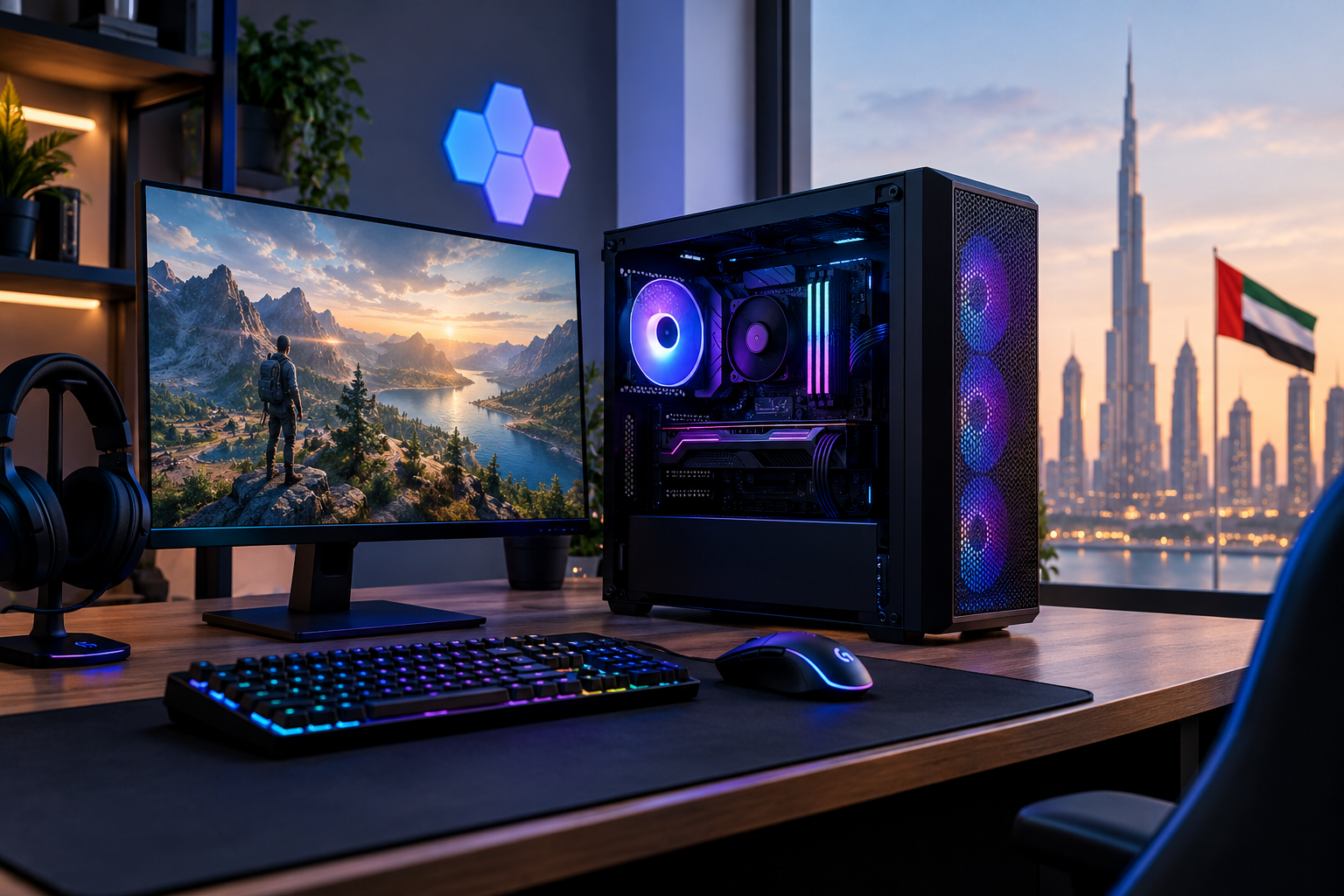
Buying a gaming PC for under AED 3,000 in the UAE is possible, but you need realistic expectations. At this price, your priority should be a balanced computer that handles popular games smoothly at 1080p, rather than a machine designed for maximum graphics settings, demanding 4K gaming, or intensive streaming.
The challenge is knowing where to spend your money. A system with an older dedicated graphics card may offer better gaming performance than a newer-looking computer with weak graphics, while an attractive case and RGB lighting do little to improve frame rates.
Here is what you can expect from a gaming PC under AED 3,000 and how to make your budget go further.
1. Is AED 3,000 Enough for a Gaming PC?
Yes, but the exact experience depends on whether you are buying a complete desktop, building one yourself, or purchasing a refurbished system.
For a new prebuilt PC, AED 3,000 is a tight budget. You may need to compromise on graphics performance, storage capacity, or other features. Some systems around this price use older dedicated GPUs, while others rely on integrated graphics.
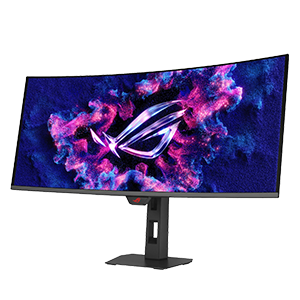
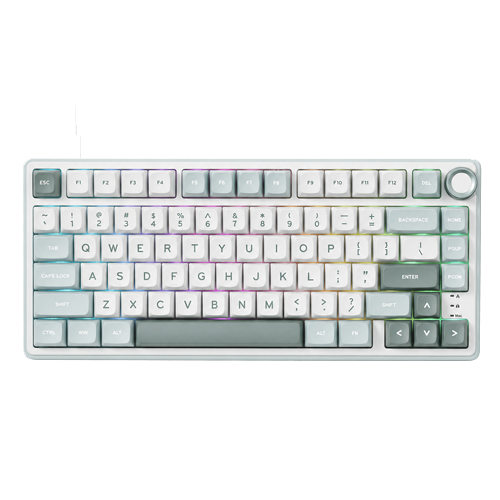
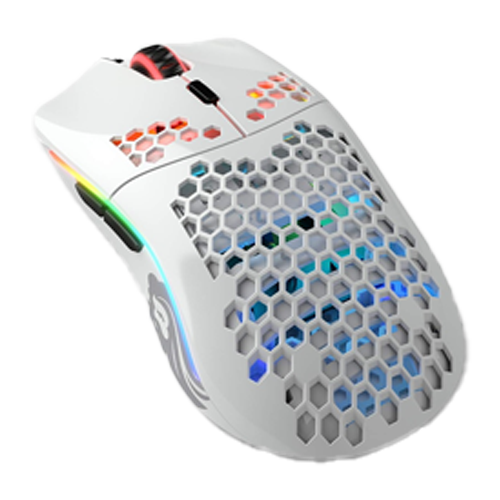
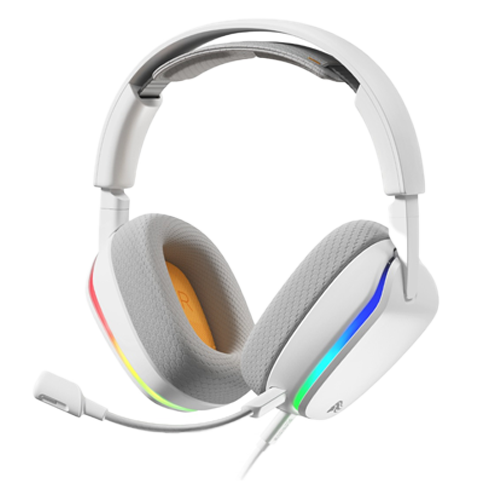
If your budget includes a monitor, keyboard, mouse, and headset, you have even less money available for the computer itself. Decide whether AED 3,000 is for the tower alone or the complete setup before comparing options.
HexTech’s guide to how much a good gaming PC costs in the UAE provides additional context for comparing entry-level and more powerful systems.
2. What Performance Can You Expect?
At this budget, 1080p gaming should be your main target. Competitive games and lighter titles are generally more realistic than demanding modern games running at high graphical settings.
Your experience will depend on the exact processor, graphics card, memory, game updates, and settings.
You can generally plan around these expectations:
- Esports games: Many popular competitive titles can be playable at 1080p, depending on the hardware.
- Older games: A system with a capable dedicated GPU can provide a good experience in many older titles.
- Modern AAA games: Expect to reduce graphics settings in demanding games, and some titles may require additional compromises.
- High-refresh-rate gaming: Higher frame rates are possible in lighter games, but 144 FPS or more should not be assumed across every title.
- 4K gaming: This is not a realistic primary target for a new PC at this budget.
Remember that two computers with similar prices can perform very differently. Check gaming benchmarks for the exact graphics card and processor combination instead of relying on the words “gaming PC” in a product title.
3. Which Components Matter Most?
When money is limited, prioritise the components that affect performance and reliability.
Graphics card
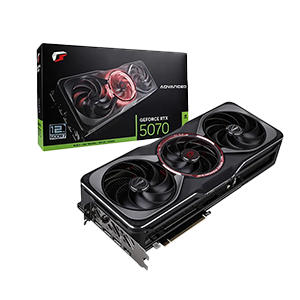
For gaming, the graphics card is often the most important performance consideration. Compare dedicated GPUs carefully, including their available video memory and performance in the games you play.
Older cards can still be useful, but check their condition, power requirements, driver support, and performance in current games. Read HexTech’s NVIDIA vs AMD graphics card comparison to understand the main differences.
Processor
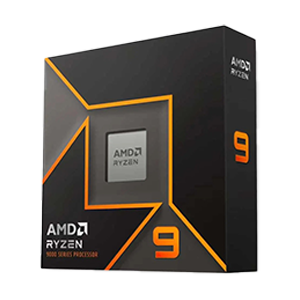
A capable entry-level CPU is sufficient for many budget gaming systems. You do not need an expensive processor if it leaves too little money for graphics.
However, avoid pairing an extremely weak CPU with a powerful GPU. A balanced combination helps prevent one component from unnecessarily limiting the other.
RAM and storage
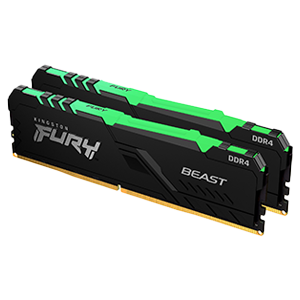
Aim for 16GB of RAM where possible. It is a sensible starting point for many modern gaming setups, although the ideal amount depends on the games and applications you use.
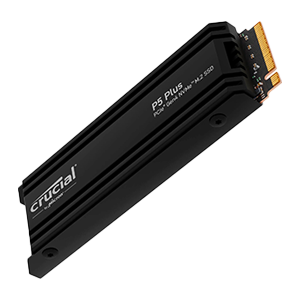
An SSD makes Windows and applications feel more responsive and reduces loading times compared with a traditional hard drive. A 500GB SSD can be a reasonable starting point, but large game libraries may require more storage later.
Power supply and motherboard
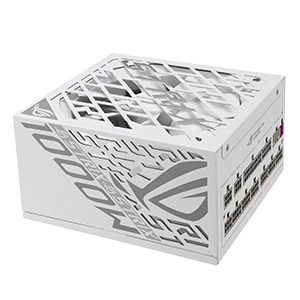
Do not overlook the power supply or motherboard to make room for a faster graphics card. Choose compatible components from reliable manufacturers and check the power supply’s capacity, connectors, and protection features.
HexTech’s guide to essential components you need for a gaming PC explains how the main parts work together.
4. New, Used, or Refurbished: Which Is Better?
A new system offers the benefit of new components and the seller’s stated warranty. However, a strict AED 3,000 limit may restrict your choice of graphics cards.
A used PC can offer stronger specifications for the money, but its condition matters. Ask for the full component list, check the warranty status, and request a demonstration or suitable test results before buying. Inspect the system for unexpected shutdowns, overheating, and unstable performance.
Refurbished systems can also be worth considering if the seller clearly explains what was tested, replaced, or repaired.
Do not judge a PC by its processor name alone. An older high-tier CPU does not automatically make a computer better for gaming than a newer entry-level model, particularly if the graphics card is weak.
5. What Should You Avoid on a Tight Budget?
Several common buying mistakes can make a low-cost gaming PC disappointing.
Do not buy based on RGB lighting. Decorative lighting and glass panels do not improve gaming performance.
Do not assume integrated graphics are equivalent to a dedicated GPU. Integrated graphics can handle lighter games, but demanding titles may require lower resolutions and settings.
Do not ignore the complete price. Shipping, assembly, Windows licensing, a monitor, and peripherals may increase the total cost.
Do not expect every new game to run at maximum settings. Check realistic benchmarks before purchasing.
Do not choose an unreliable power supply. A cheap component that compromises system stability is not a worthwhile saving.
6. How to Make AED 3,000 Go Further
Start with the games you actually want to play. If you mainly play competitive titles, a balanced 1080p computer may be sufficient. If you want to play demanding AAA games, consider saving longer rather than buying a system that falls short of your expectations.
Compare complete specifications and warranty coverage across multiple sellers. Check whether the listed price includes assembly, the operating system, and all advertised components.
You should also consider future upgrades. A motherboard with room for additional RAM, a case that accommodates a larger graphics card, and a suitable power supply can make later improvements easier. However, do not pay extra for upgrade potential that you are unlikely to use.
If you can stretch your budget beyond AED 3,000, browse the HexTech Starter Series gaming PCs under AED 4,999 to compare available configurations. This is the only gaming PC category link included in this article. Check current prices and specifications before ordering, as not every system in the category will fit your original budget.
Final Verdict
A gaming PC under AED 3,000 can be a reasonable entry point for 1080p gaming, particularly if you focus on esports, lighter titles, and older games. However, you should not expect premium performance in every modern release.
Prioritise the graphics card, choose a suitable processor, aim for 16GB RAM and SSD storage where possible, and verify the power supply and warranty. Most importantly, compare actual performance rather than appearances.
If your preferred games require more graphics power than your budget allows, saving a little longer may deliver a much better long-term experience.
Frequently Asked Questions
Can I buy a gaming PC under AED 3,000 in the UAE?
Yes. Options may include entry-level builds, older dedicated graphics cards, or refurbished systems. Availability and performance vary, so check the complete specifications and warranty.
Is AED 3,000 enough for modern gaming?
It can be enough for many lighter games and some modern titles with adjusted settings. Demanding AAA games may require significant compromises in graphics quality and performance.
Can a gaming PC under AED 3,000 run GTA V?
Many systems in this price range can run GTA V, but performance depends on the exact hardware, game version, resolution, and settings.
Is 16GB RAM enough for a budget gaming PC?
Yes, 16GB is a sensible starting point for many gaming systems. Check individual game requirements and leave enough memory available for background applications.
Should I choose a dedicated GPU or integrated graphics?
A dedicated GPU is generally preferable for gaming performance. Integrated graphics may suit lighter games and basic use when the budget is particularly restrictive.
Can I play Fortnite on a gaming PC under AED 3,000?
It may be possible, depending on the hardware. Lower graphics settings can help, but check benchmarks for your specific processor and GPU before buying.
Is a used gaming PC worth buying?
It can offer better specifications for the money, but check component condition, temperatures, stability, warranty, and the seller’s return policy before purchasing.
Should I buy an SSD or a larger hard drive?
An SSD is preferable for the operating system and frequently used games because it improves responsiveness and loading times. Additional storage can be added later if compatible.
Does a budget gaming PC need a powerful power supply?
It needs a reliable power supply with sufficient capacity and the correct connectors for its components. More wattage is not automatically better if the unit is poor quality.
Should I increase my budget for a better gaming PC?
Consider increasing it if your target games need a stronger GPU or you want higher settings and frame rates. Compare the extra cost with the performance improvement before deciding.