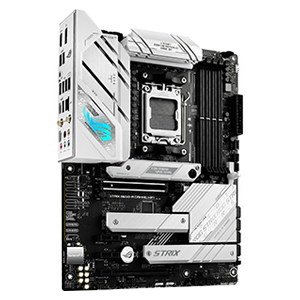
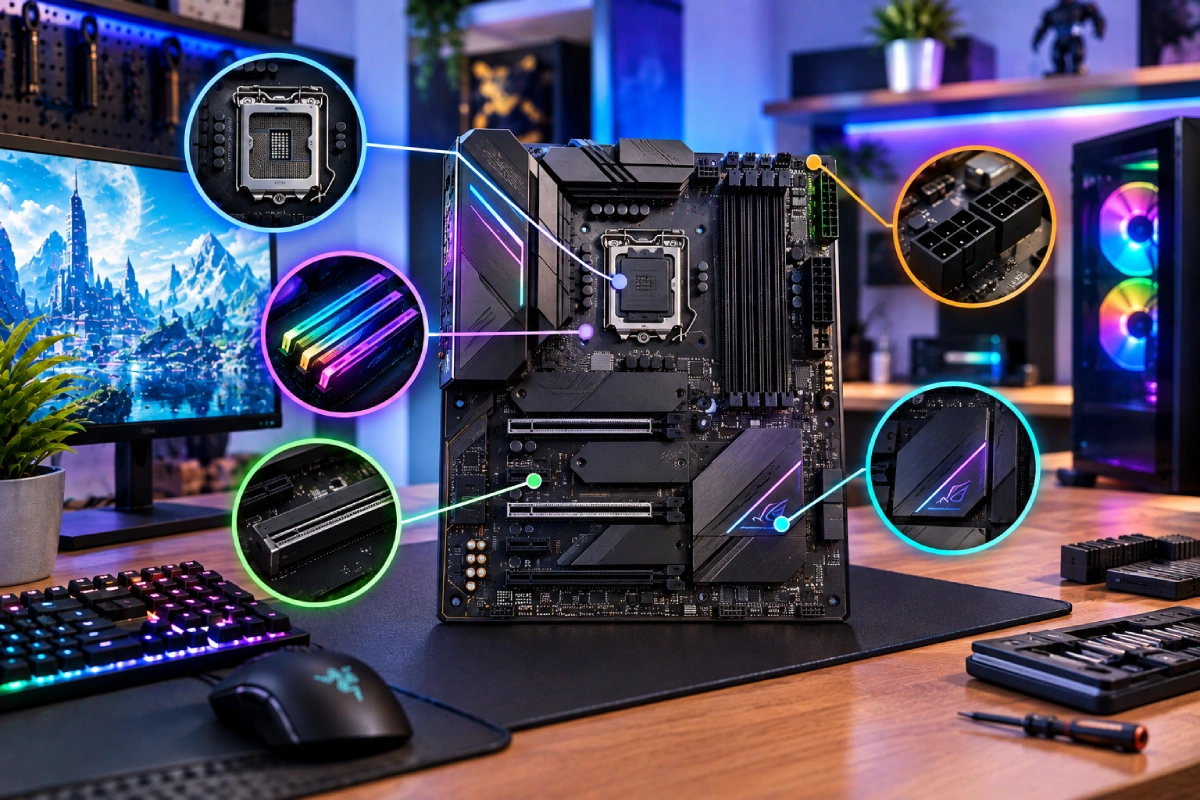
When choosing a gaming PC, it is easy to focus on the graphics card, processor and RGB lighting. However, the motherboard is the component that connects everything and helps your system work as a complete unit. It affects processor compatibility, memory support, storage options, connectivity and the upgrades you can make later.
The most expensive motherboard is not automatically the best choice for every gamer. What matters is finding a board that supports your hardware, provides reliable power delivery and offers the features you will genuinely use.
If you are exploring gaming computers through the HexTech Computer website, understanding motherboard specifications can help you make a more informed buying decision. Here are the features worth paying attention to before investing in a gaming PC.
1. CPU Compatibility Comes First
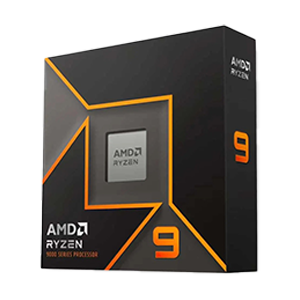
The first thing to check is whether the motherboard supports your chosen processor. Motherboards are designed for particular CPU sockets and compatible chipset families. A processor cannot simply be installed in any motherboard.
For example, Intel and AMD processors use different platform requirements, and compatibility can also vary between generations within the same brand. Always check the motherboard manufacturer’s supported CPU list before buying.
BIOS support matters too. Some motherboards need a BIOS update to recognise a newer processor. If you are purchasing a prebuilt gaming PC, ask whether the motherboard and processor are already configured to work together.
The best approach is to choose the processor first, then select a compatible motherboard that meets your gaming and upgrade requirements.
2. Power Delivery and VRM Quality
Voltage regulator modules, commonly called VRMs, help deliver stable power to the CPU. Their quality becomes particularly important with high-performance processors, sustained workloads and systems that may use power-intensive settings.
A motherboard with a capable VRM design and adequate cooling can help maintain stable operation under load. However, you do not need an enthusiast-grade power system for every gaming build.
For an entry-level or midrange gaming PC, a well-reviewed motherboard designed for the selected processor is usually more sensible than paying extra for premium power features you will never use. Higher-end processors may justify stronger power delivery and larger VRM heatsinks.
Consider the complete system rather than judging a motherboard by its appearance or price alone.
3. RAM Capacity, Speed and Upgrade Options
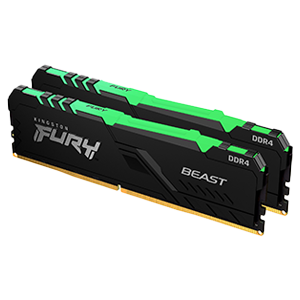
Memory affects gaming performance, multitasking and how comfortably your PC handles modern applications. Your motherboard determines which memory generation it supports, how much RAM it can accommodate and the supported memory configurations.
Check these details before purchasing:
- Memory generation: DDR4 and DDR5 are different standards and are not interchangeable.
- Maximum capacity: Make sure the board supports the amount of memory you may want later.
- Memory speed: Check the official specifications and supported overclocking profiles.
- DIMM slots: Additional slots can make future upgrades easier, depending on your starting configuration.
For many modern gaming systems, 16GB can be a practical starting point, while 32GB offers more headroom for demanding games, multitasking and streaming. Your actual needs depend on the games and applications you run.
Avoid buying a motherboard purely because its advertised memory speed is exceptionally high. Choose memory that is compatible with the board and processor, and check the manufacturer’s support information.
4. PCIe Slots and Graphics Card Support
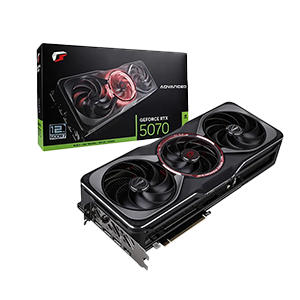
The graphics card is often the most important component for gaming performance, so the motherboard must accommodate it properly.
Check the primary PCIe x16 slot, its supported interface generation and the physical space around it. Newer PCIe generations offer greater bandwidth, but a newer motherboard standard does not automatically deliver a noticeable gaming improvement in every configuration.
Physical clearance matters as well. Large graphics cards can cover adjacent expansion slots, and their size may affect the case you choose.
If you plan to add a capture card, expansion card or another PCIe device, check the motherboard’s slot layout before buying. Also consider whether the case provides sufficient clearance and airflow around the graphics card.
For practical advice on choosing a compatible enclosure, read our related guide: How to Choose a PC Case for Airflow, Space and Future Expansion.
5. Storage: M.2 Slots and SATA Connections
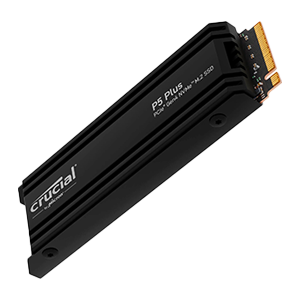
Games can occupy substantial storage space, making motherboard storage options important. Most current gaming motherboards provide M.2 slots for compact SSDs, while SATA ports support compatible SATA SSDs and hard drives.
When comparing boards, check:
- How many M.2 slots are available.
- Which PCIe generations and drive lengths each slot supports.
- Whether installing an M.2 drive disables any SATA ports.
- Whether heatsinks are included for supported SSDs.
- How easily you can add storage later.
A fast NVMe SSD can help reduce loading times and improve system responsiveness. However, motherboard storage specifications should match your actual needs. If you mainly play a few games, you may not need a board with multiple premium-speed M.2 slots.
If you maintain a large game library or create video content, extra storage expansion options may be worth paying for.
6. Connectivity: USB, Networking and Audio
Connectivity is one of the most practical differences between motherboard models. Consider the devices you use every day, including a gaming mouse, keyboard, headset, controller, external drive, webcam and microphone.
Review both rear-panel and internal connections. Useful features may include USB-C, high-speed USB ports, front-panel USB headers and enough connections for your case accessories.
Networking is equally important. Many boards include Ethernet, while selected models also offer Wi-Fi and Bluetooth. Check the exact model specifications instead of assuming wireless networking is included.
For competitive gaming, a reliable wired Ethernet connection can be a good choice where practical. Built-in Wi-Fi is useful when a cable is inconvenient, but performance depends on the network, router, interference and antenna placement.
Audio features should be considered according to your equipment. Most gamers using a USB headset or dedicated audio device will not need an expensive motherboard solely for upgraded onboard audio.
7. Motherboard Size and Case Compatibility
Motherboards commonly come in ATX, Micro-ATX and Mini-ITX formats. Their physical size affects the case you need and the number of expansion options available.
ATX boards often provide more expansion slots and connectors. Micro-ATX can offer a balanced combination of features and compact dimensions, while Mini-ITX is designed for smaller systems and may provide fewer slots.
Before choosing a board, confirm that your case supports its form factor. Also check cooler clearance, graphics card dimensions, cable routing and access to the motherboard’s connectors.
A smaller motherboard is not necessarily less capable for gaming. The right size depends on your preferred setup, expansion needs and available desk space.
8. Cooling, Fan Headers and Build Convenience
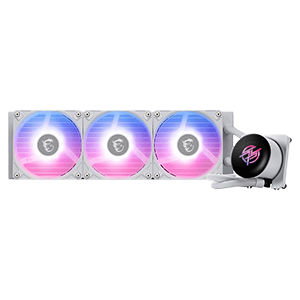
Good cooling helps a gaming PC manage heat during demanding sessions. Motherboards provide fan headers for case fans and, on many models, dedicated connections for CPU coolers or liquid-cooling pumps.
Count the connections you need before buying, especially if your case has several fans. Some systems may require a fan hub or splitter, depending on the hardware.
Useful build features can include accessible fan headers, clearly labelled connectors, diagnostic LEDs and a BIOS flashback function. These features do not necessarily increase frame rates, but they can make assembly, troubleshooting and maintenance easier.
Also remember that motherboard cooling is only one part of the equation. The CPU cooler, case airflow, graphics card cooling and room temperature all affect overall system behaviour.
9. Future-Proofing Without Overspending
No motherboard can guarantee compatibility with every future processor or technology. Platform support changes over time, so it is better to plan realistic upgrades than to pay extra for vague promises of future-proofing.
Think about the upgrades you are most likely to make. You may want more RAM, another SSD, additional USB devices or a processor upgrade within the same supported platform.
Choose a board with enough expansion options for those plans, but avoid paying for features that do not serve your needs. Premium overclocking controls, extensive RGB lighting and multiple high-speed expansion slots may be useful to enthusiasts, but they are not essential for every gamer.
For buyers comparing complete systems at different performance levels, the HexTech Performance Series gaming PCs under AED 5000 are one option to explore. Compare the full component specifications, not just the motherboard brand or chipset name.
10. Match the Motherboard to Your Complete Build
The best motherboard is the one that balances compatibility, reliability, features and cost for your particular PC. A gaming system built around a mainstream processor and graphics card usually does not need the same motherboard as a premium workstation or enthusiast gaming rig.
Before purchasing, confirm CPU support, memory compatibility, power delivery, graphics card clearance, storage expansion, networking and case fit. Check the exact model number because two boards with similar names may have different features.
It is also worth asking whether a prebuilt system uses standard, upgrade-friendly components. This can make future repairs and upgrades more straightforward.
Explore HexTech Computer to review gaming PC options and compare complete configurations. A balanced build—with a suitable motherboard, processor, graphics card, memory, storage and power supply—will generally serve you better than spending too much on one component while neglecting the rest.
Frequently Asked Questions
Does a motherboard improve gaming FPS?
Usually, not directly. Once the motherboard adequately supports the CPU, memory and graphics card, FPS is more strongly affected by those components and game settings. Motherboard limitations can matter in particular configurations.
Which motherboard size is best for gaming?
ATX is useful for builds needing more expansion, Micro-ATX is a versatile compact option, and Mini-ITX suits smaller PCs. Choose based on case compatibility and the features you need.
Is an expensive motherboard worth it?
Only if you will use its extra features. Better power delivery, more storage slots or specific connectivity may justify a higher price, but premium features do not automatically mean better gaming performance.
How do I check CPU and motherboard compatibility?
Check the socket, chipset requirements, supported processor list and BIOS version on the manufacturer’s website. Do this before buying the parts.
Is DDR5 better than DDR4 for gaming?
DDR5 can offer higher bandwidth and may benefit supported systems, but the performance difference depends on the processor, game and memory configuration. The motherboard must support the chosen memory generation.
How many M.2 slots should a gaming motherboard have?
One can be enough for a basic gaming PC. Two or more may be useful if you want additional NVMe storage or expect your game library to grow.
Do all gaming motherboards include Wi-Fi?
No. Some include Wi-Fi and Bluetooth, while others require wired Ethernet or a separate wireless adapter. Check the exact model’s specifications.
Does PCIe 5.0 make games run faster?
Not necessarily. The benefit depends on the device and workload. A newer PCIe version alone does not guarantee a noticeable increase in gaming FPS.
Can I upgrade my CPU without changing the motherboard?
Sometimes. The replacement processor must be supported by the motherboard, chipset and BIOS. Check the manufacturer’s CPU support list before upgrading.
What is the most important motherboard feature for a gaming PC?
There is no single feature for every build. CPU compatibility comes first, followed by adequate power delivery, suitable RAM support, storage options and the connectivity you actually need.
Final Thoughts
Choosing a gaming motherboard is about compatibility and useful features—not simply buying the most expensive model. Prioritise processor support, dependable power delivery, suitable RAM, storage expansion, connectivity and case fit. With those fundamentals covered, you can put more of your budget toward the components that have the greatest impact on your gaming experience.