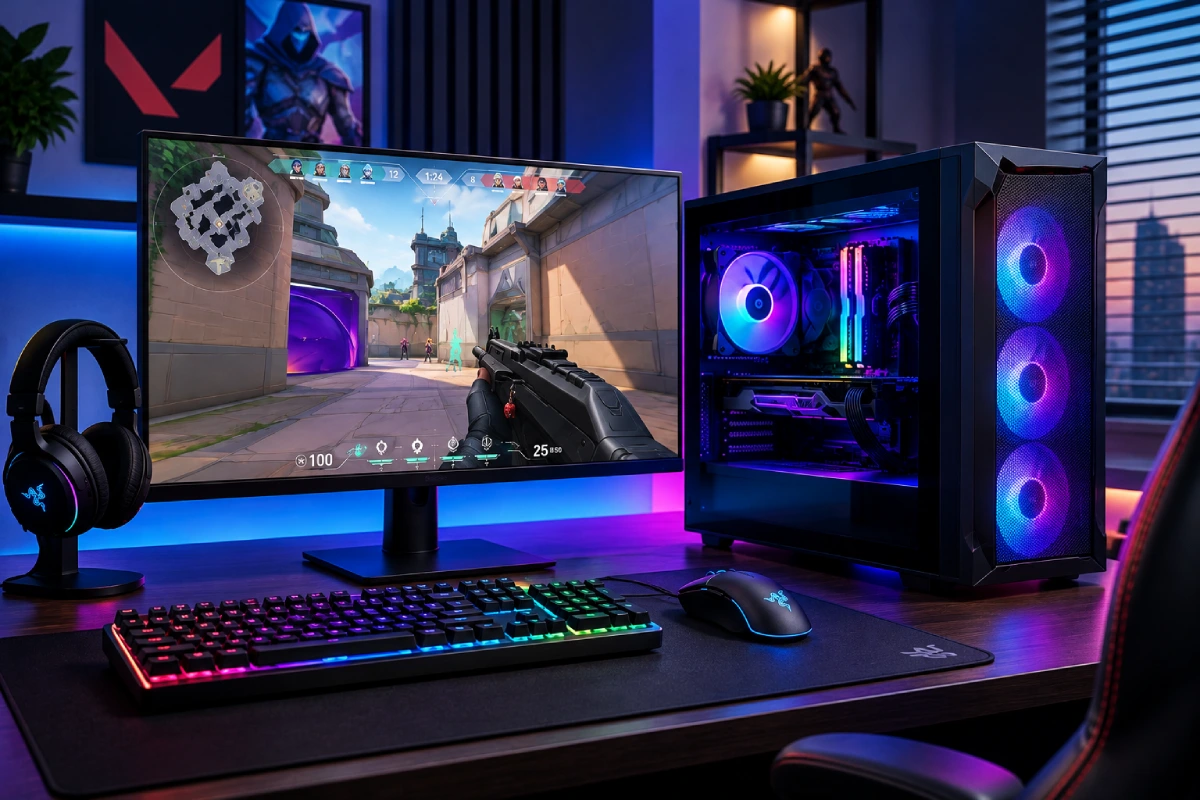
Valorant is a competitive tactical shooter where precision, reaction time and consistent performance matter. Whether you are climbing ranked matches, practising your aim or playing with friends, having the right gaming PC can make your experience smoother and more enjoyable.
The good news is that you do not need an expensive computer to start playing Valorant competitively. With a budget of AED 3,000, you can prioritise the components that matter most, choose sensible specifications and build a setup around your preferred frame rate.
In this guide, HexTech Computer explains how to choose a gaming PC for Valorant under AED 3,000, which components deserve your attention and how to avoid spending money on upgrades you do not immediately need.
1. Prioritise CPU Performance for Competitive Gaming
The processor, or CPU, is an important component in a Valorant gaming PC. Because Valorant is designed around competitive gameplay, achieving high frame rates can depend heavily on CPU performance, particularly at lower resolutions and competitive settings.
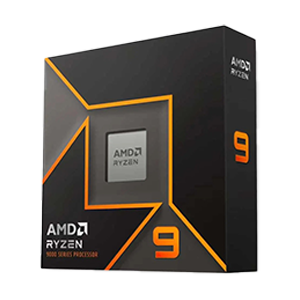
For a budget of AED 3,000, consider a modern AMD Ryzen 5 or Intel Core i3/Core i5 processor, depending on its generation, price and performance.
When comparing processors, look beyond the model name. Check gaming benchmarks, single-core performance, platform compatibility and the cost of the motherboard.
A capable processor can also help maintain smoother gameplay when running voice chat, recording clips or keeping other applications open.
Rather than spending most of your budget on an expensive CPU, aim for a balanced configuration that delivers consistent performance without compromising essential components.
2. Choose the Right Graphics Solution
Valorant is less graphically demanding than many modern AAA games, making it accessible to a wider range of gaming PCs. However, your graphics hardware still affects visual performance, especially when using higher resolutions or more demanding settings.
You can consider two main options:
- Integrated graphics: Suitable for entry-level configurations when paired with a capable processor and compatible memory. Performance varies significantly between processors.
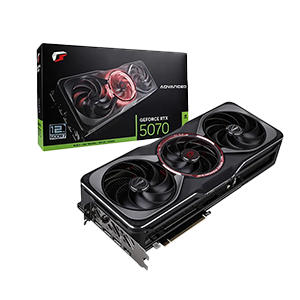
- Dedicated graphics card: Provides a stronger graphics upgrade path and may offer more consistent performance across different games.
If you are building a complete gaming PC under AED 3,000, compare the cost of a dedicated GPU against a processor with integrated graphics. A dedicated card is not automatically the best choice if it forces you to compromise on other essential components.
For competitive Valorant, prioritise stable frame rates over expensive visual effects. Lower graphics settings can help reduce unnecessary GPU workload, although the final result depends on your hardware.
3. Aim for 16GB of RAM
Memory is another important consideration when choosing a budget gaming computer.
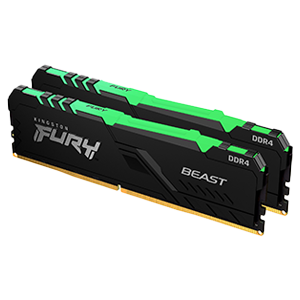
Although the exact requirements depend on the configuration and applications you use, 16GB RAM is a sensible target for a new gaming PC. It provides room for Valorant, Windows, voice chat and everyday multitasking.
Here is how different capacities compare:
- 8GB RAM: A basic entry point, but it can restrict multitasking.
- 16GB RAM: A practical balance for budget gaming and general use.
- 32GB RAM: Worth considering for heavier workloads, streaming and content creation, but usually not essential for a Valorant-focused build.
If you use integrated graphics, check whether dual-channel memory is supported and configured correctly. Memory bandwidth can affect integrated graphics performance.
Before upgrading, verify your motherboard’s memory slots, supported speeds and compatibility.
4. Select an SSD for Faster Loading
An SSD makes a gaming PC feel more responsive by improving operating system startup, application launches and game loading.
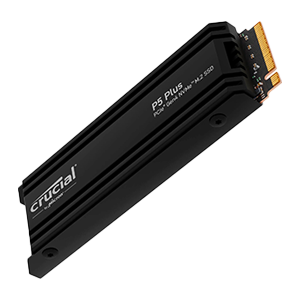
For a Valorant gaming PC under AED 3,000, a 500GB SSD is a reasonable starting point. If your budget allows, a 1TB NVMe SSD provides additional room for other games, updates and recordings.
An NVMe drive can offer excellent transfer speeds when supported by your motherboard, but storage speed is not the primary factor determining your Valorant FPS.
Avoid spending unnecessarily on premium storage while neglecting your processor, memory or graphics solution. A reliable SSD with sufficient capacity is generally a better budget choice than an expensive drive with features you may not use.
5. Target the Right FPS and Monitor Refresh Rate
Competitive players often prefer high frame rates because they can make gameplay feel more responsive. However, the ideal target depends on your monitor, hardware and personal preferences.
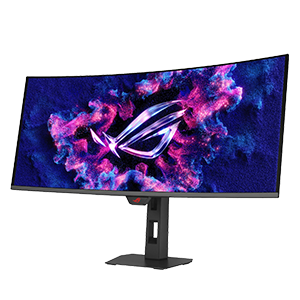
A 60Hz monitor is suitable for beginners, while a 144Hz monitor offers a smoother display experience when your PC can generate enough frames.
Higher-refresh-rate monitors can be valuable for competitive gaming, but they should fit within your overall budget. There is little benefit in purchasing an expensive monitor if the PC cannot consistently deliver the performance needed to take advantage of it.
Use competitive settings, keep graphics drivers updated and close unnecessary background applications when troubleshooting performance.
Remember that FPS is not guaranteed by a particular processor or graphics card. Results vary with game updates, resolution, map conditions, software and hardware configuration.
6. Do Not Overspend on the Power Supply and Cooling
A budget gaming PC still needs dependable supporting components.
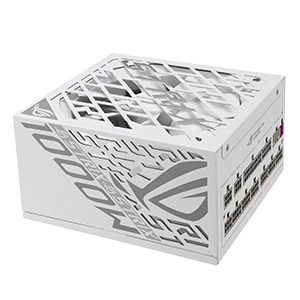
Choose a power supply from a reputable manufacturer with sufficient capacity for your hardware. Check its specifications, connectors, protection features and suitability for future upgrades.
Cooling matters too, particularly in the UAE, where high ambient temperatures can make airflow and thermal management more important.
A case with good ventilation and appropriately positioned fans can help maintain stable operating temperatures. Keep dust filters clean and avoid placing your computer in a cramped, poorly ventilated area.
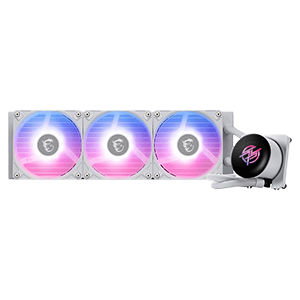
You generally do not need an expensive liquid cooler for a modest Valorant gaming build. A compatible air cooler can provide adequate cooling for many entry-level processors.
7. Plan a Balanced Budget of AED 3,000
When your budget is limited, every component should serve a purpose.
A sensible allocation prioritises a capable CPU, appropriate graphics hardware, 16GB RAM, an SSD and a reliable power supply. The exact amount spent on each part should depend on current UAE prices and the performance you expect.
For example, you might allocate a larger share to the processor if you are targeting high competitive frame rates, while still ensuring that the graphics solution is adequate.
Remember to include the motherboard, case and cooling in your calculations. If AED 3,000 must also cover your monitor, keyboard, mouse and headset, you will need to reserve money for those essentials before selecting the PC components.
For further budgeting advice, read our guide to how much a good gaming PC costs in the UAE.
8. Consider Prebuilt and Custom Gaming PCs
A custom gaming PC gives you more control over individual components. You can prioritise the processor, memory and graphics solution according to your competitive gaming goals.
However, building a computer requires compatibility checks, assembly and troubleshooting. The final cost should include every component rather than just the CPU and graphics card.
A prebuilt PC can be more convenient, especially for beginners who prefer a ready-to-use system. Before buying, verify the exact processor, GPU, RAM, SSD, PSU and warranty.
You should also check whether the system includes Windows, Wi-Fi and Bluetooth, since these features can affect overall value.
If you want to understand the differences between configurations, explore our guide to gaming PC builds for different budgets in the UAE.
For players who prefer a professionally assembled system, HexTech also offers custom gaming PC build services in Dubai.
9. Leave Room for Future Upgrades
Your first gaming PC does not have to be your final configuration.
Choosing compatible components can make future upgrades easier. Consider motherboard expansion options, available RAM slots, additional SSD connections, graphics card clearance and power supply capacity.
You might start with 16GB RAM and add more later if your workload grows. Additional storage can also be a useful upgrade when you install more games or record gameplay.
However, do not sacrifice present-day performance for upgrades you may never need. A balanced system that meets your current requirements is often the best investment for a budget-conscious player.
If you want to compare entry-level prebuilt configurations, browse the HexTech Starter Series gaming PCs under AED 5000. Check current pricing and specifications carefully, as available systems may exceed your AED 3,000 budget.
Final Verdict: Is AED 3,000 Enough for a Valorant Gaming PC?
Yes, AED 3,000 can be a reasonable budget for a Valorant-focused gaming PC, provided you choose components carefully and have realistic performance expectations.
Prioritise a capable processor, appropriate graphics hardware, 16GB RAM, SSD storage and reliable power delivery. Pair the computer with a suitable monitor and avoid spending too much on cosmetic features that do not improve your immediate gaming experience.
Before purchasing, compare current prices, review independent gaming benchmarks and check the complete specifications of each system.
At HexTech Computer, the goal is to help gamers make informed choices based on their budgets and gaming requirements. Whether you are starting your competitive journey or upgrading an existing setup, choosing balanced hardware can help you get more value from your investment.
Frequently Asked Questions
1. Can I play Valorant on a gaming PC under AED 3,000?
Yes. Valorant can run on relatively modest hardware. A carefully selected budget PC can provide a suitable gaming experience, depending on its specifications and settings.
2. Which processor is best for Valorant under AED 3,000?
A modern AMD Ryzen 5 or Intel Core i3/Core i5 processor can be a good starting point. Compare benchmarks and total platform costs before choosing.
3. Is a dedicated graphics card necessary for Valorant?
Not necessarily. Compatible integrated graphics may be sufficient for entry-level gaming, but a dedicated GPU generally provides more graphics performance and broader gaming flexibility.
4. Is 8GB RAM enough for Valorant?
It may meet basic requirements, but 16GB RAM is a more practical choice for a new gaming PC, particularly when multitasking.
5. Can a budget PC run Valorant at 144 FPS?
Some budget configurations can achieve 144 FPS under suitable conditions. Actual results depend on hardware, settings, resolution and game updates.
6. Is a 144Hz monitor worth buying for Valorant?
Yes, it can improve perceived smoothness when your PC produces enough frames. Consider the monitor only after accounting for your overall setup budget.
7. Is an SSD important for Valorant?
An SSD improves system responsiveness and loading times. However, it does not directly guarantee higher in-game FPS.
8. Should I build or buy a prebuilt gaming PC?
A custom build offers greater component control, while a prebuilt system offers convenience. Compare complete specifications, warranty coverage and total cost before deciding.
9. Can I stream Valorant with a PC under AED 3,000?
Basic streaming may be possible, but gaming and streaming together increase hardware demands. Prioritise sufficient CPU performance, memory and suitable encoding capabilities.
10. Can I upgrade my Valorant gaming PC later?
Yes, provided the motherboard, PSU, case and other components support your planned upgrades. Check compatibility before purchasing additional hardware.