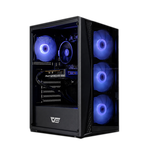
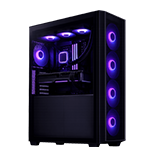
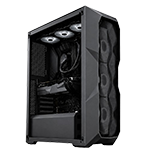
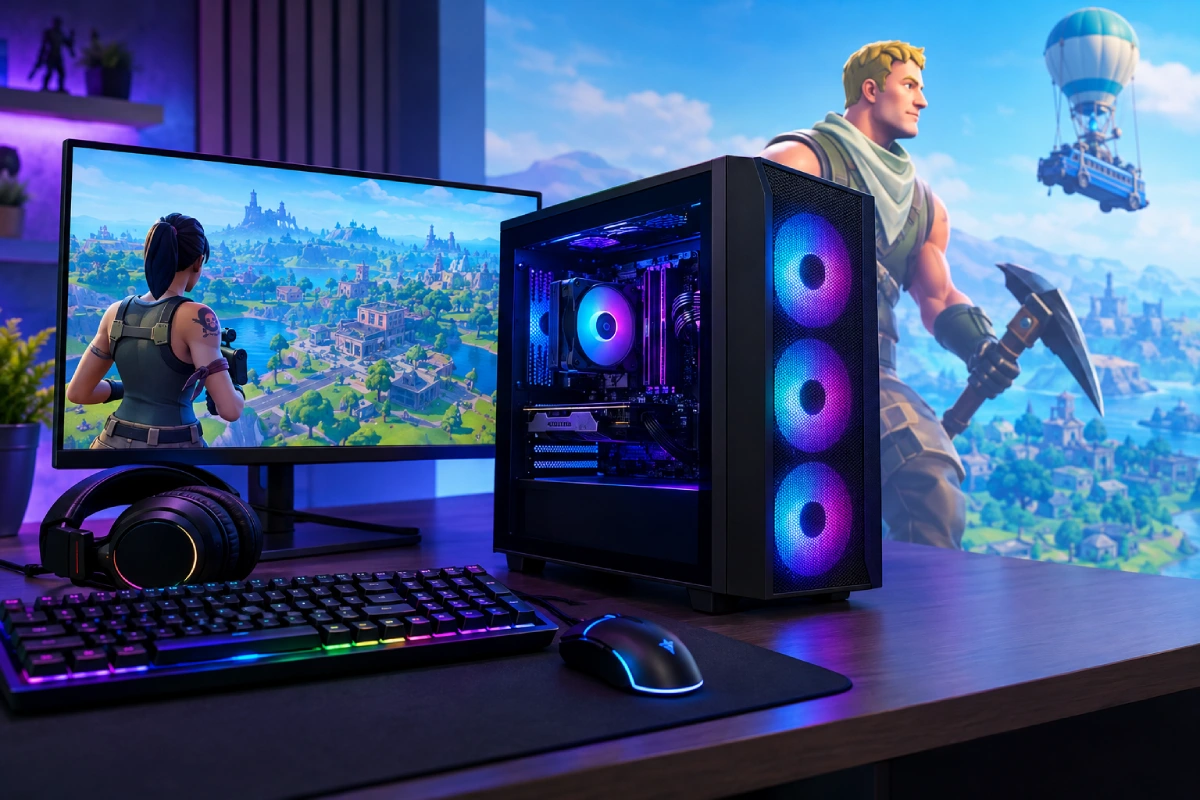
Finding a gaming PC for Fortnite under AED 3,000 can be challenging, especially when you want smooth gameplay, responsive controls and reliable performance without overspending. The good news is that you do not necessarily need an expensive gaming setup to enjoy Fortnite. With the right combination of processor, graphics, memory and storage, you can build or choose a budget-friendly PC that suits your gaming needs.
At HexTech Computer, we understand that choosing the right gaming PC involves more than comparing prices. It is about investing in components that deliver meaningful performance. In this guide, we explain what to prioritise when choosing a Fortnite gaming PC within a budget of AED 3,000 in the UAE.
1. Prioritise the Graphics Card for Better Gaming Performance
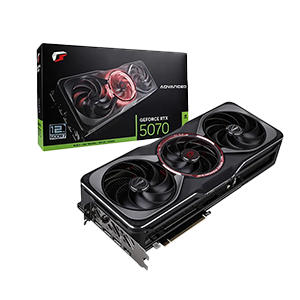
The graphics card, or GPU, is one of the most important components in a gaming PC. It processes the visuals you see on screen and significantly affects frame rates, graphics quality and overall gameplay smoothness.
For Fortnite, your graphics requirements depend on whether you prefer competitive settings or visually detailed gameplay. Players aiming for competitive performance often benefit from lower graphics settings, while casual players may prefer higher visual quality.
When shopping within AED 3,000, consider these options:
- Integrated graphics: A practical starting point for entry-level gaming, depending on the processor and graphics configuration.
- Entry-level dedicated GPU: Worth considering if you can find a suitable new or used option within budget.
- A balanced GPU and CPU combination: Helps avoid spending too much on one component while limiting the performance of the other.
Always check real-world Fortnite benchmarks for the exact hardware you intend to purchase. Performance varies with the game mode, resolution, graphics settings and software updates.
2. Choose a Capable Processor
The CPU handles game logic, background processes and other calculations that influence responsiveness. Fortnite can be particularly sensitive to processor performance when targeting high frame rates.
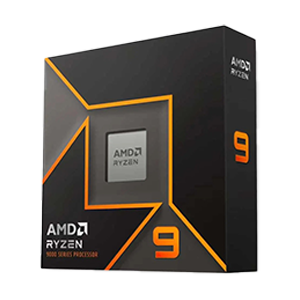
For a budget gaming PC, look for a modern AMD Ryzen 5 or Intel Core i3/Core i5 processor, depending on the generation, price and overall configuration. Older processors can also offer value, but their performance should be evaluated carefully.
Rather than choosing a processor solely because it has a higher model number, compare its gaming performance, core configuration and compatibility with the motherboard.
A balanced processor also helps when running voice chat, a browser or other applications while gaming. If you intend to stream Fortnite, additional CPU resources may be useful, although streaming software and hardware encoding options also influence performance.
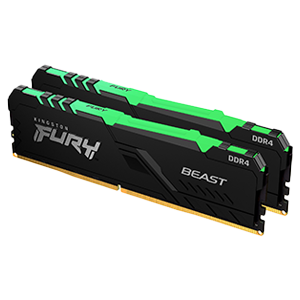
3. Aim for 16GB of RAM
Memory affects how effectively your PC handles Fortnite and other applications simultaneously.
Although Fortnite’s published minimum requirements include 8GB of RAM, Epic Games recommends 16GB or more for its recommended PC specifications. For a new gaming setup, 16GB is therefore a sensible target.
Consider the following:
- 8GB RAM: A basic starting point, but it can restrict multitasking and may lead to a less comfortable experience.
- 16GB RAM: A practical target for budget gaming and everyday computing.
- 32GB RAM: Useful for heavier multitasking, streaming and content creation, but usually a lower priority than securing an adequate GPU within this budget.
If you choose integrated graphics, compatible dual-channel memory can also influence graphics performance. Check the motherboard’s supported memory configuration before purchasing additional RAM.
4. Choose an SSD Instead of a Traditional Hard Drive
Storage affects boot times, application loading and how quickly games launch. An SSD is preferable to a traditional mechanical hard drive for a modern gaming PC.
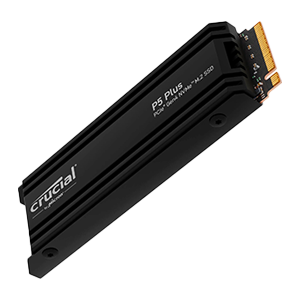
For a Fortnite-focused system, consider a 500GB SSD as a starting point, or a 1TB SSD if your budget allows. An NVMe SSD is a strong choice when compatible with your motherboard.
A larger drive becomes useful if you plan to install several games, record gameplay or keep media files on your PC.
Remember that storage capacity does not directly guarantee higher FPS. A faster drive primarily improves loading and general responsiveness rather than replacing the performance benefits of a capable graphics card.
5. Set Realistic FPS Expectations
Before buying a gaming PC, decide what type of Fortnite experience you want.
Competitive players commonly use Performance Mode or reduced graphics settings to prioritise frame rates and responsiveness. Players who prefer detailed environments may choose higher settings, which can increase the demands on the GPU.
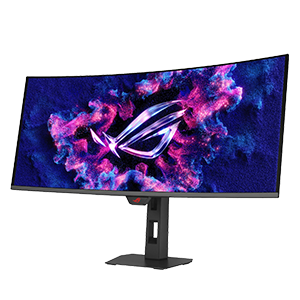
Your monitor matters too. A 60Hz monitor is suitable for casual gaming, while a 144Hz monitor can display more frames per second when the PC consistently produces them.
However, buying a high-refresh-rate monitor does not automatically improve performance. The PC must generate enough frames to take advantage of it.
Avoid relying on universal FPS promises. The same PC can produce different results depending on the Fortnite season, game mode, resolution, driver version and settings.
6. Do Not Overlook the Power Supply and Cooling
A budget PC still needs reliable supporting components. A poor-quality power supply or inadequate cooling can undermine an otherwise capable configuration.
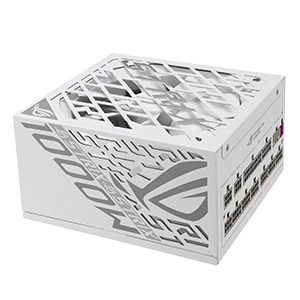
Choose a power supply from a reputable manufacturer with sufficient wattage and the appropriate connectors for your CPU and graphics card. Do not select a PSU based on wattage alone; overall quality and protection features matter.
Cooling is particularly important in the UAE, where warm ambient temperatures can make heat management more challenging.
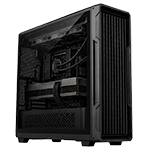
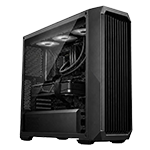
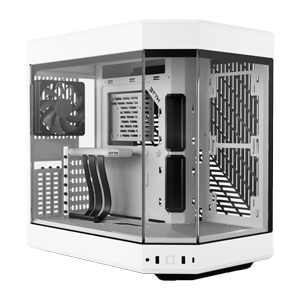
Look for a case with good airflow, properly positioned fans and enough clearance for the installed components. Keep the PC away from enclosed spaces, clean dust filters regularly and maintain unobstructed ventilation.
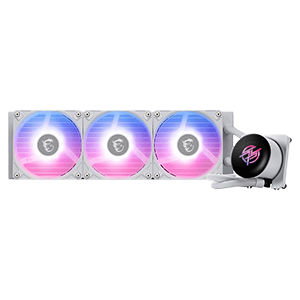
You do not need expensive liquid cooling for every budget build. A suitable air cooler can be perfectly adequate for an entry-level gaming system.
7. Decide Between Building and Buying a Gaming PC
Building your own PC gives you control over component selection and allows you to allocate more money towards performance-critical hardware. However, you must also consider assembly, compatibility, troubleshooting and warranty arrangements.
A prebuilt PC can offer convenience, particularly for first-time buyers. Before purchasing, check the complete specifications rather than focusing only on the processor or graphics card advertised in the product title.
Confirm the exact GPU, RAM capacity, SSD size, PSU model, operating system and warranty coverage. Also ask whether Wi-Fi, Bluetooth and other connectivity features are included.
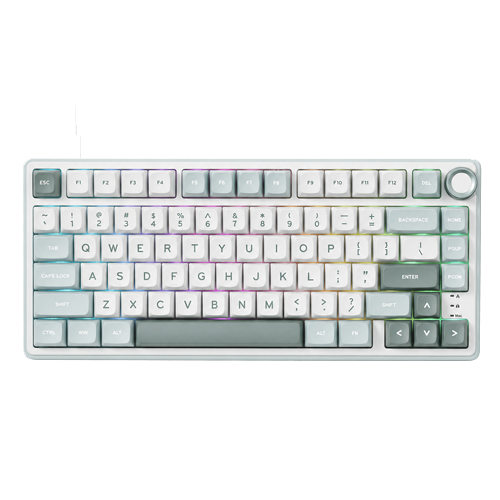
If your budget is strictly AED 3,000, compare complete system costs, including any peripherals you still need. A PC advertised at AED 2,900 may exceed your budget once a monitor, keyboard and mouse are added.
For additional guidance on selecting a system, read our guide to choosing a gaming PC in the UAE.
8. Plan Your Budget Carefully
A sensible budget allocation prioritises gaming performance over unnecessary extras.
For example, if AED 3,000 is your total budget for the tower alone, focus first on a suitable CPU and GPU combination. Then aim for 16GB RAM, an SSD, reliable power delivery and adequate cooling.
If the budget must also cover peripherals, reserve money for a monitor and basic accessories before selecting individual components.
Avoid spending too much on RGB lighting, premium cases or expensive cooling when those upgrades do not improve your immediate gaming experience. You can always enhance the appearance of your setup later.
If you can stretch your budget in the future, explore the HexTech Starter Series gaming PCs Under AED 5,000 to compare available configurations and specifications. Check current prices carefully, as a complete system within this range may cost more than AED 3,000.
9. Consider Future Upgrades
A gaming PC should meet your current needs while allowing sensible improvements later.
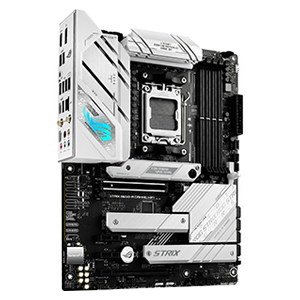
Choose a motherboard that supports your intended processor and offers useful upgrade options. Check available RAM slots, storage connections and graphics card clearance before purchasing.
A system with a suitable power supply and upgrade-friendly case can make future improvements easier. You might initially choose an entry-level configuration and later add storage, increase memory or install a more capable graphics card.
However, upgradeability should not come at the expense of current performance. A well-balanced PC today is generally more useful than a system built around expensive components you cannot fully benefit from.
Final Verdict: What Matters Most for Fortnite Under AED 3,000?
Choosing a gaming PC for Fortnite under AED 3,000 is about setting priorities. Start with a capable CPU and the best suitable graphics solution your budget allows. Aim for 16GB RAM, choose an SSD, and ensure that the power supply and cooling are reliable.
Most importantly, compare complete specifications and realistic benchmarks rather than relying on marketing claims or advertised FPS figures.
At HexTech Computer, the goal is to help gamers make informed decisions based on their budgets and performance expectations. Whether you are buying your first gaming PC or planning an upgrade, choosing balanced components can help you enjoy Fortnite without spending unnecessarily.
Ready to choose your next gaming setup? Visit HexTech Computer to explore gaming PCs, compare available configurations and find a system that suits your requirements.
Frequently Asked Questions
1. Can I play Fortnite on a gaming PC under AED 3,000?
Yes. A suitably configured budget PC can run Fortnite. Actual performance depends on the processor, graphics hardware, RAM, resolution and in-game settings.
2. Which graphics card is best for Fortnite under AED 3,000?
The best option depends on current prices and availability. Compare entry-level dedicated GPUs and integrated graphics solutions using benchmarks for your preferred settings before purchasing.
3. Is 8GB RAM enough for Fortnite?
Eight gigabytes meets Fortnite’s published minimum memory requirement, but 16GB is a more practical target for a new gaming PC and everyday multitasking.
4. Is 16GB RAM enough for competitive Fortnite?
For many budget gaming setups, 16GB is a sensible starting point. Performance also depends on the CPU, GPU, memory configuration and background applications.
5. Can I get 144 FPS in Fortnite under AED 3,000?
It may be possible with suitable hardware and competitive settings, but 144 FPS is not guaranteed. Results vary by configuration, game mode, resolution and updates.
6. Should I choose a dedicated GPU or integrated graphics?
A dedicated GPU generally provides stronger graphics performance. Integrated graphics can be a budget-friendly alternative, but results depend heavily on the processor and memory configuration.
7. Is an SSD necessary for a Fortnite gaming PC?
An SSD is strongly recommended because it improves boot times, loading and overall system responsiveness. It does not, by itself, guarantee higher in-game FPS.
8. Can I stream Fortnite with a PC under AED 3,000?
Basic streaming may be possible, depending on the hardware and encoding method. Streaming while gaming increases system demands, so prioritise a balanced CPU, adequate memory and a suitable GPU.
9. Should I buy a prebuilt or custom gaming PC?
A prebuilt PC offers convenience and may include assembly and warranty support. A custom build provides more control over component selection. Compare total costs and specifications before deciding.
10. Can I upgrade my budget gaming PC later?
Yes, if the motherboard, power supply, case and other components support your planned upgrades. Check compatibility before buying, and prioritise current gaming performance within your budget.