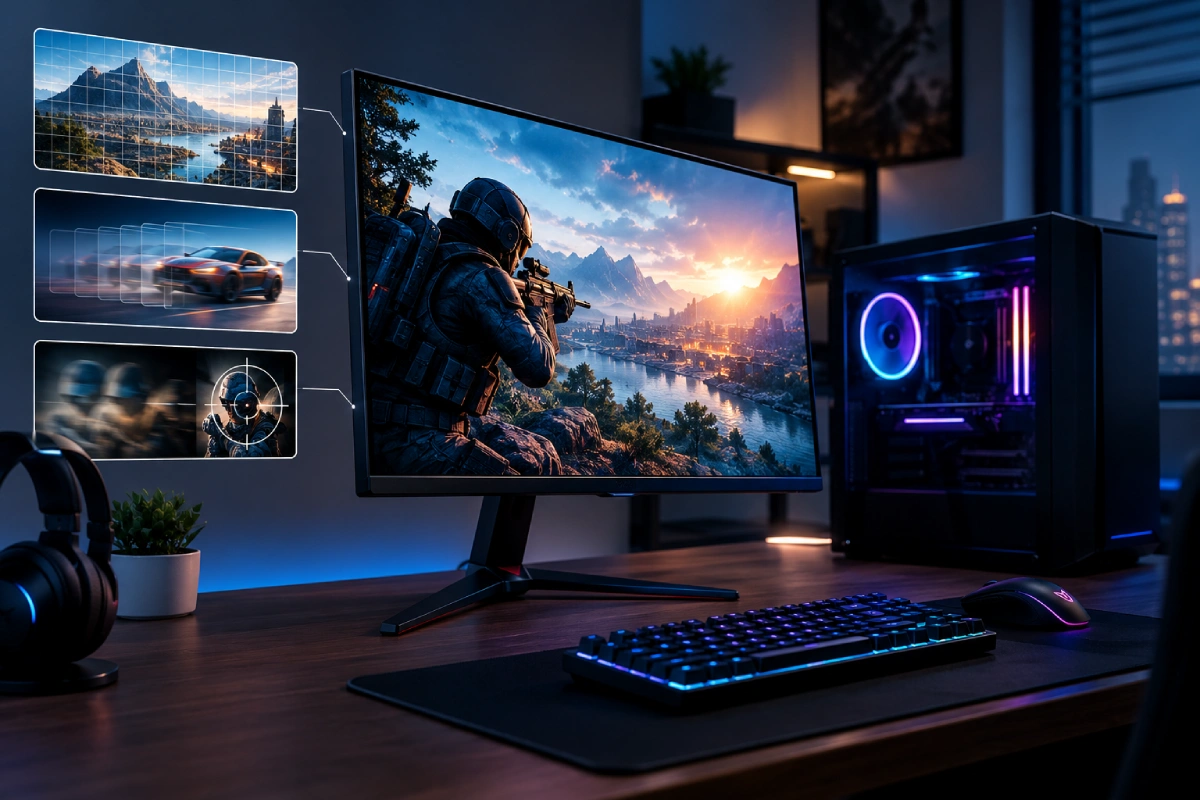
Choosing a gaming monitor involves more than picking a screen size or buying the model with the highest specifications. Resolution determines image detail, refresh rate affects motion smoothness, and response time influences how quickly pixels change colour. These specifications work together to shape your gaming experience.
For gamers in the UAE, the best monitor is one that matches their PC, favourite games, available desk space, and budget. This guide explains what to look for before buying a gaming monitor.
1. Choose the Right Resolution
Resolution describes the number of pixels displayed on the screen. More pixels can produce sharper images, but they also require more graphics processing power.
Full HD (1080p)
Full HD, or 1920 × 1080, is a practical option for budget-conscious gamers and competitive players. It places less demand on the graphics card, making high frame rates easier to achieve in many games.
A 1080p monitor is suitable for esports titles, everyday gaming, and smaller displays where affordability and performance matter most.
Quad HD (1440p)
Quad HD, also called 1440p or 2560 × 1440, offers sharper visuals than 1080p while requiring less processing power than 4K. It is an excellent middle ground for gamers who want detailed environments and smooth gameplay.
However, your graphics card must be powerful enough to deliver your preferred frame rate at this resolution. Read HexTech’s guide to the best gaming PC for 1440p and 4K gaming to understand how system performance affects your choice.
4K (2160p)
4K resolution, or 3840 × 2160, delivers highly detailed images and is attractive for cinematic games, expansive environments, and large displays. The trade-off is a significantly higher graphics workload.
If you want 4K gaming at high refresh rates, make sure your PC can support that combination in your preferred games. Otherwise, a good 1440p monitor may provide better overall value.
2. Understand Refresh Rate
Refresh rate measures how many times the monitor updates its image each second, expressed in hertz (Hz). A 60Hz screen refreshes 60 times per second, while a 144Hz screen can refresh 144 times per second.
Higher refresh rates can make movement appear smoother and improve the responsiveness of supported games, especially fast-paced shooters and racing titles.
Common options include:
- 60Hz: Suitable for everyday use and casual gaming.
- 120Hz–144Hz: A strong choice for many PC gamers seeking smoother gameplay.
- 165Hz–180Hz: Useful for players who want a higher-refresh-rate experience.
- 240Hz and above: Best considered by competitive players whose PCs can consistently produce high frame rates.
A higher refresh rate does not guarantee better performance in every situation. Your PC must generate enough frames to take full advantage of the display. Consider your games and expected frame rates before paying extra for a faster panel.
3. What Does Response Time Mean?
Response time measures how quickly a pixel changes from one colour or shade to another. Manufacturers often advertise it in milliseconds (ms), commonly using grey-to-grey measurements.
A faster pixel response can reduce visible trailing or ghosting behind moving objects. However, advertised figures are not always directly comparable because manufacturers may use different testing methods or aggressive settings.
For most gaming buyers, a monitor with good real-world response performance is more useful than choosing a model based only on the lowest advertised number.
Look for independent reviews that test motion clarity, ghosting, and overshoot. Overdrive settings can improve transitions, but an excessively aggressive setting may introduce distracting visual artefacts.
4. Match the Monitor to Your Gaming Style
Your favourite games should influence your monitor choice as much as its specifications.
Competitive gaming: Players of fast-paced shooters may prefer 1080p or 1440p with a high refresh rate and consistently low response times. Smooth motion and clear visibility can matter more than maximum resolution.
Single-player and story-driven games: A 1440p or 4K display can provide more detailed scenery. Choose a resolution your PC can handle without sacrificing the performance you want.
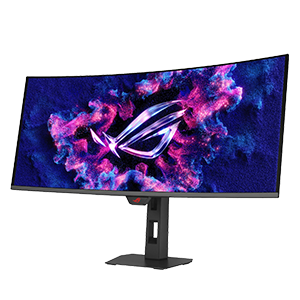
Racing and simulation games: A larger screen or ultrawide monitor can improve immersion. Check desk dimensions, viewing distance, and graphics requirements before purchasing.
Mixed gaming and productivity: An IPS display with good text clarity, accurate colours, and a comfortable size can work well for both work and entertainment.
5. Check Panel Type and Adaptive Sync
Resolution and refresh rate are important, but panel technology also affects image quality.
- IPS: Often offers consistent colours and wide viewing angles, making it a versatile choice for gaming and everyday work.
- VA: Commonly provides strong contrast, which can make darker scenes look deeper. Response performance varies between models.
- OLED: Offers excellent contrast and very fast pixel response, but usually costs more. Review warranty terms and the manufacturer’s guidance on long-term image retention.
Adaptive sync technologies such as AMD FreeSync and NVIDIA G-SYNC-compatible support can help reduce screen tearing and stuttering when the monitor and graphics card work together. Check the exact model’s supported range and connection requirements rather than relying on the technology name alone.
HexTech’s comparison of NVIDIA and AMD graphics cards can help you evaluate your GPU before choosing a compatible display.
6. Check Connections, Size, and Ergonomics
Before buying, confirm that the monitor’s ports support the resolution and refresh rate you want. DisplayPort and HDMI capabilities vary by version and device, so check the specifications of both your graphics card and monitor.
Also consider the following:
- Screen size: A 24-inch display is popular for competitive 1080p gaming, while 27 inches is a common choice for 1440p.
- Desk space: Larger and ultrawide displays need more room and may require a deeper desk.
- Stand adjustment: Height, tilt, and swivel adjustments can make long sessions more comfortable.
- Mounting: Check VESA compatibility if you plan to use a monitor arm.
- Warranty: Review the manufacturer’s coverage, including any specific conditions for dead pixels or OLED panels.
7. Balance Your Monitor and PC Budget
Avoid spending your entire budget on the monitor without considering the PC needed to drive it. A high-refresh-rate 1440p screen offers limited value if your graphics card cannot produce the frame rates your games require.
Before upgrading, review the essential components you need for a gaming PC and compare your system’s capabilities with your target resolution.
If you are planning a new gaming setup, explore the HexTech Performance Series gaming PCs for systems aimed at higher-performance gaming. This is the only gaming PC category link included in this guide.
You can also review how much a good gaming PC costs in the UAE to plan the combined cost of your computer and monitor.
Final Verdict
For many gamers, a 1440p monitor with a 144Hz or 165Hz refresh rate offers an excellent balance of detail, smoothness, and price. Competitive players may prioritise a faster 1080p display, while gamers seeking maximum visual detail may prefer 4K if their hardware can support it.
Compare resolution, refresh rate, real-world response performance, panel type, connectivity, and warranty before making your decision. The right gaming monitor is not necessarily the most expensive one; it is the display that fits your games, PC, and budget.
Frequently Asked Questions
What is the best resolution for a gaming monitor?
1080p suits budget and competitive gaming, 1440p offers a strong balance of clarity and performance, and 4K is ideal for detailed visuals when your PC is powerful enough.
Is 144Hz enough for gaming?
Yes. A 144Hz monitor is a strong choice for many gamers, offering smoother motion than 60Hz when your PC can deliver higher frame rates.
Is 240Hz better than 144Hz?
It can benefit competitive players who achieve very high frame rates. For casual gaming, the difference may be less important than resolution, image quality, and price.
What is a good response time for gaming?
Look for a monitor with well-tested pixel transitions and minimal ghosting. Do not rely only on the advertised millisecond figure because testing methods vary.
Should I choose 1080p or 1440p?
Choose 1080p if affordability and high frame rates are your priorities. Choose 1440p if you want sharper visuals and have a graphics card that can handle the additional workload.
Do I need a powerful graphics card for 4K gaming?
Generally, yes. 4K requires substantially more graphics processing than 1080p, especially with demanding games and high graphical settings.
Is IPS or VA better for gaming?
IPS often suits players who value colour consistency and viewing angles. VA can offer stronger contrast. Compare individual models because performance differs.
Does adaptive sync matter?
It can reduce screen tearing and improve smoothness when supported by the monitor and graphics card. Check compatibility before buying.
What monitor size is best for PC gaming?
A 24-inch screen is common for 1080p competitive gaming, while 27 inches is popular for 1440p. The best size depends on resolution, desk space, and viewing distance.
Should I upgrade my monitor or graphics card first?
Upgrade whichever component currently limits your experience. If your PC cannot deliver the frame rates or resolution you want, a graphics card upgrade may be more useful than buying a more demanding monitor.