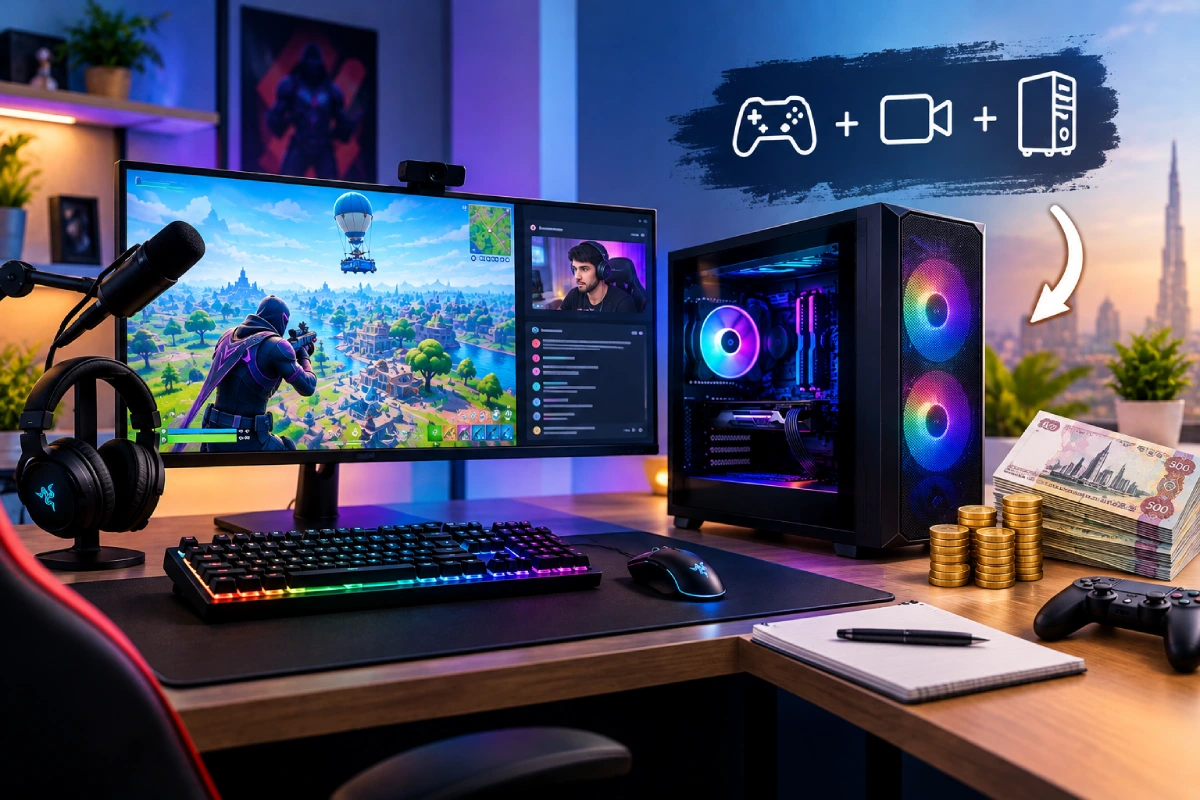
Building a gaming and streaming PC under AED 5,000 is possible with careful planning. Whether you want to stream competitive games, create YouTube content or share gameplay with friends, choosing balanced components is more important than purchasing the most expensive hardware.
Your PC needs to run games smoothly while handling streaming software, voice chat, browser tabs and recording tools. The challenge is finding the right combination of processor, graphics card, RAM and storage without exceeding your budget.
In this guide, HexTech Computer explains how to plan a gaming and streaming PC under AED 5,000, which components deserve priority and how to get the best value from your investment.
1. Prioritise the Graphics Card
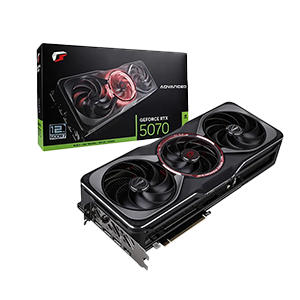
The graphics card (GPU) plays a major role in gaming performance. It determines how effectively your PC renders game visuals and can also help with streaming through supported hardware encoding.
For a budget of AED 5,000, look for a modern entry-level or mid-range dedicated GPU suitable for your favourite games and preferred resolution.
NVIDIA GeForce RTX graphics cards with supported NVENC encoding can be particularly convenient for streaming, while compatible AMD graphics cards may also offer suitable hardware encoding options.
Before choosing, consider:
- Your target resolution, such as 1080p or 1440p.
- The games you intend to stream.
- Available video memory and encoder support.
- Independent gaming benchmarks and current prices.
Avoid spending your entire budget on the GPU. Your processor, RAM and other components must also support gaming and streaming simultaneously.
2. Choose a Capable Processor
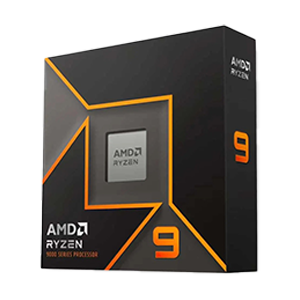
The CPU handles game calculations, background tasks and streaming-related workloads. A suitable processor helps maintain responsive gameplay while your streaming software is running.
For this budget, consider a modern AMD Ryzen 5 or Intel Core i5 processor, depending on the exact generation, price and configuration.
A processor with adequate cores and threads can help with multitasking, but you should also consider gaming performance and hardware encoding options. Using GPU-based encoding can reduce the CPU workload during streaming.
Choose a processor that complements your graphics card rather than paying extra for performance you may not need.
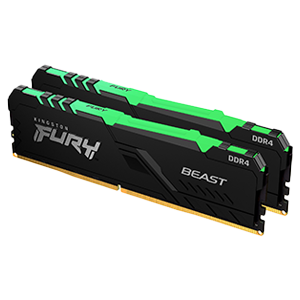
3. Aim for 16GB RAM, with 32GB as an Upgrade
Memory is important because gaming and streaming applications compete for available system resources.
16GB RAM is a reasonable starting point for an affordable gaming and streaming PC. It can handle many popular games alongside basic streaming software, although results vary by game and workload.
32GB RAM provides more breathing room for demanding games, multiple browser tabs, recording, editing and other background applications.
If your budget allows, 32GB can be a worthwhile target for a dedicated streaming setup. Otherwise, begin with 16GB and choose a motherboard that supports a future upgrade.
Check memory compatibility and available slots before purchasing additional RAM.
4. Select Fast SSD Storage
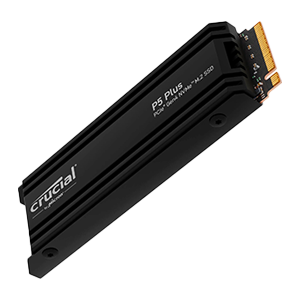
An SSD improves Windows startup, application launches and game loading. It also provides convenient space for recordings and content creation projects.
For a PC under AED 5,000, a 1TB NVMe SSD is a practical target if the rest of the configuration allows it. A 500GB drive can work when you need to save money, but it may fill quickly with games and video recordings.
Remember that recorded footage can consume substantial storage. You can add another SSD later or use a secondary drive for archived videos.
Prioritise sufficient capacity and reliability rather than paying a premium for storage speeds that will make little difference to your gaming performance.
5. Balance Gaming Performance and Streaming Quality
Streaming introduces extra demands that a gaming-only PC does not always face. Your ideal configuration depends on whether you want to stream casually or produce higher-quality content regularly.
For a practical 1080p setup, consider a balanced CPU and GPU combination, adequate memory and a supported hardware encoder.
In streaming software such as OBS Studio, you can adjust output resolution, frame rate, bitrate and encoding settings according to your internet connection and streaming platform.
Start with a stable configuration before increasing quality settings. Test your gameplay and stream together to identify performance drops.
A high FPS counter alone does not guarantee a smooth stream. Consistent frame delivery, stable encoding and reliable internet connectivity all contribute to the viewer experience.
6. Do Not Ignore the Power Supply and Cooling
The power supply and cooling system are essential, even when you are working with a limited budget.
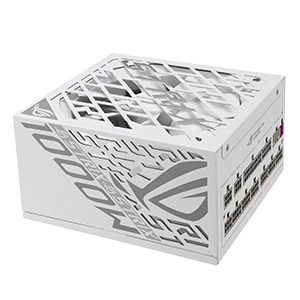
Choose a reputable PSU with sufficient capacity for the CPU and GPU, appropriate connectors and suitable protection features. Check the requirements of your exact components instead of relying on wattage alone.
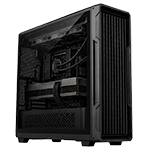
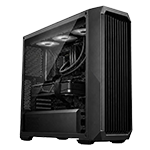
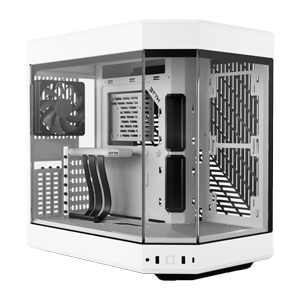
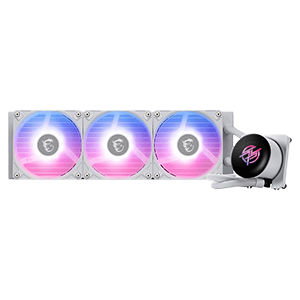
Good airflow is equally important during long gaming and streaming sessions. A ventilated case, correctly positioned fans and a suitable CPU cooler can help maintain stable temperatures.
This deserves particular attention in the UAE, where warm room temperatures can increase cooling demands.
You do not necessarily need expensive liquid cooling. A quality air cooler and a well-designed case may be sufficient for a mid-range system.
7. Plan Your AED 5,000 Budget
A sensible budget allocation should account for the complete PC rather than just its processor and graphics card.
For example, consider allocating approximately:
- 40–45%: Graphics card.
- 15–20%: Processor.
- 8–12%: RAM.
- 8–10%: SSD storage.
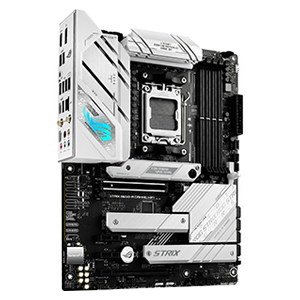
- Remaining budget: Motherboard, PSU, case and cooling.
These are flexible planning guidelines, not fixed rules. Component prices and bundled configurations can change the ideal allocation.
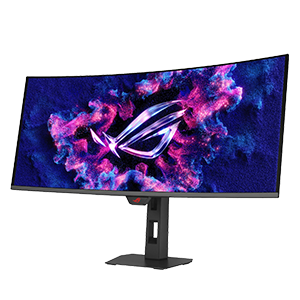
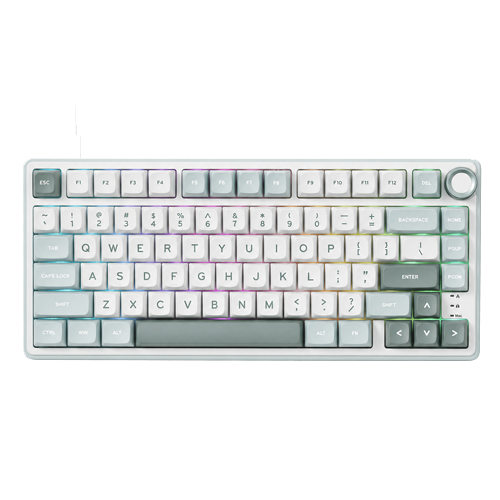
If you also need a monitor, microphone, webcam, keyboard and mouse, reserve money for those items first. A good streaming PC is only one part of a complete content creation setup.
For more guidance on component selection, read HexTech’s guide to gaming PC builds for every budget in the UAE.
8. Choose a Prebuilt or Custom Gaming PC
A prebuilt system can simplify your purchase because the components are already assembled. It may also include operating system installation and warranty support.
A custom PC provides more control over component selection, memory capacity, storage and cooling. However, compatibility, assembly and troubleshooting need consideration.
Whichever option you choose, check the complete specifications. Confirm the GPU model, processor, RAM, SSD, PSU and warranty rather than relying on a product title alone.
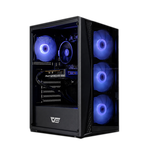
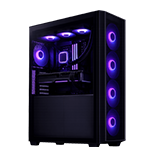
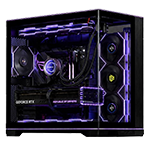
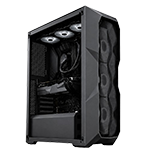
You can compare available HexTech Starter Series gaming PCs under 5000 to explore budget-conscious configurations. Check current prices carefully, as some systems may reach or exceed AED 5,000.
9. Remember Your Internet and Streaming Equipment
Even a powerful PC cannot compensate for an unreliable internet connection.
For live streaming, prioritise stable upload speeds, low packet loss and a reliable wired Ethernet connection where possible. Choose your streaming bitrate according to your connection and platform requirements.
Audio quality matters too. A clear microphone can improve the viewer experience more than expensive lighting or decorative upgrades.
Start with a reliable headset or microphone, sensible lighting and a stable internet connection. Upgrade your webcam and other accessories as your channel grows.
Final Verdict
A gaming and streaming PC under AED 5,000 should prioritise balanced hardware, dependable cooling and sufficient memory. A capable GPU with hardware encoding, a suitable processor, 16GB or ideally 32GB RAM when affordable, and a 1TB SSD make a sensible starting point.
Compare current prices, verify complete specifications and test your gaming and streaming settings together before committing to upgrades.
Explore HexTech Computer to compare gaming PCs and find a configuration suited to your gaming, streaming and content creation goals.
Frequently Asked Questions
1. Can I build a gaming and streaming PC under AED 5,000?
Yes. With careful component selection, AED 5,000 can cover a capable gaming and entry-level streaming system. Your results depend on current prices, games and stream quality requirements.
2. Is 16GB RAM enough for gaming and streaming?
It can be sufficient for many games and basic streaming workloads. However, 32GB provides additional headroom for demanding games, multitasking and recording.
3. Which GPU is best for streaming under AED 5,000?
Choose a suitable dedicated GPU with good gaming performance and supported hardware encoding. Compare current models and benchmarks before buying.
4. Should I prioritise the CPU or GPU?
For most gaming-focused systems, the GPU deserves a substantial share of the budget. The CPU must still be capable enough to support the game and other running applications.
5. Is a 1TB SSD enough for streaming?
A 1TB SSD is a practical starting point for games, software and recordings. Frequent recording may require additional storage later.
6. Can I stream games at 1080p with this budget?
Yes, many configurations in this budget range can support 1080p streaming. Actual results depend on the game, hardware, encoding settings and internet connection.
7. Is an NVIDIA GPU necessary for streaming?
No. Compatible AMD GPUs and other supported encoding solutions can also handle streaming. Compare performance and encoder support for your intended software.
8. Do I need liquid cooling for a streaming PC?
Not necessarily. A suitable air cooler and a case with good airflow can be enough for many budget configurations.
9. Should I buy a prebuilt or custom PC?
A prebuilt PC offers convenience, while a custom build provides more component control. Compare specifications, warranty coverage and total cost before deciding.
10. Can I upgrade my gaming and streaming PC later?
Yes. Choose compatible components with suitable motherboard expansion, RAM slots, storage connections and PSU capacity so future upgrades remain practical.