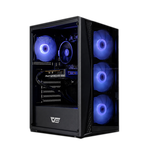
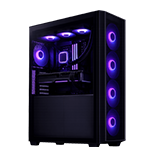
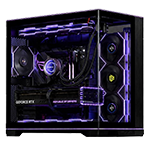
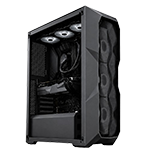
Choosing the right CPU cooler is an important part of building a reliable gaming PC. The cooling system affects processor temperatures, noise levels, and sustained performance. But does every gaming computer need liquid cooling, or can a traditional air cooler do the job just as well?
The answer depends on your processor, case, workload, budget, and personal preferences. Here is how air and liquid cooling compare so you can choose the right solution for your PC build.
1. How Air Cooling Works
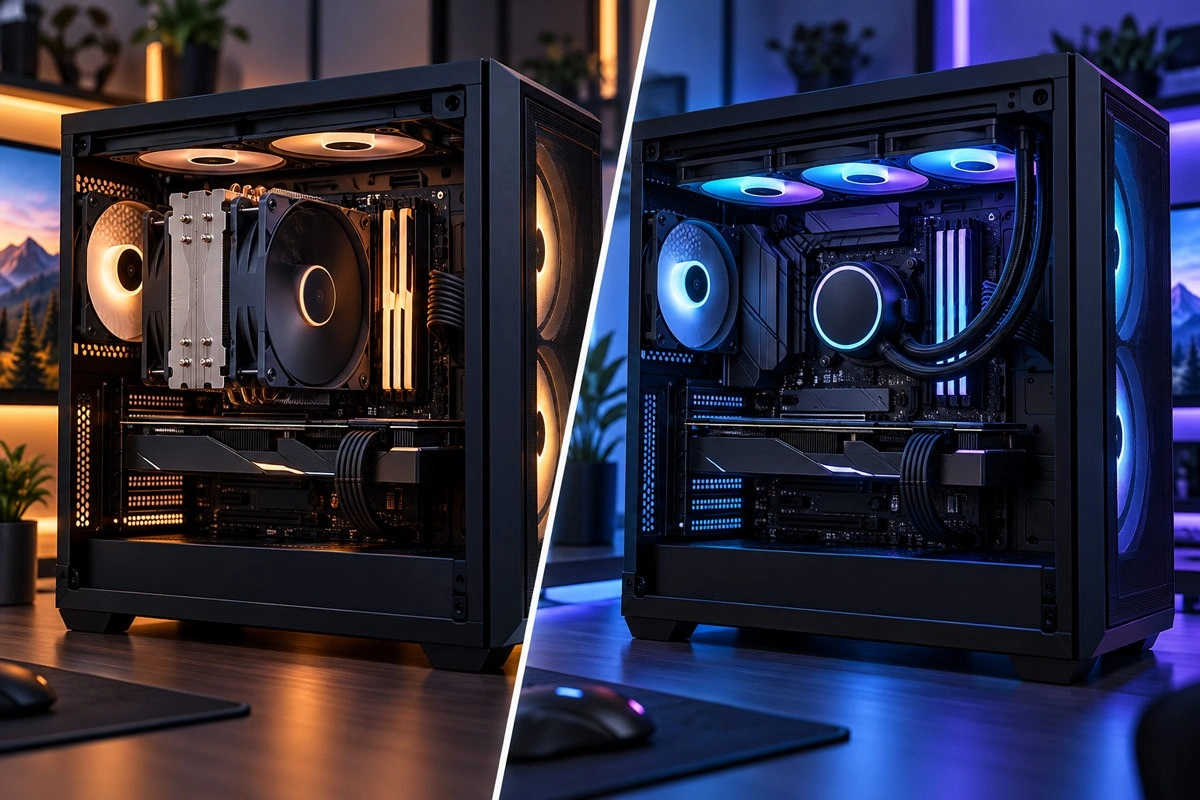
An air cooler uses a metal base, heat pipes, a heatsink, and one or more fans. Heat moves from the processor into the heatsink, and the fans push air across its fins to carry the heat away.
Air coolers range from compact models for everyday computers to large tower coolers designed for powerful processors.
Advantages of air cooling:
- Usually costs less than a comparable liquid cooler.
- Has fewer components that can fail.
- Is generally straightforward to install and maintain.
- Allows individual fan replacement if a fan wears out.
- Delivers reliable performance for many gaming PCs.
The main drawback is physical size. Large tower coolers can overlap memory slots or interfere with case panels. Check cooler height, RAM clearance, and motherboard compatibility before purchasing.
2. How Liquid Cooling Works
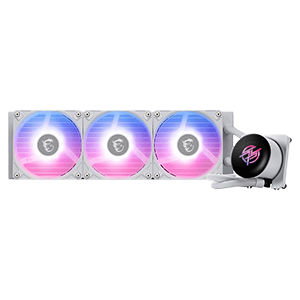
An all-in-one (AIO) liquid cooler includes a CPU block with a pump, sealed tubes, a radiator, and fans. Coolant carries heat from the processor to the radiator, where the fans release it into the air.
Common AIO radiator sizes include 120mm, 240mm, 280mm, and 360mm. Larger radiators can offer more heat-dissipation capacity, but actual performance depends on the cooler design, processor, fans, and case airflow.
Advantages of liquid cooling:
- Can provide strong cooling for processors that generate substantial heat.
- Moves heat to a radiator positioned away from the CPU socket.
- May leave more visible space around the processor.
- Offers a clean appearance for showcase builds.
- Can suit sustained workloads when matched to the hardware.
Liquid cooling generally costs more and adds components such as a pump and tubing. AIO coolers are factory-sealed and require little routine maintenance, but their pumps can eventually wear out. Leaks are uncommon with quality products but remain a possible risk.
Custom liquid loops are different from AIO coolers and require more components, planning, and maintenance. Most gaming PC buyers only need to compare a conventional air cooler with an AIO.
3. Which Cooling Method Performs Better?
There is no universal winner. A high-quality air cooler can outperform a basic AIO, while a well-designed 240mm or 360mm liquid cooler may suit a processor running at high power for extended periods.
Check the cooling requirements of your exact CPU instead of choosing based on appearance alone. Remember that CPU cooling is only part of the picture: graphics cards also generate substantial heat during gaming, so the entire case needs effective airflow.
HexTech’s guide to essential components you need for a gaming PC explains why the cooler, case, fans, and other parts should be selected as one balanced system.
4. Noise, Maintenance, and Reliability
Noise depends on fan quality, fan speed, pump design, radiator size, and how hard the PC is working. A large air cooler with a well-tuned fan curve can be quiet during gaming. An AIO can also operate quietly, but its pump introduces another potential sound source.
Air cooling has a simplicity advantage: the main moving part is the fan, which can usually be replaced if it wears out. Dust should be removed from the heatsink and fans regularly.
An AIO needs its radiator and fans kept clear of dust, while its pump and tubing add components that are not normally user-serviceable. Follow the manufacturer’s care instructions and investigate unusual pump noises or rising CPU temperatures.
In the UAE, dust and warm ambient temperatures make airflow especially important. Avoid placing your PC in a closed cabinet or blocking its exhaust vents. Neither cooling method can compensate fully for poor ventilation.
5. Check Case Compatibility Before Buying
Before choosing a cooler, check your case and motherboard specifications. For an air cooler, verify maximum cooler height, RAM clearance, and available space around the CPU socket.
For an AIO, confirm that the case supports the radiator size and thickness you want. Check whether it fits at the top or front and whether it interferes with the motherboard or graphics card.
Follow the manufacturer’s mounting instructions and recommended radiator orientation. Correct installation and sensible airflow matter more than choosing a cooler simply because it has a large radiator.
6. Which Cooler Suits Your Budget?
For a budget gaming PC, a suitable air cooler is often the sensible choice. It can keep costs under control while leaving more of your budget for the graphics card, storage, or memory. Some processors include a stock cooler, although its suitability depends on the CPU and workload.
Mid-range systems can work well with either a quality tower air cooler or an AIO. Compare the processor’s heat output, case dimensions, noise preference, and total cost.
High-end CPUs used for long gaming sessions, streaming, or rendering may benefit from a larger air cooler or a quality 240mm/360mm AIO. Liquid cooling is not automatically faster in games, and spending more on a cooler will not necessarily improve frame rates if the CPU already operates within its normal limits.
If you are planning a new system, read HexTech’s guide to custom PC builds for gaming in Dubai. You can also explore the HexTech Performance Series gaming PCs for higher-performance configurations. This is the only gaming PC category link included in this article.
7. Common Cooling Mistakes to Avoid
Do not assume every gaming PC needs liquid cooling. An expensive cooler may take money away from components that affect your gaming experience more directly.
Do not ignore case fans, either. Even an excellent CPU cooler cannot compensate for a dust-blocked front panel or poor airflow.
Before ordering, confirm CPU socket support, mounting hardware, RAM clearance, radiator compatibility, and the cooler’s capacity for your processor. Finally, judge cooling performance by reliable tests and practical noise levels, not RGB lighting or radiator size alone.
Final Verdict
Air cooling is usually the best starting point for buyers who want value, simplicity, and dependable performance. A good air cooler is enough for many gaming PCs and is generally easier to maintain.
Liquid cooling is worth considering when your processor produces substantial heat under sustained loads, your case supports the radiator, or you prefer an AIO’s layout and appearance.
Choose a cooler that fits your CPU, case, workload, and budget. Balanced components and effective case airflow will help either option do its job.
Frequently Asked Questions
Is air cooling better than liquid cooling for gaming?
For many gaming PCs, yes. A good air cooler can deliver excellent performance at a lower price. Liquid cooling can suit hotter processors or specific case requirements.
Does liquid cooling improve FPS?
Not automatically. It may help maintain performance if the existing cooler causes the processor to throttle, but it will not necessarily increase frame rates when temperatures are already under control.
Is an AIO liquid cooler difficult to maintain?
Most AIO coolers are sealed and need little routine maintenance beyond removing dust from the radiator and fans. Follow the manufacturer’s instructions.
Can liquid coolers leak?
Leaks are uncommon with quality, correctly installed AIO units, but they are possible. Inspect the cooler for damage and install it according to the manufacturer’s guidance.
How long does an AIO cooler last?
Lifespan varies by model, usage, and operating conditions. The pump can wear out over time, so check the warranty and support policy before buying.
Is a 240mm radiator enough for gaming?
It can suit many processors, but the answer depends on the CPU, power settings, workload, and case airflow. Check tests for your particular processor.
Are air coolers quieter than liquid coolers?
Not always. A quality air cooler can be quiet, while an AIO pump may produce an audible hum. Fan settings and case airflow affect both options.
Does my gaming PC need extra case fans?
It depends on the case and components. Ensure sufficient intake and exhaust airflow to move heat away from the processor and graphics card.
Is liquid cooling worth the extra cost?
It can be worthwhile for high-heat processors, sustained workloads, or a build that benefits from radiator cooling. For many mainstream systems, air cooling offers better value.
Which cooler should I choose for a new gaming PC?
Start with your processor’s cooling requirements and your case’s compatibility. Choose air cooling for simplicity and value, or an AIO when its thermal capacity, fit, or design better matches your build.