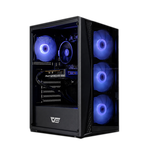
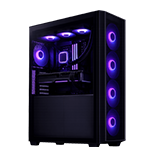
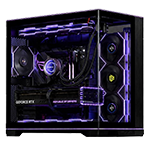
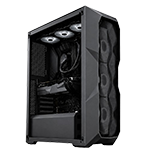
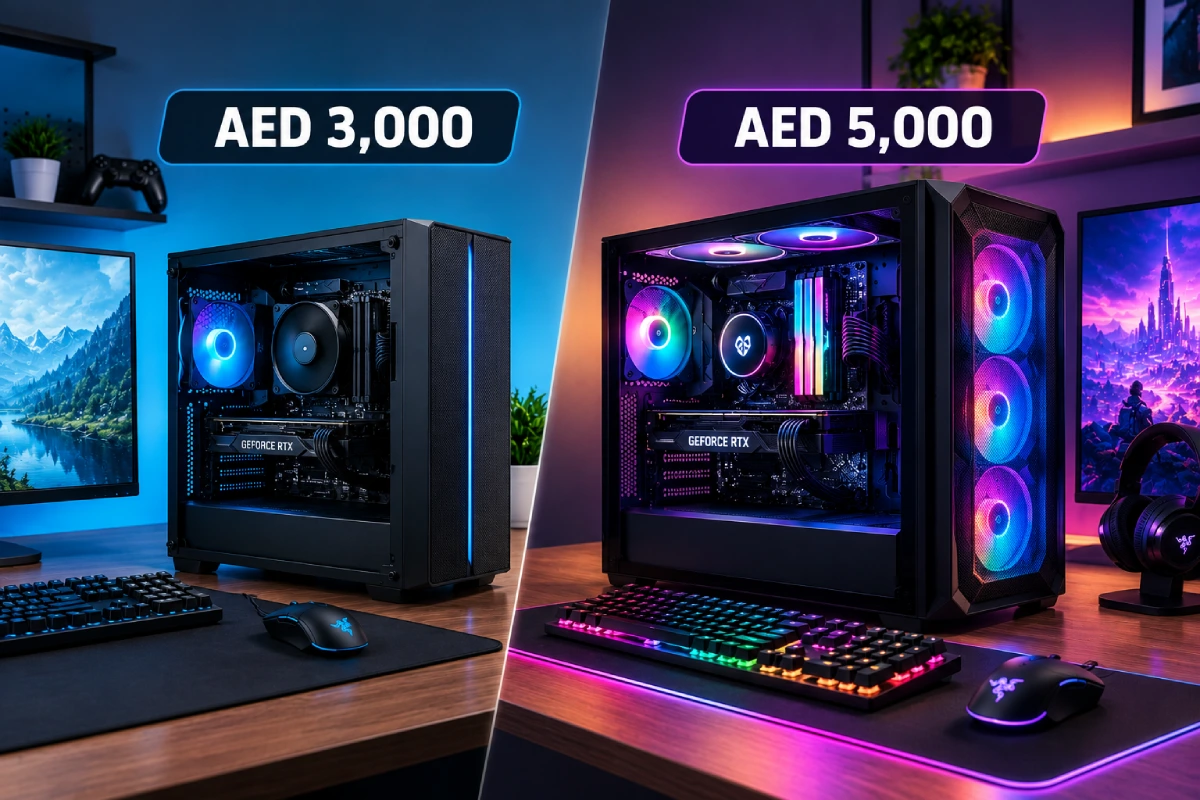
Is spending AED 5,000 on a gaming PC worth it when you could buy one for AED 3,000? The extra AED 2,000 can make a noticeable difference, but only if it goes towards the right components. Your favourite games, monitor resolution, desired frame rate, and future upgrade plans should all influence your decision.
For gamers in the UAE, both budgets can be reasonable starting points. An AED 3,000 PC can suit esports and lighter games, while a carefully selected AED 5,000 system offers more flexibility for demanding titles and higher graphics settings.
1. What Can You Expect From an AED 3,000 Gaming PC?
At around AED 3,000, the priority is a reliable entry-level system for 1080p gaming. You may need to compromise on graphics settings, storage capacity, or future upgrade options.
This budget can suit players who mainly enjoy competitive games, older releases, and less demanding titles. Games such as Valorant, League of Legends, and Rocket League can be realistic targets on suitable hardware, although performance depends on the specific components and settings.
Look for a capable dedicated graphics card, a suitable processor, 16GB RAM where possible, SSD storage, and a reliable power supply. Avoid choosing a system based only on its processor name or RGB lighting.
Read HexTech’s gaming PC under AED 3,000 guide for more advice on realistic performance expectations.
2. What Does AED 5,000 Get You?
An AED 5,000 budget gives you more room to choose a stronger graphics card and a better-balanced configuration. Depending on current prices, it may also provide a faster processor, a larger SSD, improved cooling, or additional memory.
The biggest potential improvement is usually graphics performance. A stronger GPU can deliver higher frame rates, support more demanding graphics settings, and make 1440p gaming more achievable in selected titles.
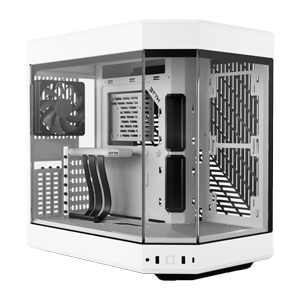
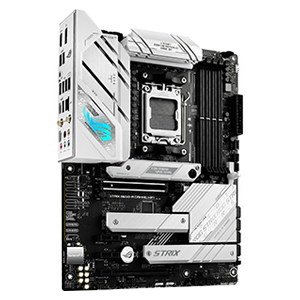
You may also get better supporting components, including a motherboard with useful connectivity, a reliable power supply, and a case with improved airflow. These features contribute to a more practical system, even when they do not directly increase FPS.
Explore HexTech’s gaming PC under AED 5,000 buying guide to understand which specifications deserve priority.
3. The Graphics Card Makes the Biggest Difference
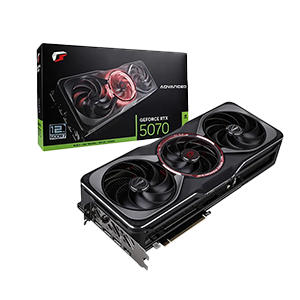
For most gaming-focused builds, the graphics card is the first component to compare. It has a major influence on frame rates, visual quality, and performance at higher resolutions.
An AED 3,000 system may require lower settings in demanding games. Moving closer to AED 5,000 can make a more capable GPU possible, giving you additional performance headroom for newer releases.
However, a higher price does not guarantee better value. Compare benchmarks for the exact graphics cards and games you care about. Check video memory, power requirements, and whether your monitor can take advantage of the additional performance.
HexTech’s NVIDIA vs AMD graphics card comparison can help you understand the differences when evaluating your options.
4. CPU, RAM, and Storage: Where Does the Money Go?
The graphics card matters, but the remaining components should support it properly.
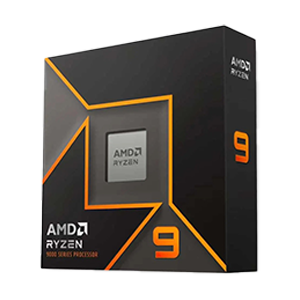
Processor: Both budgets need a CPU that can keep up with the graphics card. A faster processor can help with CPU-intensive games, high frame rates, and multitasking. Avoid spending so much on the CPU that you have to settle for a significantly weaker GPU.
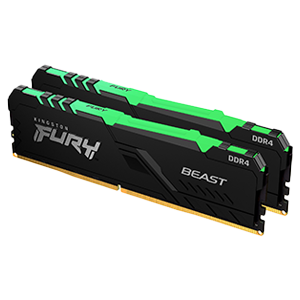
RAM: 16GB is a sensible starting point for many gaming PCs. If the AED 5,000 configuration offers 32GB without compromising a more important component, the additional capacity can help with demanding games and multitasking. More RAM does not automatically increase FPS when sufficient memory is already available.
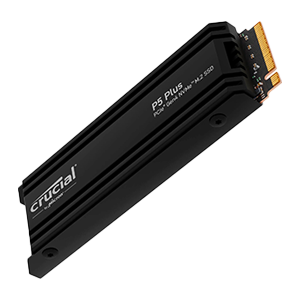
Storage: An SSD improves startup, application loading, and game-loading times compared with a mechanical hard drive. A 1TB SSD gives you more room for a growing game library, although a smaller drive may be acceptable if storage can be expanded later.
HexTech’s guide to essential components you need for a gaming PC explains how these parts work together.
5. Is AED 5,000 Better for 1440p Gaming?
At AED 3,000, 1080p is generally the more realistic target. This resolution places less demand on the graphics card and can help you achieve smoother performance in competitive games.
At AED 5,000, you have more flexibility to consider 1440p, provided the chosen GPU can handle your games at the settings and frame rates you want. You should still check benchmarks before assuming a particular configuration is suitable.
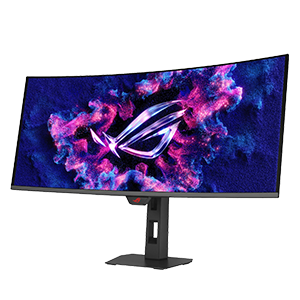
Your monitor matters too. A high-refresh-rate display is most useful when your PC can produce enough frames to take advantage of it.
Before buying a monitor, read HexTech’s gaming monitor buying guide to compare resolution, refresh rate, and response time.
6. Which Features Are Not Worth Overspending On?
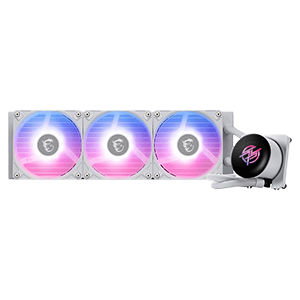
A larger budget does not mean every component needs to be premium. RGB lighting, elaborate case designs, and expensive cooling systems can look appealing, but they do not necessarily improve gaming performance.
For many entry-level and mid-range processors, a suitable air cooler and a well-ventilated case are sufficient. Choose a motherboard based on its compatibility, connectivity, and upgrade options instead of paying for features you will never use.
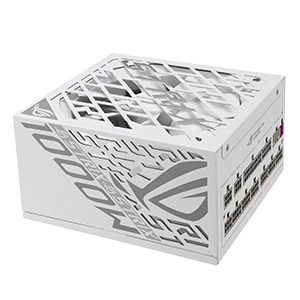
Do not compromise on the power supply simply to afford a stronger GPU. Check its model, capacity, connectors, and warranty. A balanced system with reliable supporting hardware is a better investment than one impressive component paired with poor-quality parts.
7. Which Budget Offers Better Long-Term Value?
Choose AED 3,000 if you mainly play less demanding games, already own a 1080p monitor and peripherals, or need to keep initial spending low. A carefully selected entry-level PC can be a sensible first gaming system.
Choose AED 5,000 if you play a wider variety of modern games, want higher graphics settings, or prefer additional performance headroom before your next upgrade. The extra AED 2,000 is most valuable when it buys a meaningfully stronger graphics card and a balanced configuration.
If you are considering the step up, compare the HexTech Performance Series gaming PCs under AED 9,999. This is the only gaming PC category link included in this article. Check current prices, full component lists, and warranty terms before purchasing because configurations and availability can change.
Final Verdict
An AED 3,000 gaming PC can be a good starting point for 1080p esports and lighter games. Moving to AED 5,000 gives you more choice, particularly for the graphics card, storage, and overall system balance. It may also make 1440p gaming more realistic, depending on the hardware.
Before buying, consider your favourite games, monitor, and performance expectations. Compare the exact CPU and GPU, check memory and storage, and confirm the power supply and warranty. Spend the extra money where it makes a measurable difference to your gaming experience.
Frequently Asked Questions
1. Is an AED 3,000 gaming PC worth buying?
Yes, if you mainly play esports, older games, or less demanding titles at 1080p. Check the graphics card carefully and expect to lower settings in some modern games.
2. Is an AED 5,000 gaming PC much better?
It can be noticeably better if the extra budget buys a stronger GPU and balanced supporting components. Price alone does not guarantee better performance.
3. Can both PCs run games at 1080p?
Many systems in both price ranges can target 1080p. Actual frame rates and graphics settings depend on the components and individual game.
4. Can an AED 5,000 PC handle 1440p gaming?
Some configurations can, particularly when equipped with a capable GPU. Check benchmarks for your intended games before choosing a 1440p monitor.
5. Should I spend more on the GPU or CPU?
For many gaming builds, prioritising the GPU makes sense, provided the processor can support it. The best balance depends on your games and target frame rate.
6. Is 16GB RAM enough for both budgets?
It is a practical starting point for many games. 32GB offers more flexibility for demanding games and multitasking, but should not come at the expense of a significantly better GPU.
7. Does an SSD improve gaming FPS?
An SSD improves loading times and system responsiveness but usually does not substantially increase average FPS on its own.
8. Should I buy a high-refresh-rate gaming monitor?
It can benefit competitive gaming, but your PC needs to produce enough frames to take advantage of the display. Match the monitor to your graphics card and games.
9. What should I check before buying a prebuilt gaming PC?
Compare the exact CPU and GPU, RAM, SSD, power supply, cooling, warranty, and total price. Confirm that the advertised specifications match the system you will receive.
10. Should I save longer or buy the AED 3,000 PC now?
If you want to play demanding games and your current setup is usable, saving longer may provide better value. If you need a PC now for lighter games, a carefully chosen AED 3,000 system can be a reasonable starting point.