
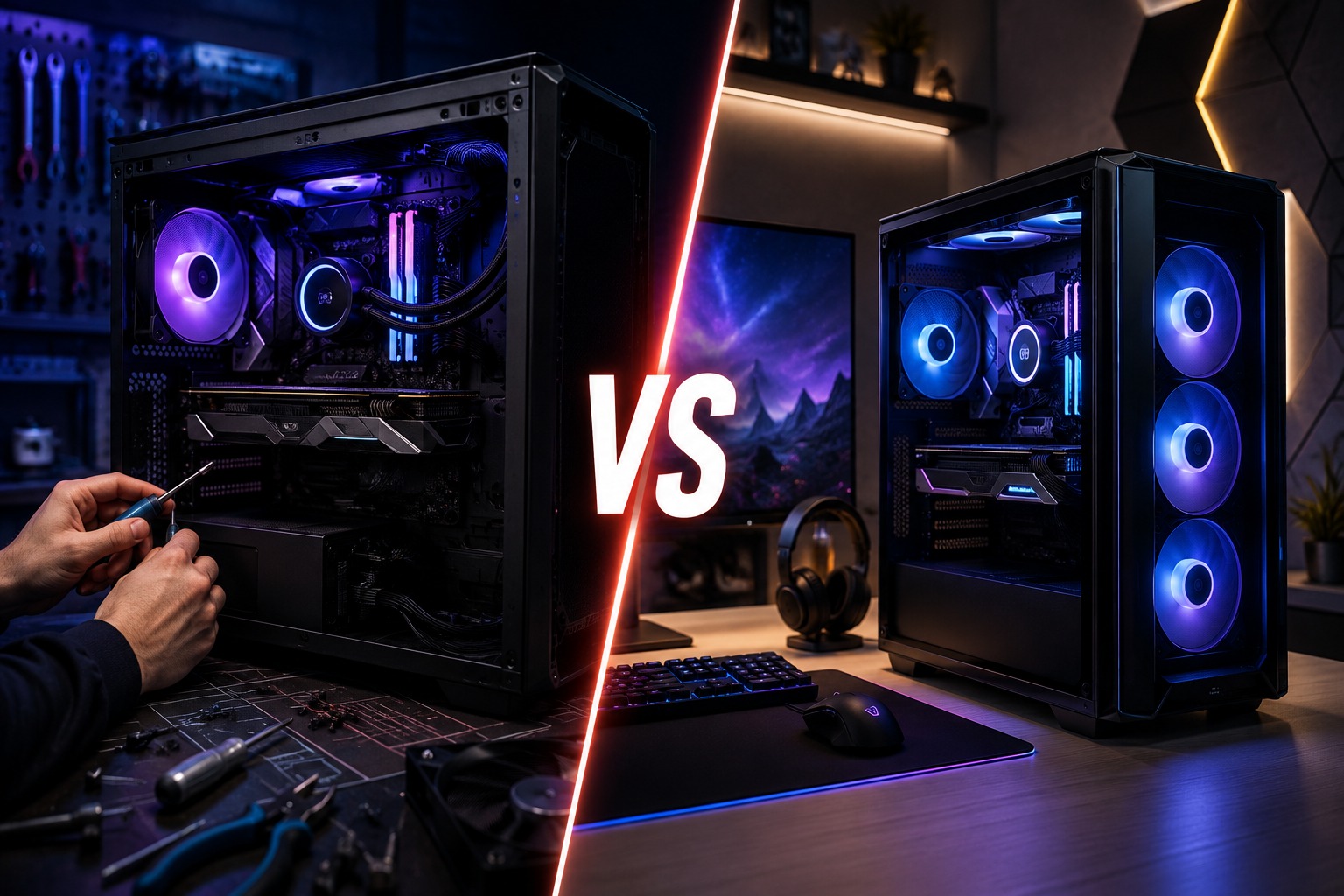
Buying a new gaming PC is exciting, but one major decision can make the process confusing: should you choose a custom gaming PC or purchase a pre-built system?
Both options can deliver an excellent gaming experience. However, they differ in component quality, performance flexibility, price, upgrade potential, warranty coverage and convenience. The right choice depends on your gaming requirements, budget and how much control you want over your computer.
In this guide, we compare custom gaming PCs and pre-built PCs to help gamers in the UAE make an informed decision.
What Is a Custom Gaming PC?
A custom gaming PC is a computer configured according to your specific requirements. You can select the processor, graphics card, motherboard, memory, storage, cooling system, power supply, case and additional features.
There are two ways to get a custom PC:
- Purchase the components and assemble the computer yourself.
- Select your preferred specifications and have an experienced PC builder assemble, configure and test the system for you.
A professionally assembled custom gaming PC gives you the flexibility of a personalised system without requiring you to handle installation, cable management, BIOS configuration or troubleshooting yourself.
Custom-built systems provide considerably more hardware and visual customisation than standard pre-built computers. Buyers can also choose features such as RGB lighting, a specific case design, liquid cooling and carefully matched internal components.
What Is a Pre-Built Gaming PC?
A pre-built gaming PC is a complete system assembled by a manufacturer or retailer before being sold. It normally arrives with the operating system, drivers and essential software already installed.
You do not need to select every individual component or build the computer yourself. You can simply choose a model that matches your approximate budget and performance requirements.
Pre-built PCs are especially suitable for buyers who want a convenient, ready-to-use system and do not want to spend time researching component compatibility or assembling a computer.
Custom Gaming PC vs Pre-Built PC: Quick Comparison
| Feature | Custom Gaming PC | Pre-Built Gaming PC |
| Component selection | Full control | Limited to available configurations |
| Performance optimisation | Can be tailored to specific games and resolutions | Based on the manufacturer’s standard configuration |
| Component quality | Buyer can choose every brand and model | Some internal parts may not be clearly specified |
| Appearance | Highly customisable | Limited design options |
| Upgrade potential | Usually excellent | Depends on the case, motherboard and power supply |
| Setup time | Requires selection, assembly and testing | Normally ready to use |
| Technical knowledge | Some knowledge is helpful | Minimal knowledge required |
| Support | Depends on the builder or individual components | Usually provided for the complete system |
| Budget control | Spending can be allocated according to priorities | Fixed package price |
| Availability | Build time may be required | Often immediately available |
1. Performance and Gaming Experience
Performance is one of the most important considerations when buying a gaming computer.
A custom gaming PC allows you to select a graphics card and processor according to the games you play. For example, an esports gamer targeting high frame rates at 1080p may require a different configuration from someone playing graphically demanding titles at 4K.
You can also create a more balanced system by matching the CPU, GPU, memory, cooling and power supply correctly. Buying the most expensive processor or graphics card does not automatically produce the best gaming experience. A well-balanced configuration helps ensure that one component does not unnecessarily limit another.
A pre-built gaming PC can also offer strong performance, particularly when it comes from a reliable computer specialist. However, you are limited to the combinations offered by the seller. A system may include the graphics card you want but have less storage, slower memory or a lower-capacity power supply than you would personally choose.
Performance winner: Custom gaming PC
2. Control Over Component Quality
Customisation is not only about choosing a powerful graphics card. It also gives you control over components that are sometimes overlooked, including:
- Motherboard model and expansion options
- Power supply brand and efficiency rating
- RAM speed and capacity
- SSD generation and storage capacity
- CPU cooler
- Case airflow
- Number and quality of cooling fans
- Wi-Fi and Bluetooth connectivity
These components affect stability, temperature, noise levels, upgradeability and long-term reliability.
With some mass-produced pre-built systems, the exact motherboard, power supply, RAM or SSD model may not be clearly mentioned. The headline specifications may look impressive, but supporting components can be more basic.
A professionally configured custom PC lets you review the complete specification before purchasing, helping you understand exactly where your money is being spent.
Component quality winner: Custom gaming PC
3. Price and Overall Value
Many people assume that building a PC is always cheaper than buying a pre-built computer. In reality, there is no single option that is automatically the cheapest in every situation. Component promotions, assembly costs, software licences, warranties and market availability can all affect the final price.
A pre-built PC may provide good value during a special promotion. It also normally includes assembly, Windows installation, drivers and system testing in one price.
A custom PC provides a different type of value. It allows you to allocate more of your budget to the components that directly affect your gaming experience.
For example, you may decide to:
- Spend more on the graphics card and choose a practical case.
- Select a larger SSD instead of paying for unnecessary decorative features.
- Choose a better power supply to support future upgrades.
- Start with 16GB or 32GB of RAM and expand later.
- Select air cooling instead of liquid cooling where appropriate.
Customisation helps reduce spending on features you do not need while protecting the areas that matter most.
Value winner: Depends on the configuration and available offer
4. Convenience and Setup
Convenience is where pre-built systems usually perform best.
A pre-built gaming PC is normally assembled, configured and ready to use. You connect the monitor, keyboard, mouse and internet connection, install your games and start playing.
A DIY custom PC requires more work. You must confirm compatibility, assemble the hardware, install the operating system, update the BIOS where necessary, install drivers and test the machine.
However, there is a third option: ordering a professionally assembled custom gaming PC.
With this approach, you select a configuration based on your budget and requirements while experienced technicians handle:
- Component compatibility
- Professional assembly
- Cable management
- Cooling configuration
- BIOS setup
- Windows and driver installation
- Stability testing
- Performance checks
This gives you the convenience of a pre-built system with many of the advantages of a custom PC.
Convenience winner: Pre-built PC or professionally assembled custom PC
5. Upgrade Potential
Gaming technology continues to advance, so you may eventually want to upgrade your graphics card, storage, RAM or processor.
Custom gaming PCs are normally easier to upgrade because they use standard components. You can select a motherboard with additional RAM slots, extra M.2 storage connections and suitable processor support. You can also choose a power supply with enough capacity for a future graphics-card upgrade.
Some pre-built PCs are also upgradeable, but buyers should check carefully before purchasing. Compact cases, proprietary motherboards, restricted cooling systems and low-capacity power supplies may limit future changes.
Before buying any gaming PC, ask the following questions:
- Does the motherboard have additional RAM and storage slots?
- Can the power supply support a stronger graphics card?
- Is there enough physical space inside the case?
- Does the case provide sufficient airflow?
- Can standard replacement components be installed?
- Will upgrading a component affect the system warranty?
Upgradeability winner: Custom gaming PC
6. Design and Appearance
A gaming PC is often the centrepiece of a gaming setup. Custom builds give you more freedom to create a system that matches your desk, room or personal style.
You can choose:
- Black or white components
- Minimal or RGB-focused designs
- Tempered-glass cases
- Compact or full-size cases
- Air or liquid cooling
- Vertical graphics-card mounting
- Coordinated fans and lighting
- Clean professional workstation designs
Pre-built gaming PCs can still look attractive, but personalisation is usually limited to the designs and colours offered by the manufacturer.
Design winner: Custom gaming PC
7. Warranty and Technical Support
Warranty coverage should be considered carefully with both options.
A large-brand pre-built computer normally includes one warranty for the complete machine. This can make the support process straightforward because you contact one provider when something goes wrong.
With a DIY PC, individual components may have separate manufacturer or distributor warranties. Identifying the faulty part and handling multiple warranty procedures may require additional effort.
A professionally built custom PC can provide a more convenient balance. The computer specialist assembles and tests the system while offering a central point of contact for technical support.
Hextech Computer Trading LLC provides custom-built gaming systems, gaming PCs, premium components, upgrade guidance and technical support for customers in the UAE. The company’s available gaming systems cover different performance levels, from accessible configurations to high-end gaming and content-creation machines.
Support winner: Reputable pre-built or professionally assembled custom PC
Who Should Buy a Custom Gaming PC?
A custom gaming PC is generally the better choice when you:
- Want maximum performance for your budget.
- Have specific games, applications or performance targets.
- Need a system for gaming, streaming and content creation.
- Want control over every component.
- Plan to upgrade the PC in the future.
- Care about cooling, noise and component quality.
- Want a personalised case and lighting design.
- Prefer a system built around your monitor resolution and refresh rate.
Custom PCs are especially useful for gamers who want to avoid paying for unnecessary features while investing more in the components that directly affect performance.
Who Should Buy a Pre-Built Gaming PC?
A pre-built PC may be more suitable when you:
- Need a computer immediately.
- Prefer a simple ready-to-use solution.
- Do not want to compare individual components.
- Have found a discounted configuration that matches your needs.
- Want one standard warranty for the complete computer.
- Are buying your first gaming PC and prefer a straightforward purchase.
The key is to check the complete specification rather than focusing only on the processor and graphics-card names.
Important Things to Check Before Buying a Pre-Built PC
Before purchasing a pre-built gaming computer, confirm the following details:
Exact Graphics Card
Check the precise GPU model and video-memory capacity. Similar product names can have different performance characteristics.
Processor Model
Do not look only at labels such as Core i7 or Ryzen 7. Check the full model number and generation.
RAM Configuration
Confirm the capacity, speed and whether the PC uses one memory module or a matched pair.
Storage
Check whether the system uses an NVMe SSD and whether additional storage can be installed.
Power Supply
Ask for the brand, wattage and efficiency rating. A suitable power supply is essential for system stability and future upgrades.
Motherboard
Confirm the model, available expansion slots, Wi-Fi support and future processor compatibility.
Cooling and Airflow
The system should have an appropriate CPU cooler and sufficient intake and exhaust airflow.
Warranty
Understand the warranty duration, what it covers and who will provide support.
Is a Custom PC Difficult to Buy?
A custom gaming PC does not mean you must assemble the computer yourself.
At Hextech Computer Trading LLC, customers can receive guidance based on their budget, preferred games, monitor resolution and performance expectations. The system can then be professionally assembled, configured and tested before delivery.
Hextech Computer offers gaming PCs, workstations, computer components, accessories and custom-build services for gamers and professionals in the UAE.
When discussing your build, provide information such as:
- Your total budget
- Games you want to play
- Target resolution: 1080p, 1440p or 4K
- Monitor refresh rate
- Streaming or recording requirements
- Video-editing or productivity needs
- Preferred case colour and design
- Required storage capacity
- Future upgrade plans
This allows the PC builder to recommend a balanced configuration instead of simply selecting the most expensive components.
Final Verdict: Custom Gaming PC or Pre-Built PC?
For most serious gamers, a professionally assembled custom gaming PC offers the best combination of performance, component quality, upgradeability and personalisation.
A pre-built PC remains a practical choice for buyers who prioritise speed and convenience. It can be a good purchase when the full specification is transparent, the components are balanced and the system is supported by a reliable seller.
The best option can be summarised as follows:
- Choose a custom gaming PC for greater control, better upgrade potential and performance tailored to your needs.
- Choose a pre-built PC for immediate availability and a simple ready-to-use experience.
- Choose a professionally built custom PC when you want personalised hardware without the risks and effort of assembling it yourself.
Build Your Ideal Gaming PC with Hextech Computer
Whether you need an affordable entry-level gaming setup, a powerful 1440p machine, a premium 4K gaming PC or a system for gaming and content creation, Hextech Computer Trading LLC can help you choose a balanced configuration.
Explore high-performance gaming PCs and quality computer components at Hextech Computer. Get expert guidance, professional assembly and a system designed around your budget and gaming goals.
Visit hextechcomputer.ae or contact the Hextech Computer team to start building your ideal gaming PC in the UAE.
Leave a comment